Skip to content

Type to search extensions

Galarian Slowpoke Theme

v0.0.2

A calm, pastel dark theme inspired by Galarian Slowpoke.

Updated 2 months ago
171 downloads 1 star Repository ↗
zedext main
// Load settings, retrying a few times
fn load_config(path: &str) -> Result<Config, Error> {
let retries = 3;
let text = fs::read_to_string(path)?;
let name = "settings.json";
Ok(Config { text, retries, name })
}

Galarian Slowpoke Theme

A calm, pastel dark theme for Zed, inspired by Galarian Slowpoke.

Screenshots
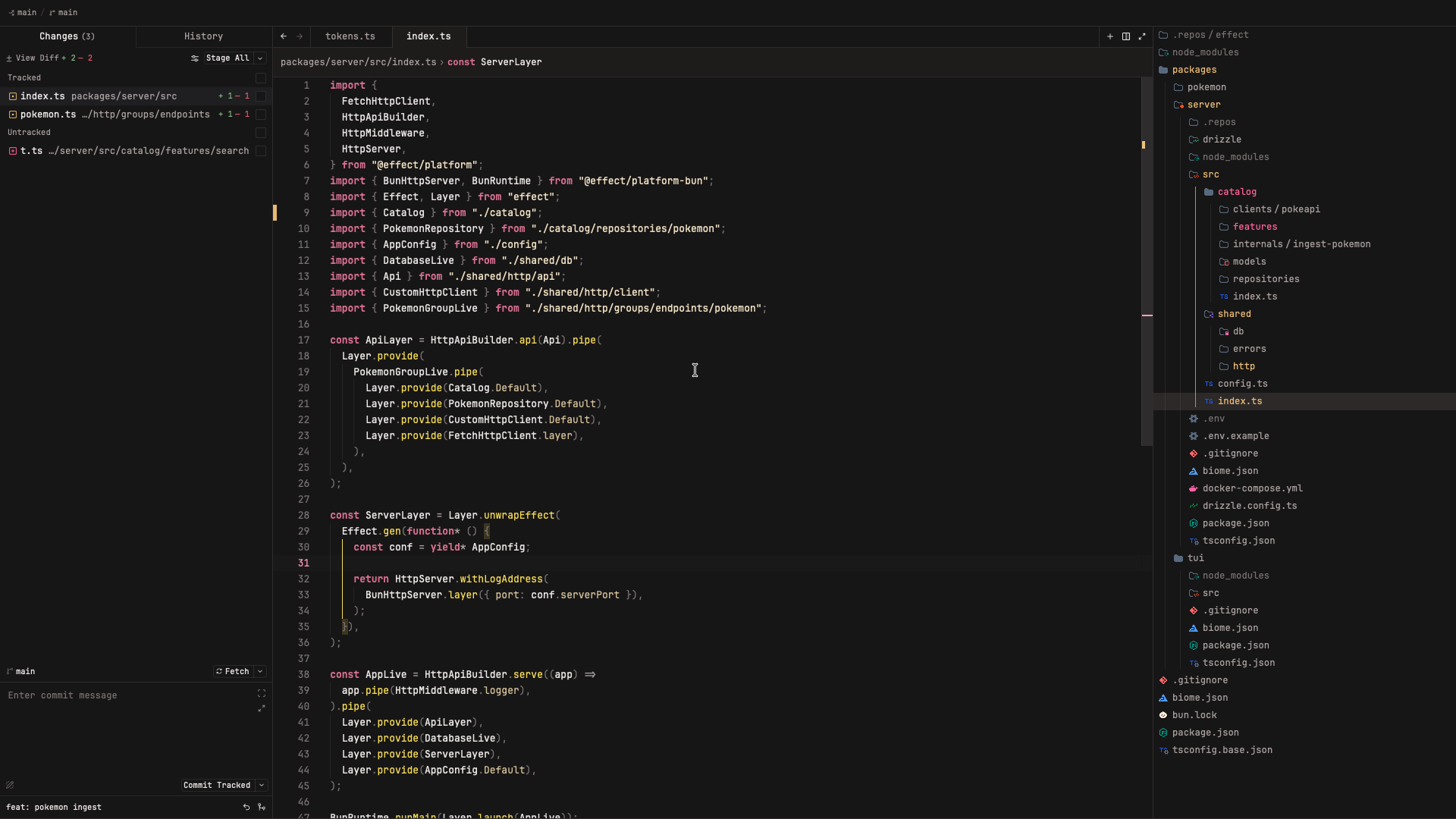
Showcase

Installation

  1. Open Zed.
  2. Open the extensions menu (Cmd+Shift+X).
  3. Search for "Galarian Slowpoke Theme" and install it.
  4. Select the theme via Settings → Select Theme.

Manual install

  1. Clone this repository or download the theme file.
  2. Copy themes/g-slowpoke-theme.json to ~/.config/zed/themes/.
  3. Select the theme (Settings → Select Theme → Galarian Slowpoke Theme).

License

MIT

ZedExt An unofficial community project. Not affiliated with Zed Industries.

Data from Zed’s extension registry and GitHub · updated