Fluent OLED
A pure black, minimalist OLED theme for Zed.
About
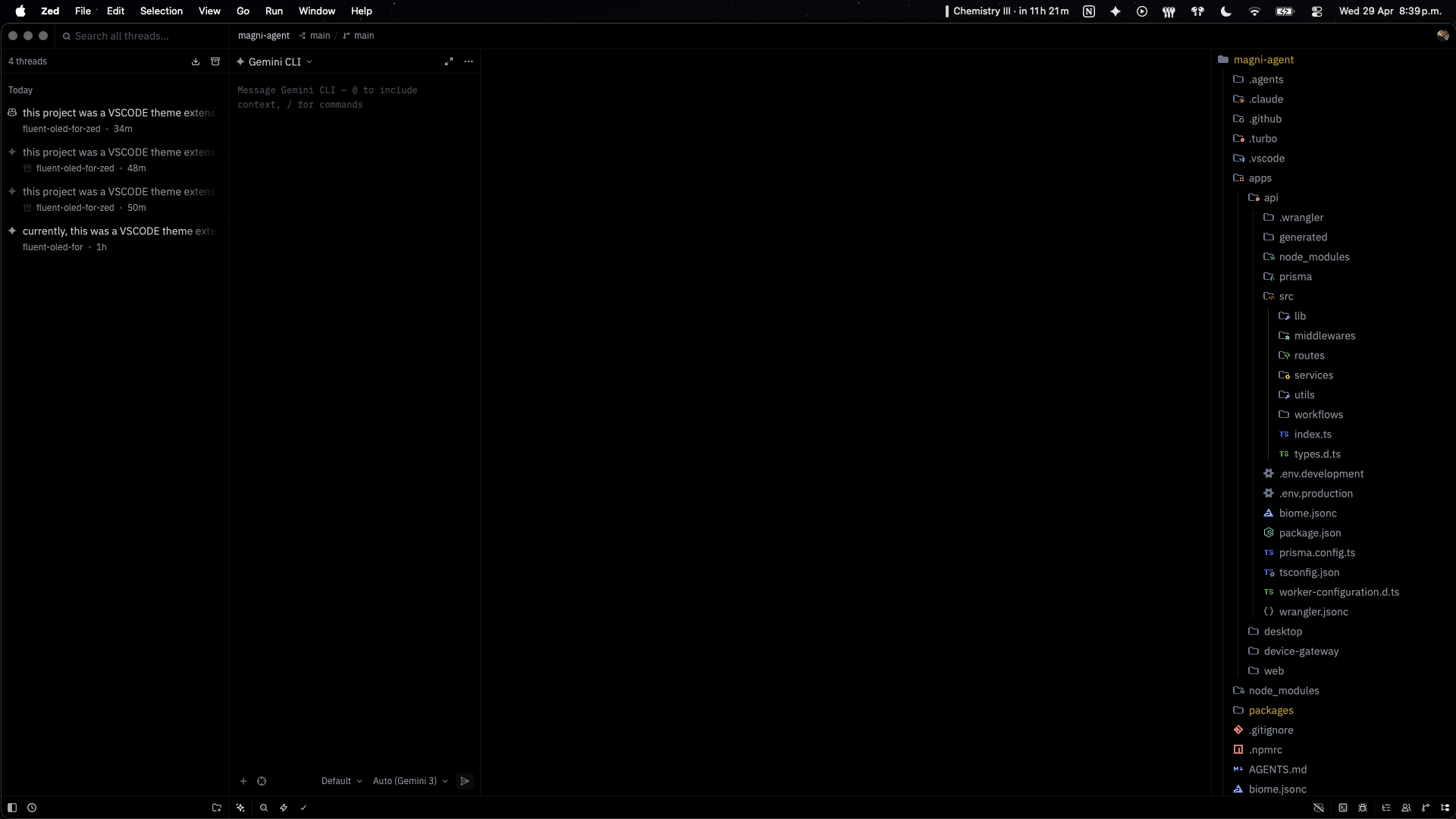
Fluent OLED strips the editor down to what matters: your code. Core surfaces are pure black (#000000) for OLED/AMOLED displays, with subtle grayscale chrome and a GitHub-inspired syntax palette.
Features
- ⬛ True OLED black UI across editor, panels, tabs, title bar, status bar, and terminal
- 🎨 GitHub-like syntax palette with clear, low-noise contrast
- 🔘 Monochrome chrome so color emphasis stays in code and functional states
- 📉 Minimal visual noise with subdued borders and restrained highlights
- ⚡ Power-friendly on OLED by maximizing true black surfaces
Install
Local theme file
- Create the Zed themes directory if needed:
- macOS/Linux:
~/.config/zed/themes - Windows:
%USERPROFILE%\AppData\Roaming\Zed\themes\
- macOS/Linux:
- Copy
themes/fluent-oled.jsoninto that directory. - Open Zed and run
theme selector: toggle. - Select Fluent OLED.
Install as a dev extension
- Clone this repository.
- In Zed, run
zed: install dev extension. - Select this repository root (the folder containing
extension.toml). - Select Fluent OLED from the theme selector.
Project Structure
fluent-oled-for-zed/
├── extension.toml          # Zed extension metadata
├── themes/
│   └── fluent-oled.json    # Zed theme family definition
├── assets/                 # Preview images/media
├── biome.jsonc             # Biome/Ultracite configuration
├── AGENTS.md               # AI agent guidelines
└── .agents/                # AI skills
Color Palette
UI
| Element | Hex |
|---|---|
| Background | #000000 |
| Surface | #0a0a0a |
| Border | #111111 |
| Foreground | #c9d1d9 |
| Secondary | #8b949e |
| Muted | #6e7681 |
Syntax
| Token | Hex |
|---|---|
| Keyword | #ff7b72 |
| Function | #d2a8ff |
| String | #a5d6ff |
| Constant | #79c0ff |
| Type | #ffa657 |
| Tag | #7ee787 |
| Comment | #8b949e |
| Variable | #c9d1d9 |
Development
bun install
bun run check
bun run fix
Contributing
Contributions are welcome. See CONTRIBUTING.md.
License
MIT — see LICENSE.