Fleury Theme for Zed
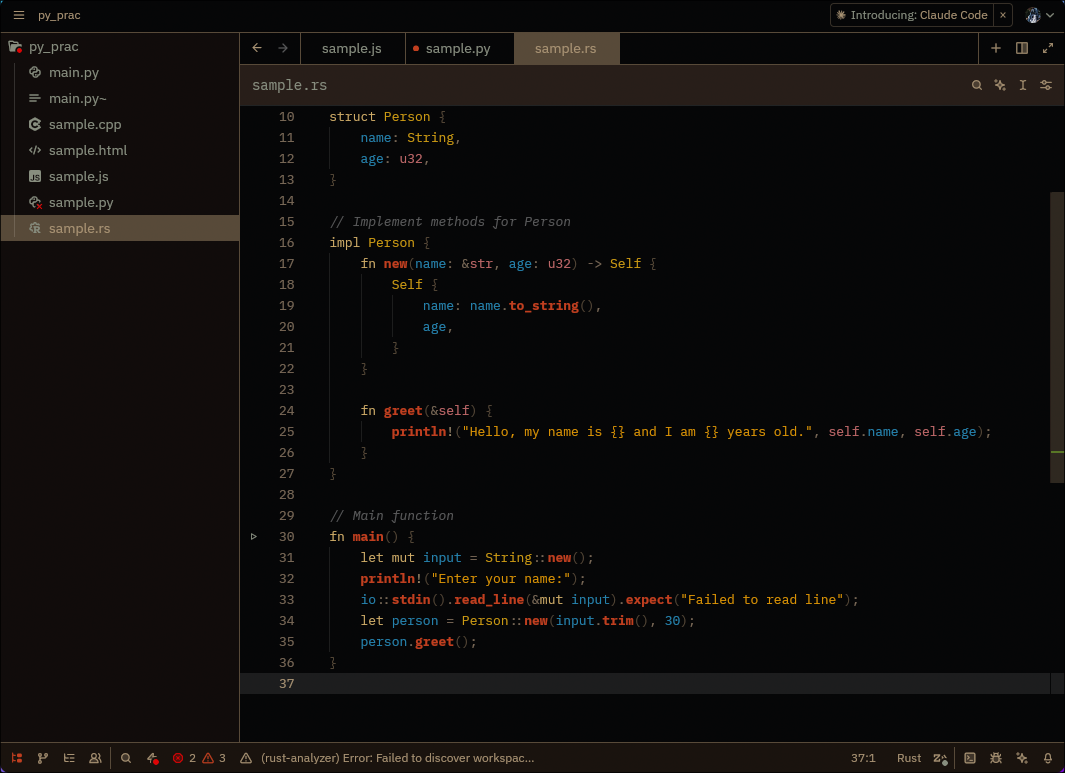
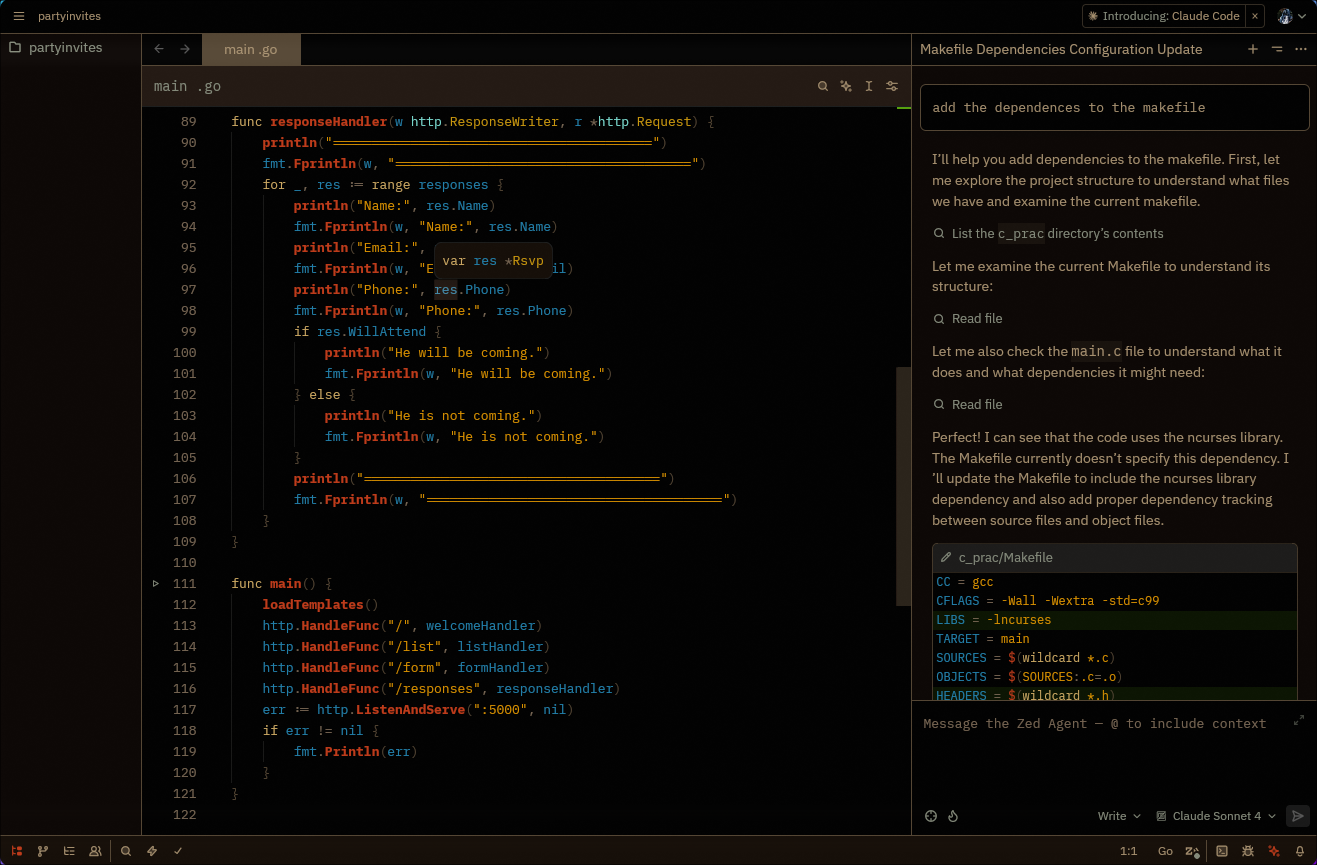
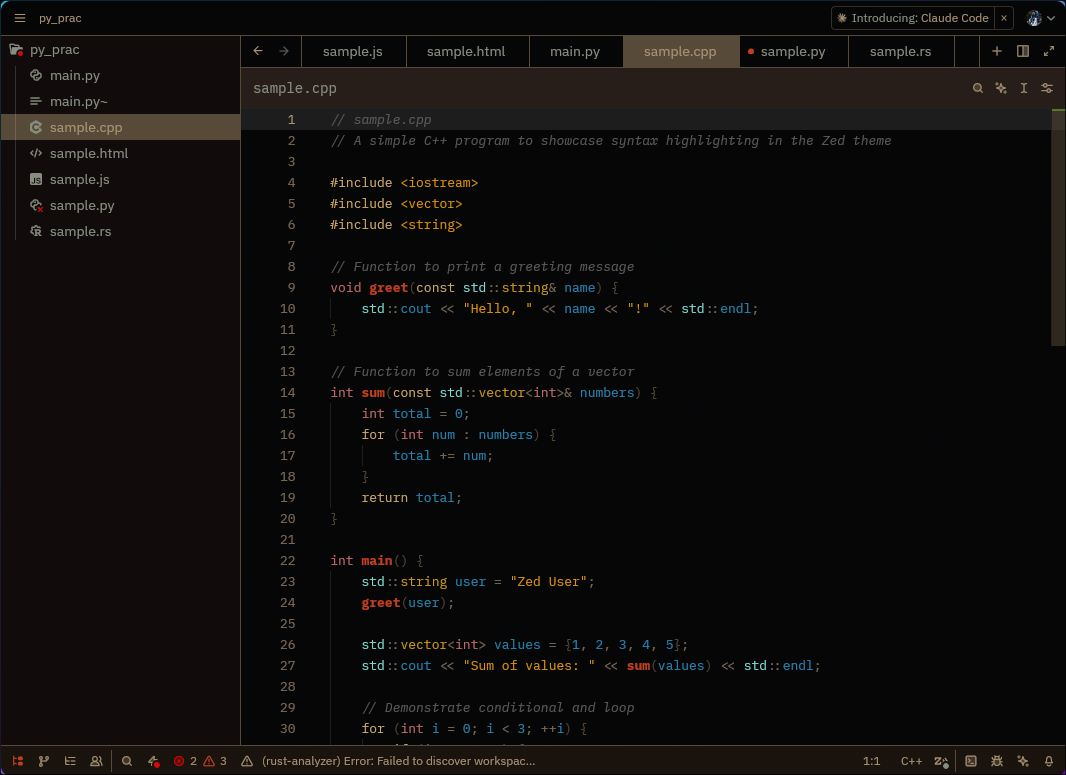
A warm, rusty theme inspired by bronze and copper tones, based on the original Emacs Fleury theme. This theme brings the weathered metal aesthetic to Zed with excellent contrast and readability.
Features
🔥 Warm Rust Palette - Bronze, copper, and rust tones create a cozy coding environment ⚡ Excellent Contrast - All text is highly readable with proper contrast ratios 🎨 Complete Coverage - Consistent styling across all UI elements and syntax 👁️ Eye-Friendly - Perfect for long coding sessions without strain 🌅 Rusty Aesthetic - Inspired by weathered metal and aged bronze
Color Palette
- Rich Bronze (#c2a882) - Main text and code
- Rust Brown (#8a7660) - Comments and subtle elements
- Coffee Brown (#63523d) - Borders and selections
- Burnt Orange (#de451f) - Functions and accents
- Amber Gold (#fcaa05) - Keywords and highlights
- Sky Blue (#2895c7) - Variables and constants
- Fresh Green (#66bc11) - Cursor and success states
Screenshots
General UI
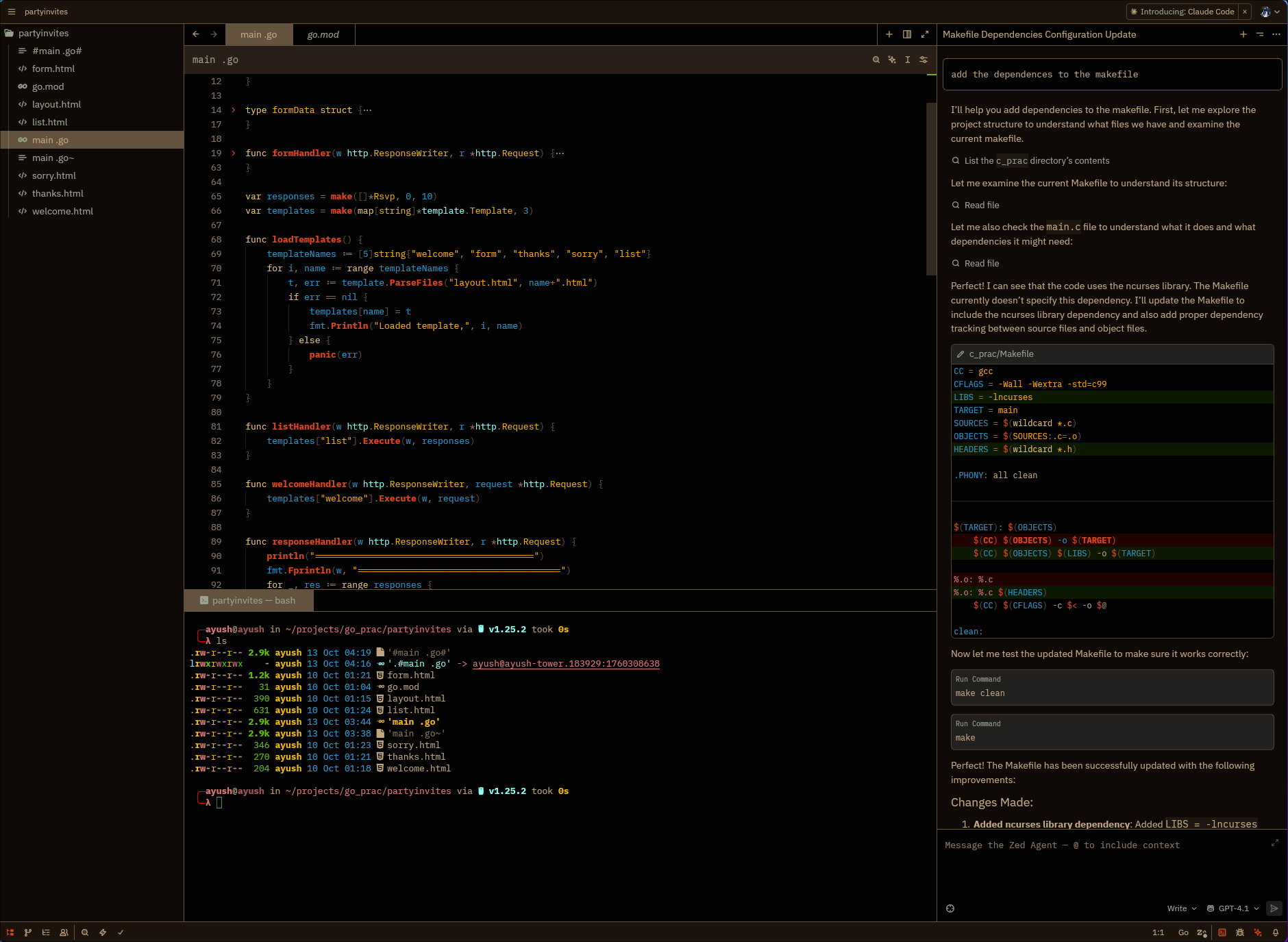
HTML
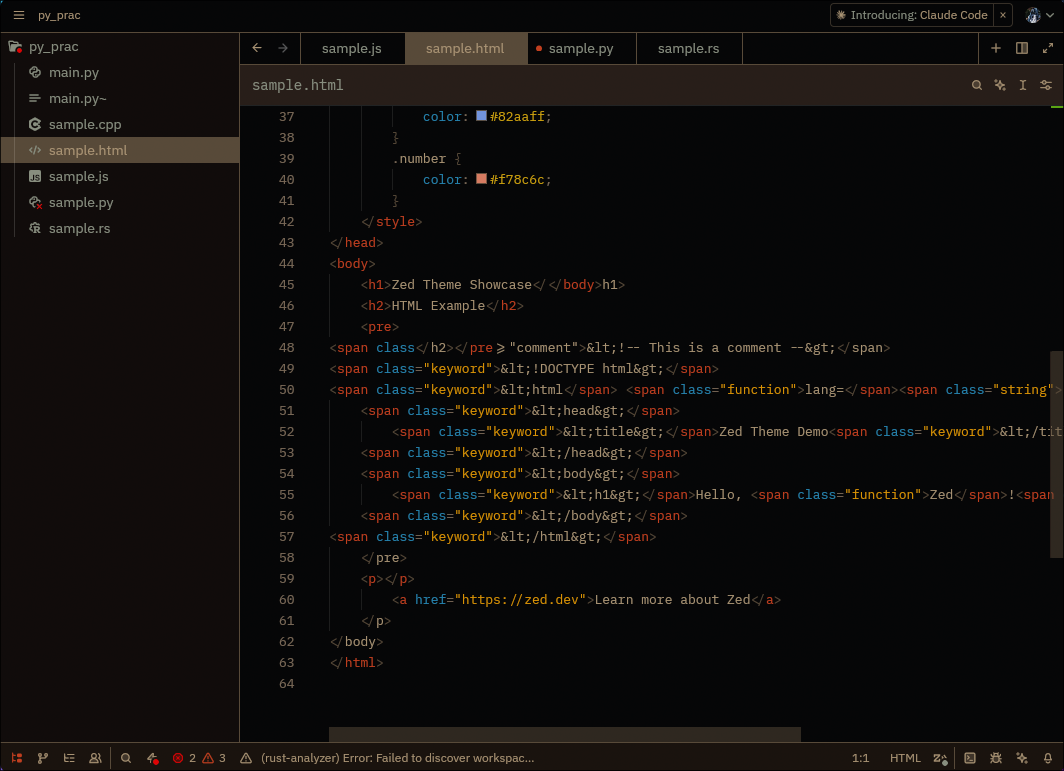
JavaScript
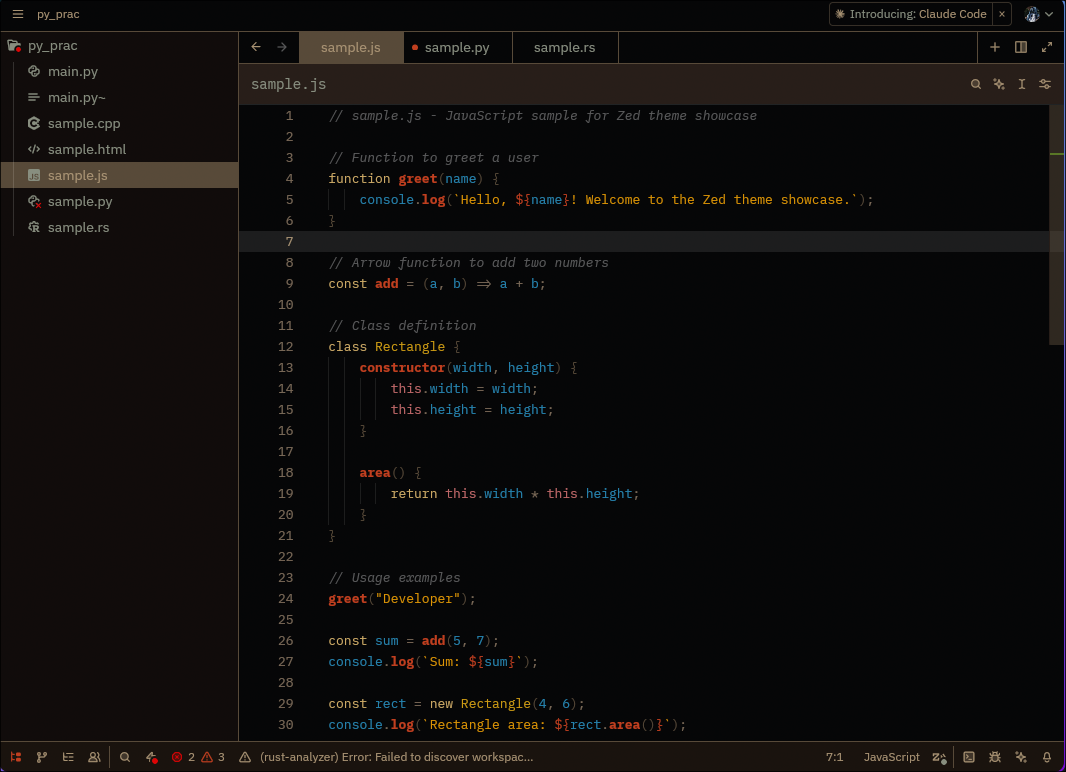
Python
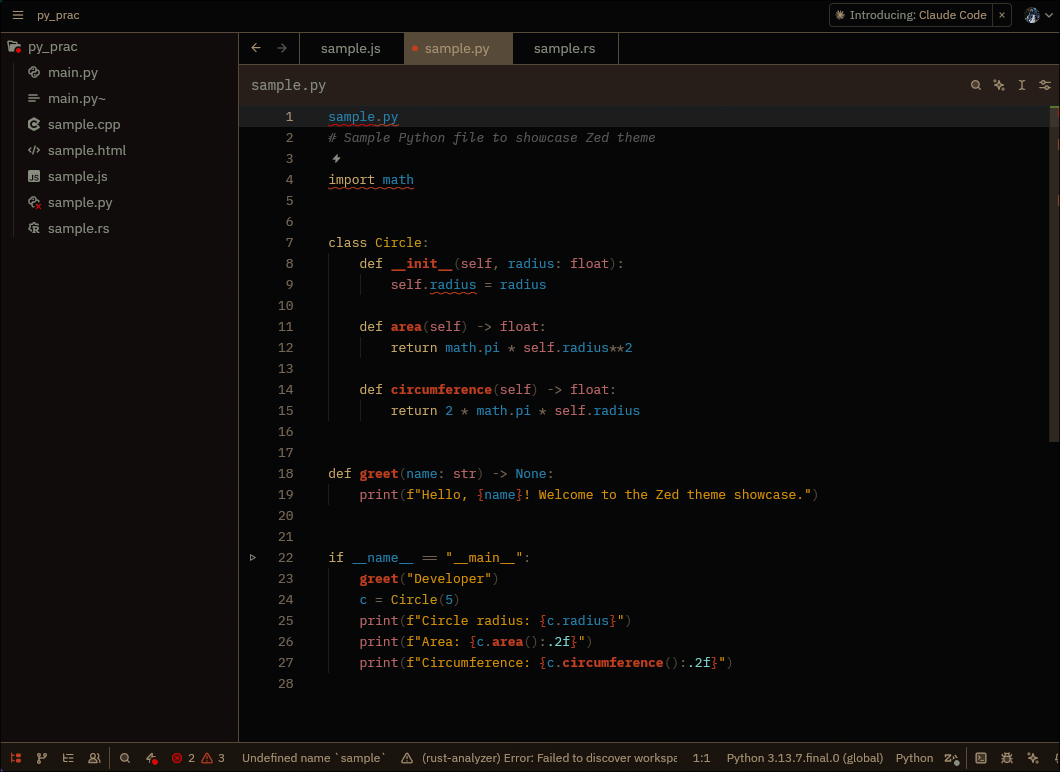
Rust
Go
C++
Installation
From Zed Extensions (Recommended)
- Open Zed
- Open the command palette (
Cmd+Shift+PorCtrl+Shift+P) - Run "zed: Extensions"
- Search for "Fleury"
- Click Install
- Select the theme from Theme Selector (
Cmd+K Cmd+T)
Manual Installation
- Download
fleury.json - Place it in
~/.config/zed/themes/fleury.json - Restart Zed
- Select "Fleury Dark" from Theme Selector
Credits
Created by Ayush Bhat, inspired by the original Emacs Fleury theme by Shams Parvez Arka.
License
MIT License - Feel free to modify and share!
"Coming up with an original idea in 21st century is tough, even my dreams aren't original anymore!" - Original Fleury theme motto