EP-133 for Zed



A Zed theme inspired by the EP–133 K.O. II from Teenage Engineering.
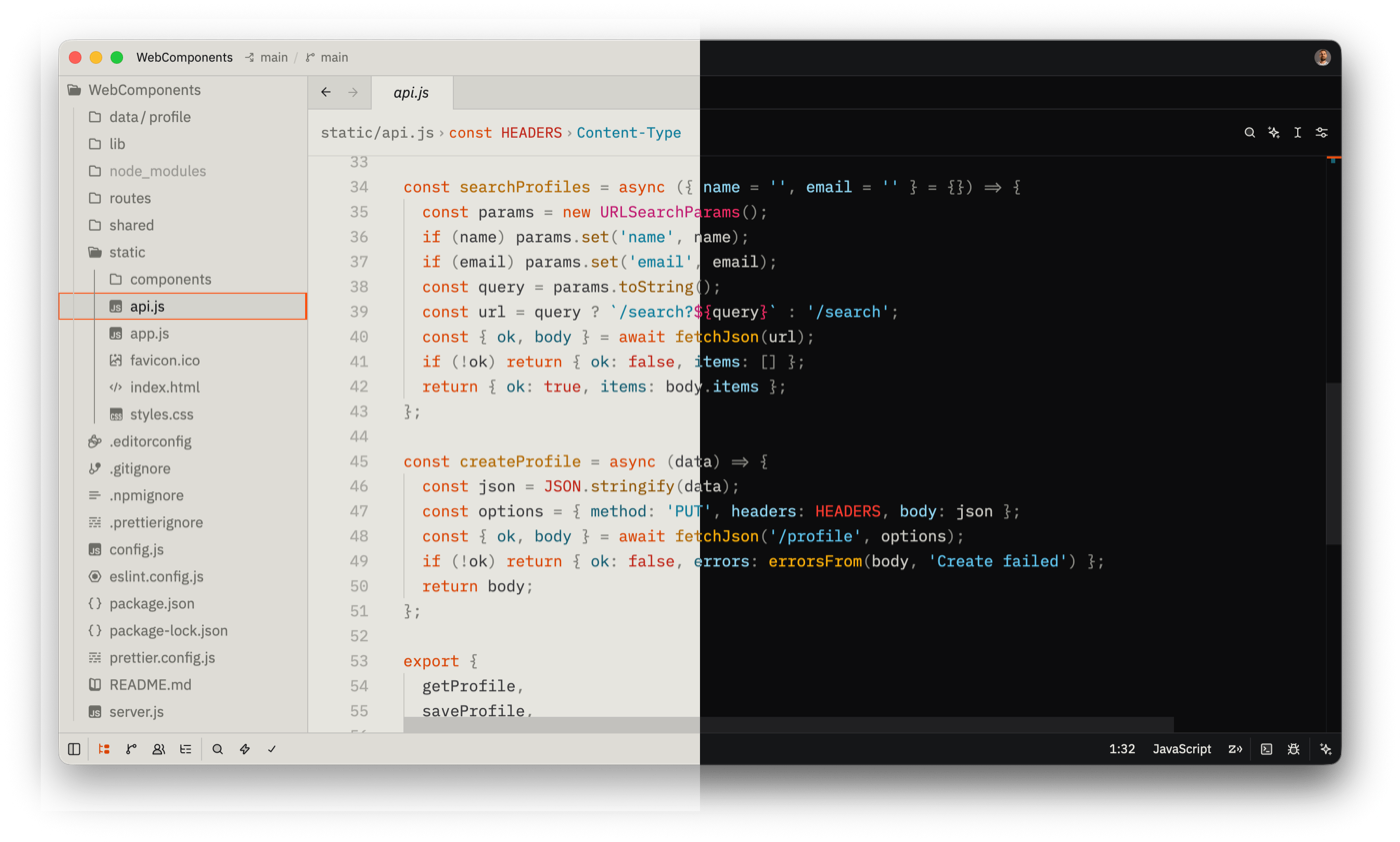
Previews
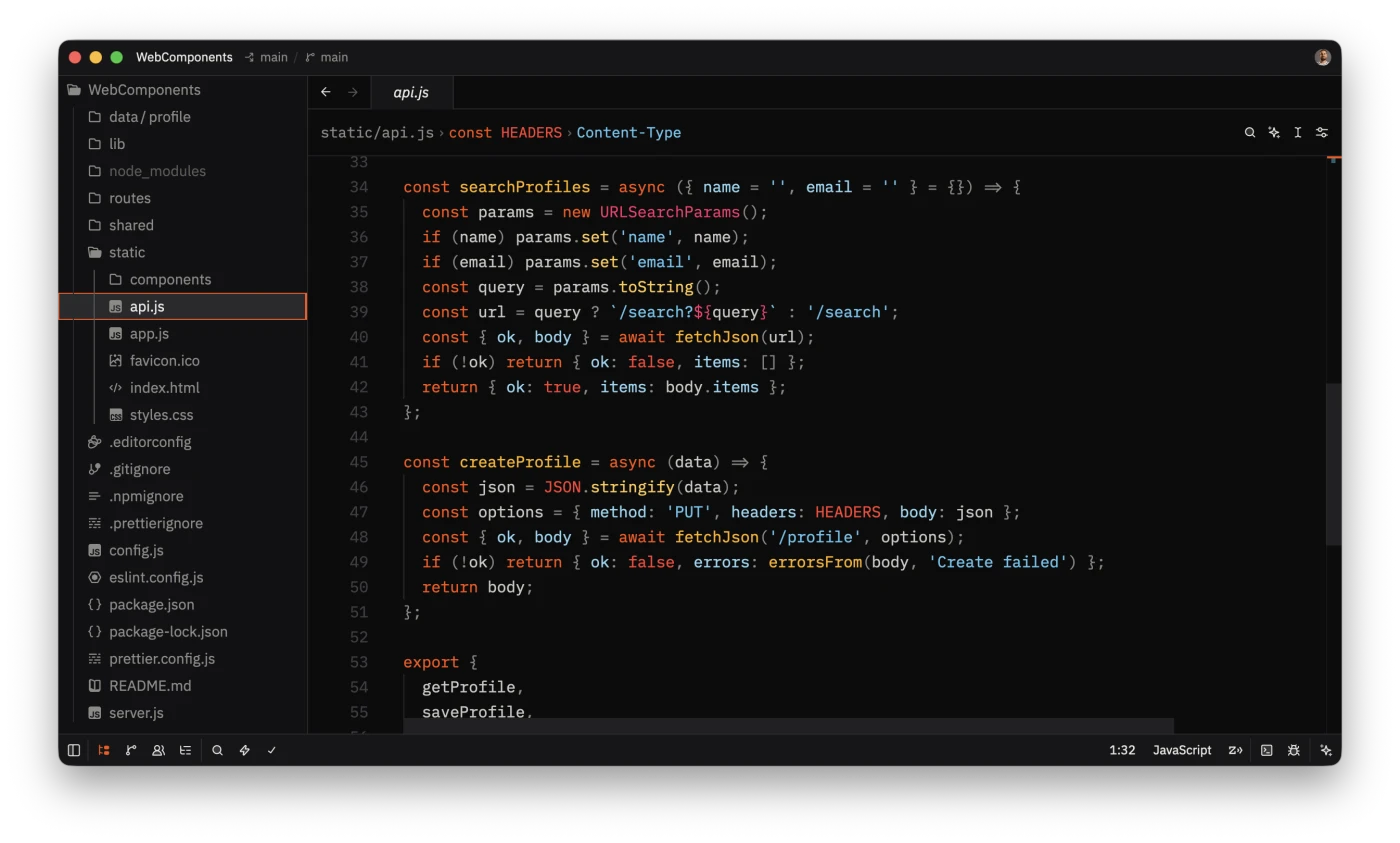
EP-133 Display (dark)
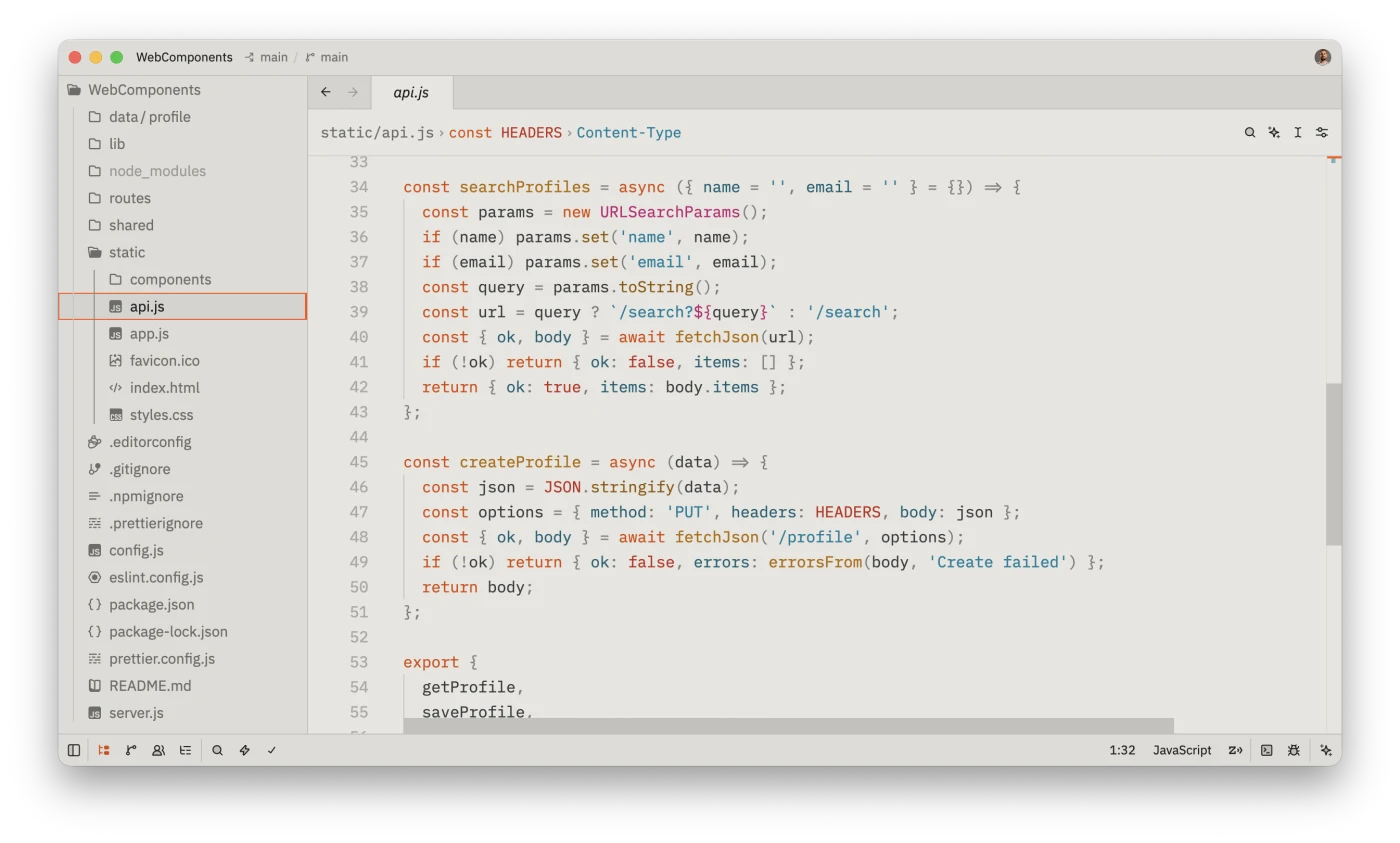
EP-133 Chassis (light)
Usage
- Open Zed.
- Open the command palette (Cmd+Shift+P) and enter zed: extensions.
- Search for the EP-133 extension and install.
- Enter theme selector: toggle in the command palette and select EP-133 Display or EP-133 Chassis in the dropdown.
Development
This theme is a hand-authored Zed theme (no generator). The theme definitions live in themes/ep-133.json.
To test locally:
- Open the command palette and enter zed: install dev extension, then select this repository.
- Refresh with zed: reload extensions after making changes. workspace: reload may be needed if changes are not reflected immediately.
See the Zed documentation for more information.
Publishing to the Marketplace
Pushing a v* tag triggers the release workflow, which opens a pull request against your fork of zed-industries/extensions. See the Zed documentation for more information.
Copyright © 2026-present Evgenii Sergeev
