Skip to content

Type to search extensions

Dusty

v0.1.0

Like an old friend. Muted navy theme with bright accents.

Updated 7 months ago
323 downloads 0 stars Repository ↗
zedext main
// Load settings, retrying a few times
fn load_config(path: &str) -> Result<Config, Error> {
let retries = 3;
let text = fs::read_to_string(path)?;
let name = "settings.json";
Ok(Config { text, retries, name })
}

Dusty

Like an old friend. A muted navy theme for Zed with bright accents.
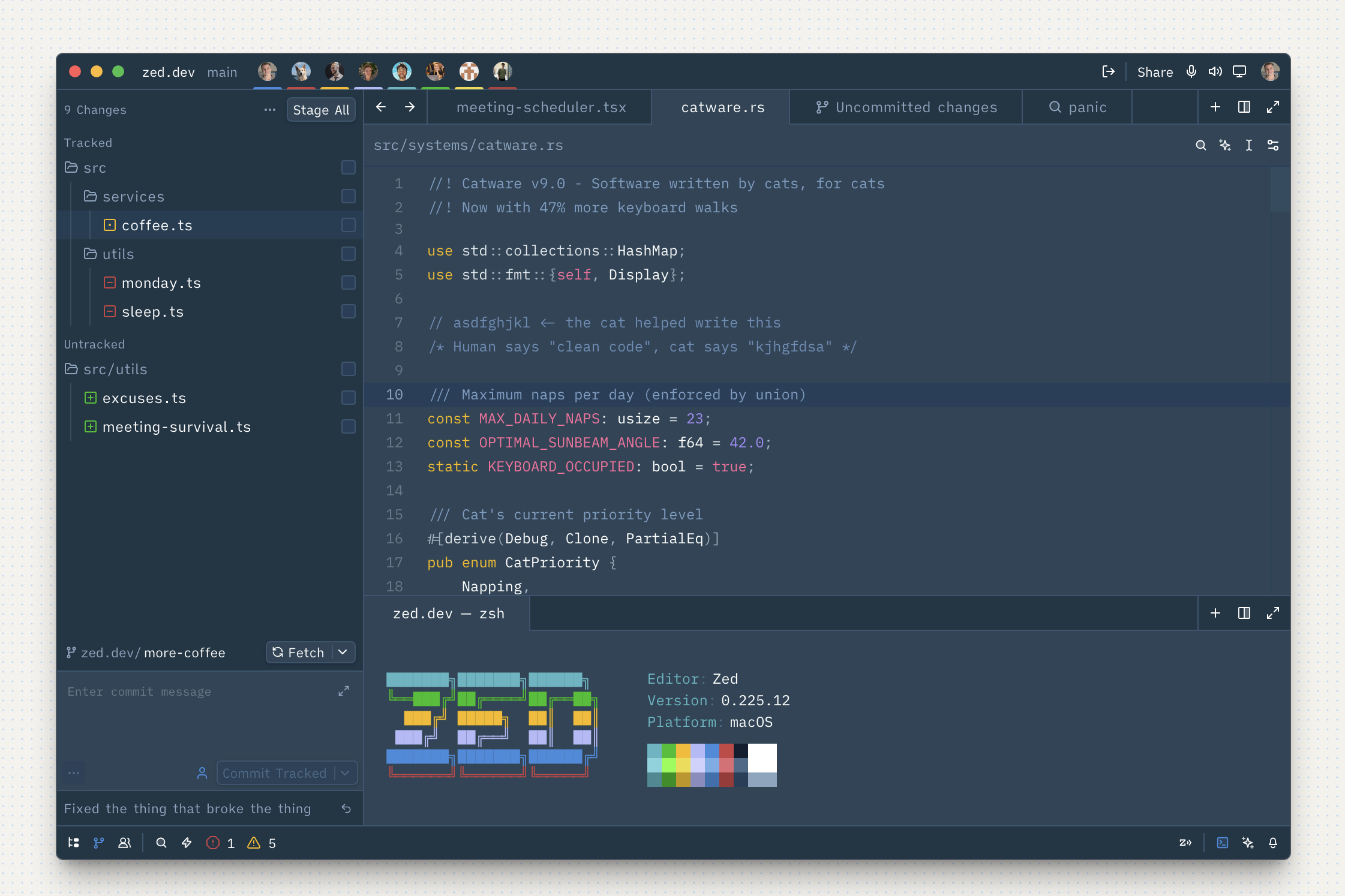
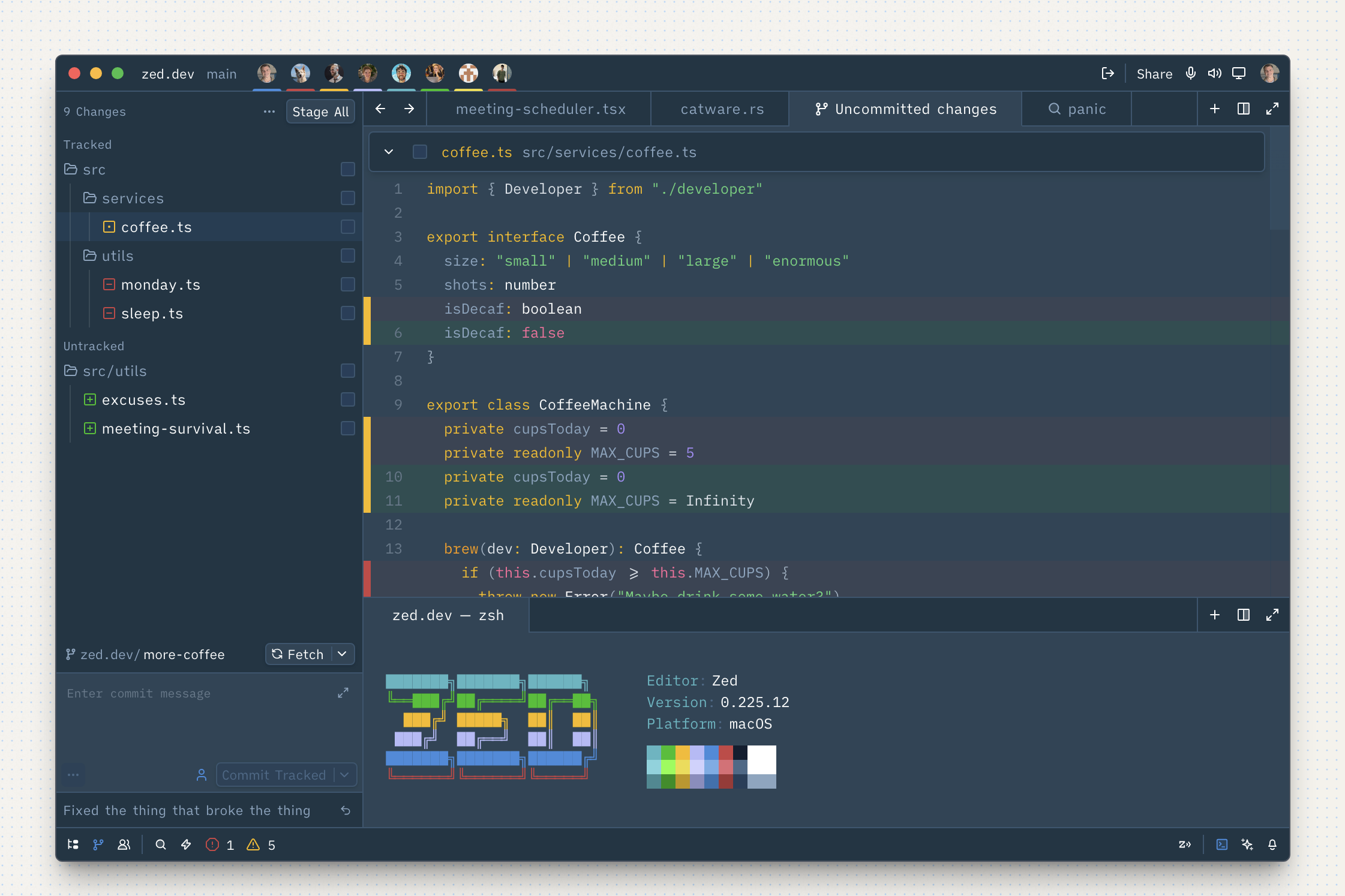
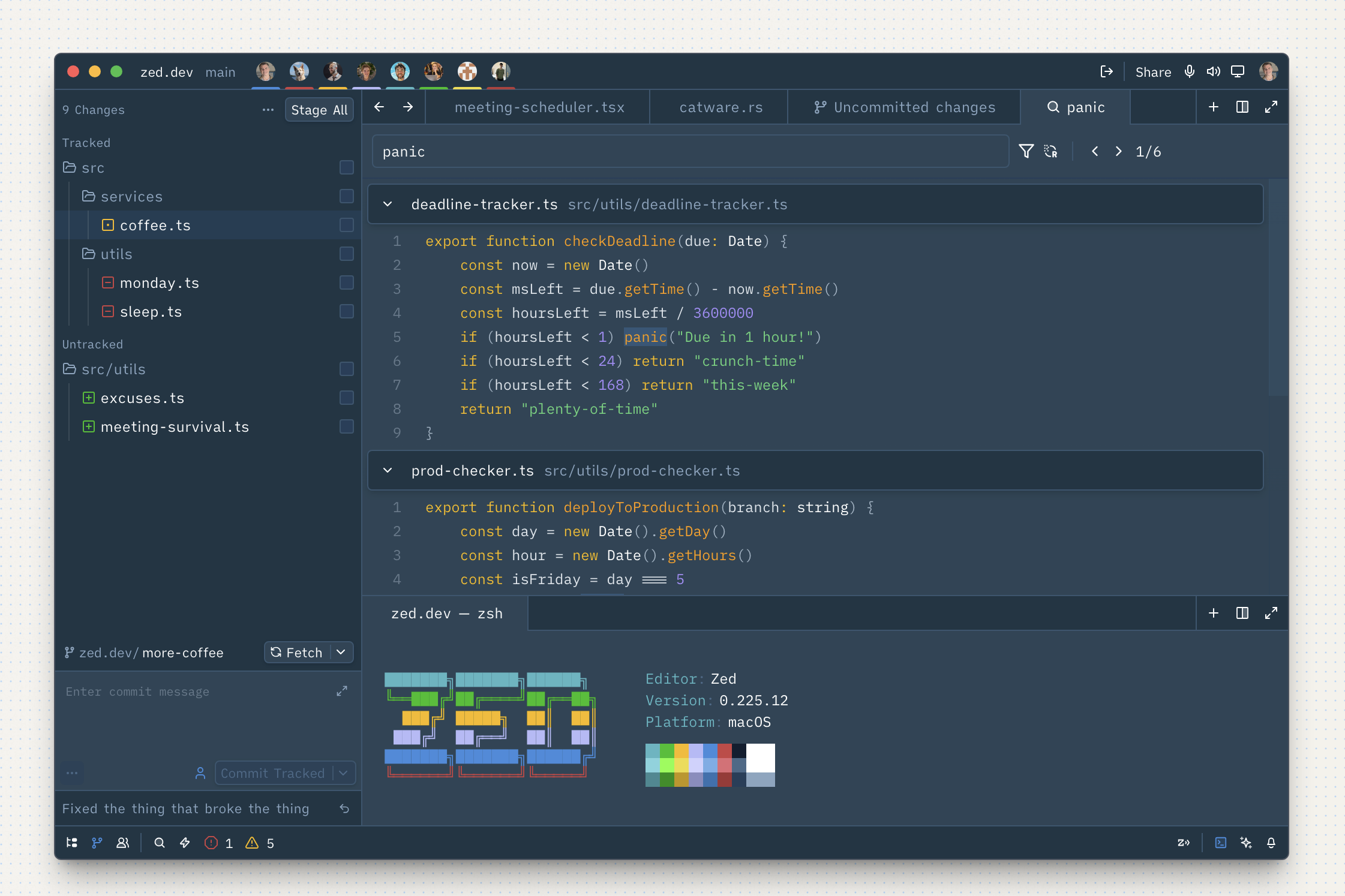
Dusty theme — Rust

Dusty theme — TypeScript

Dusty theme — Search

Install

  1. Open Zed
  2. Open the Extensions panel (cmd+shift+x or Zed > Extensions)
  3. Search for Dusty
  4. Click Install
  5. Open your settings (cmd+,) and set the theme:
{
  "theme": "Dusty"
}

Or use the theme switcher: cmd+k cmd+t and select Dusty.

Manual Install

Clone this repo into your Zed extensions directory:

git clone https://github.com/claylo/dusty-zed.git \
  ~/.local/share/zed/extensions/installed/dusty

Restart Zed and select Dusty from the theme switcher.

License

MIT

ZedExt An unofficial community project. Not affiliated with Zed Industries.

Data from Zed’s extension registry and GitHub · updated