Cyberpunk 2077 Theme
A Zed theme extension inspired by Cyberpunk 2077 (Arasaka, Biotechnica, Softsys, NCPD, Kang Tao, Militech, Delamain, Pink neon, Mox).
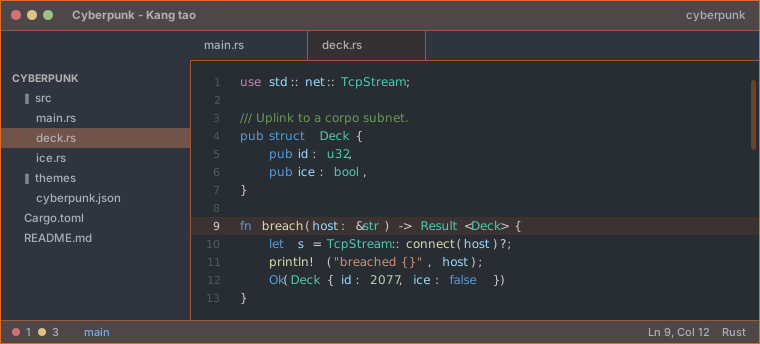
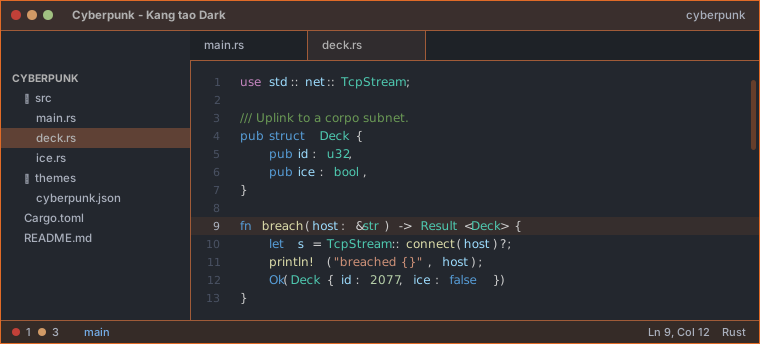
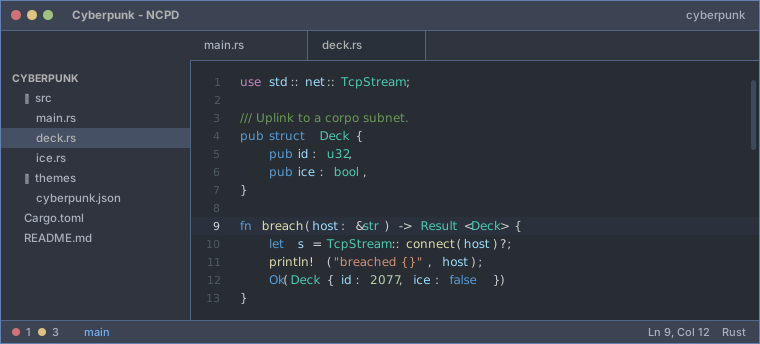
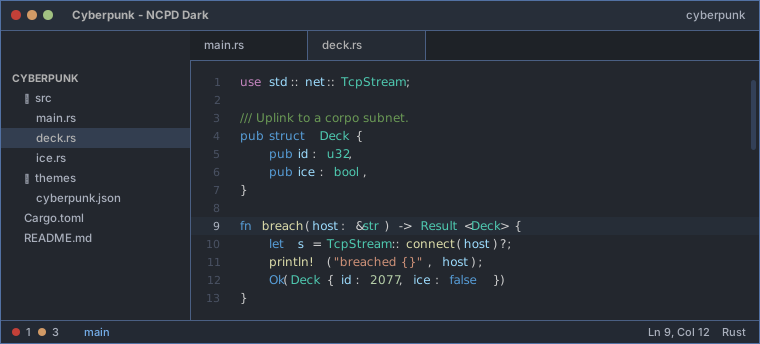
Each faction ships in two variants — 18 themes in total:
| Variant | Base | Editor | Panels | Tab bar |
|---|---|---|---|---|
Cyberpunk - <faction> |
One Dark | #282c33 |
#2f343e |
#2f343e |
Cyberpunk - <faction> Dark |
One Dark Pro | #23272e |
#23272e |
#1e2227 |
Previews
In each block the One Dark variant is on the left, the darker One Dark Pro variant on the right.
Biotechnica #358a74
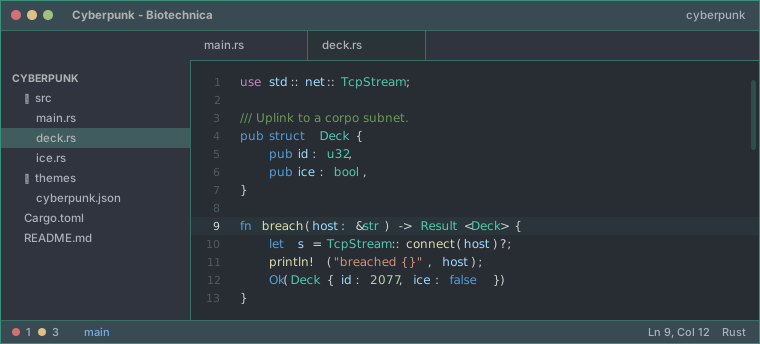
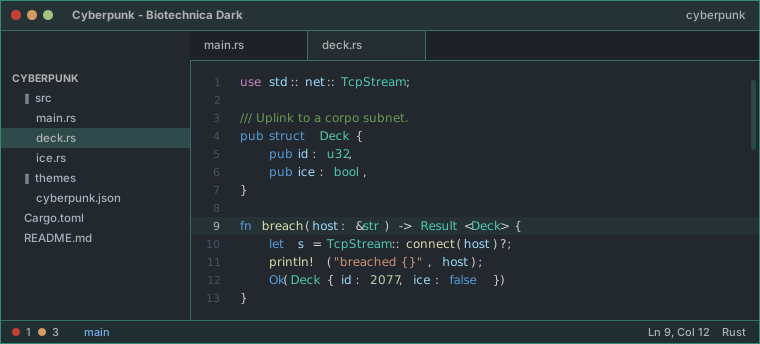
Softsys #009090
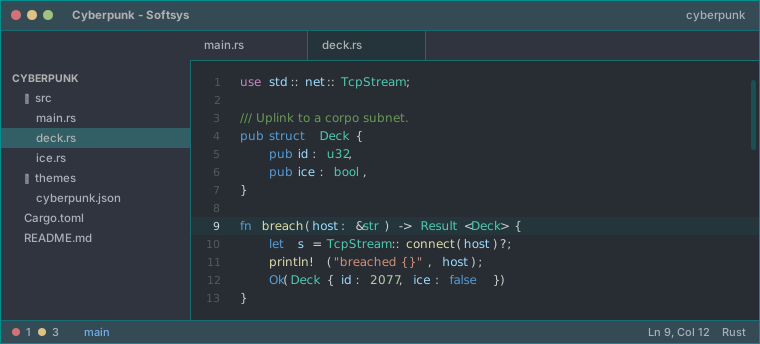
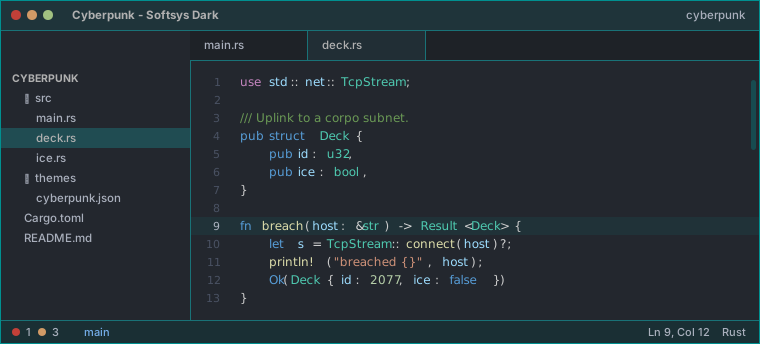
Arasaka #cc0000
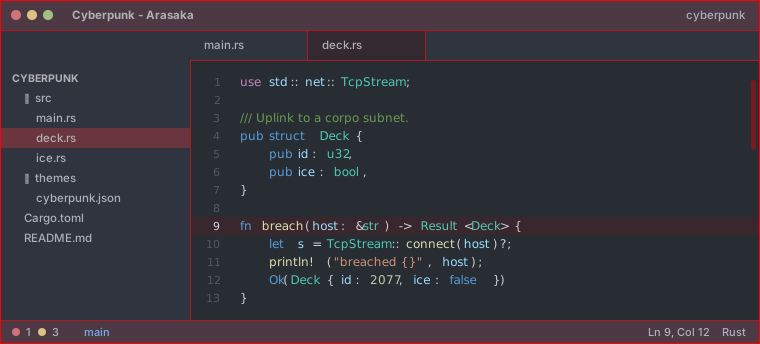
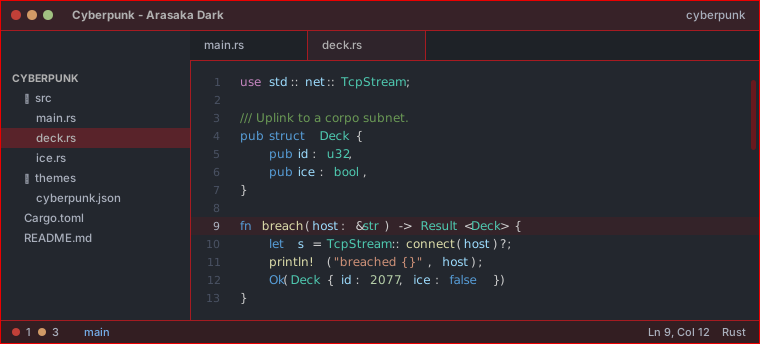
Militech #e6d709
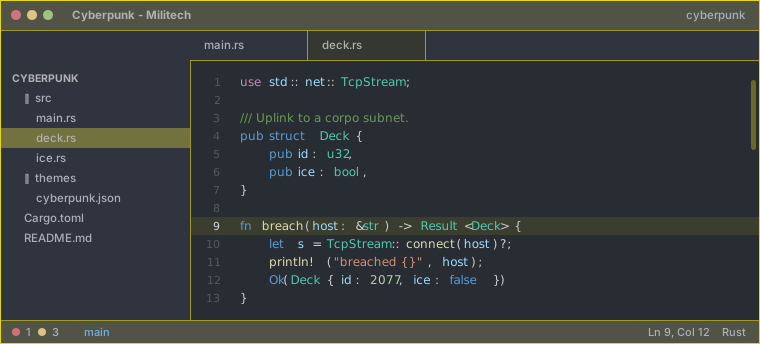
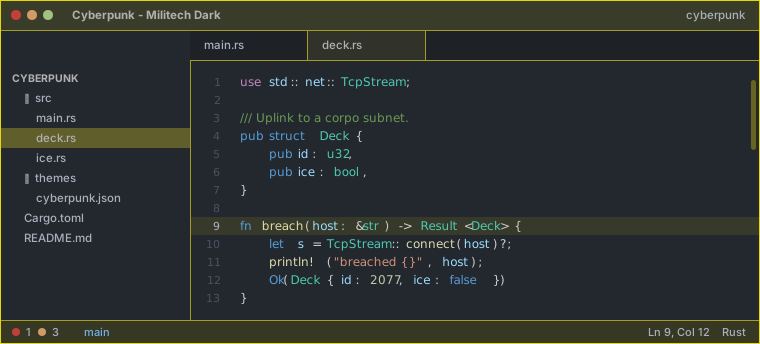
Kang tao #e16b27
NCPD #445e88
Delamain #a0a0a0
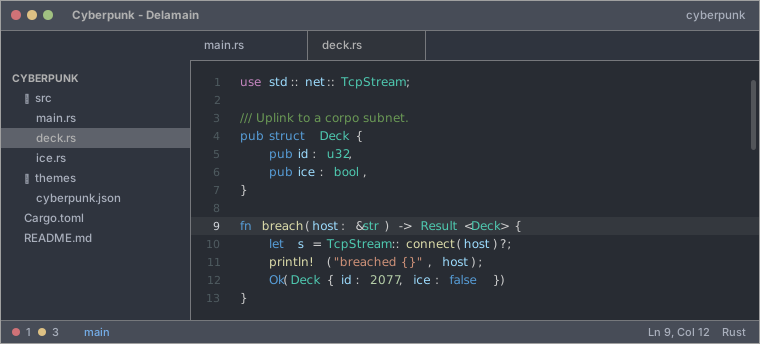
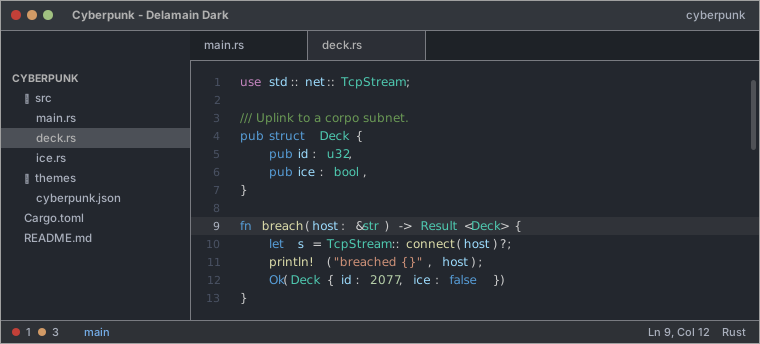
Pink neon #c871af
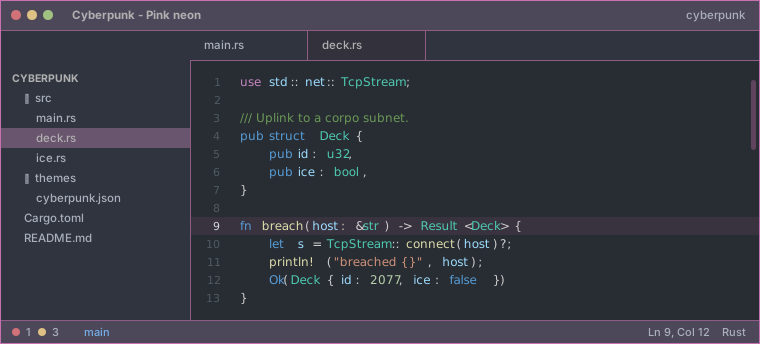
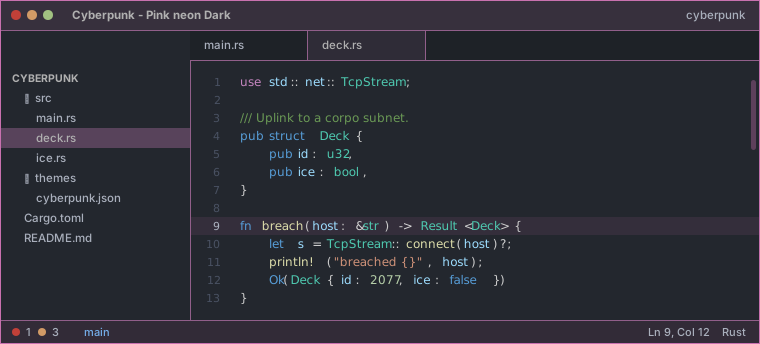
Mox #9b59d0
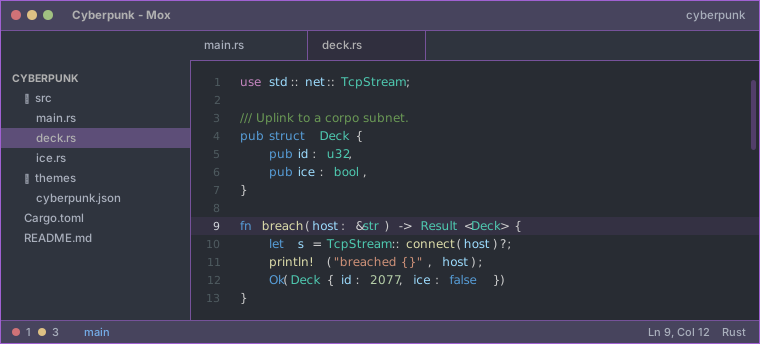
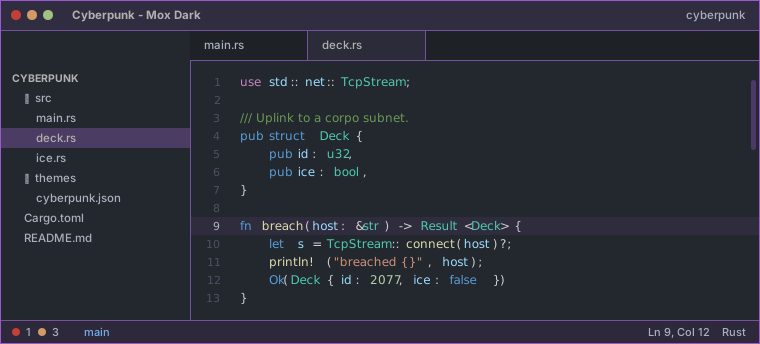
Design
- Panels, buttons, tabs, surfaces, terminal and diagnostics come from One Dark (built into Zed) or One Dark Pro, so nothing sits on pure black. Where One Dark Pro leaves a key unset, One Dark's value is used.
- The faction accent carries the identity: borders, focus rings, cursor, selection, active line, active tab, scrollbar, and a faint tint on the title bar and status bar. Dark accents such as Arasaka's red are lightened just enough to stay legible against the grey, hue and saturation preserved.
- Syntax is the theme's own VS Code Dark+ palette, unchanged.
Install locally in Zed
- Open the command palette.
- Run
zed: install dev extension. - Select this directory.
- Choose one of the themes starting with
Cyberpunk -in Zed appearance settings.
Editing the themes
themes/cyberpunk.json and the previews in assets/ are generated. Edit scripts/generate_themes.py, then run both scripts:
python3 scripts/generate_themes.py    # themes/cyberpunk.json
python3 scripts/generate_previews.py  # assets/*.svg + the Previews section above
generate_previews.py draws a mock Zed window per theme straight from the theme JSON, so the previews cannot drift from the colours. It also rewrites the gallery between the <!-- previews:start --> / <!-- previews:end --> markers in this file.
Faction accents live in FACTIONS, the two base palettes in ONE_DARK and ONE_DARK_PRO, and the tunables at the top of the file control how strongly the accent shows through (BORDER_MIX, CHROME_TINT, TAB_TINT, ACTIVE_LINE_TINT).
Notes
- Repository:
https://github.com/thomassimmer/cyberpunk-2077-zed-extension - The extension id already uses the recommended
-themesuffix for Zed theme extensions.