Cursor Dark Theme for Zed
Welcome to the Cursor Dark theme! This theme has been transplanted from the Cursor Editor and aims to provide users with an elegant and comfortable coding environment.
Screenshots
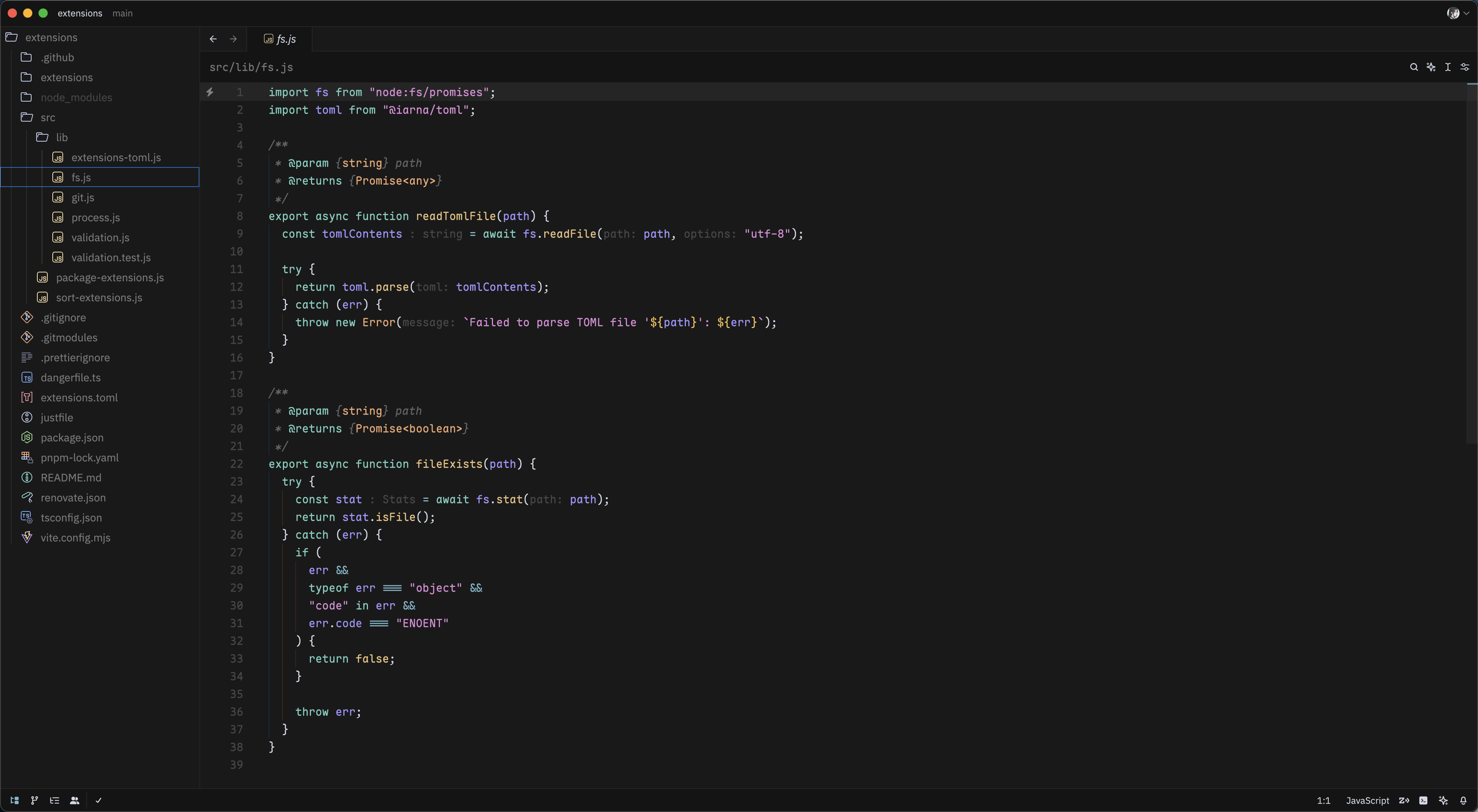
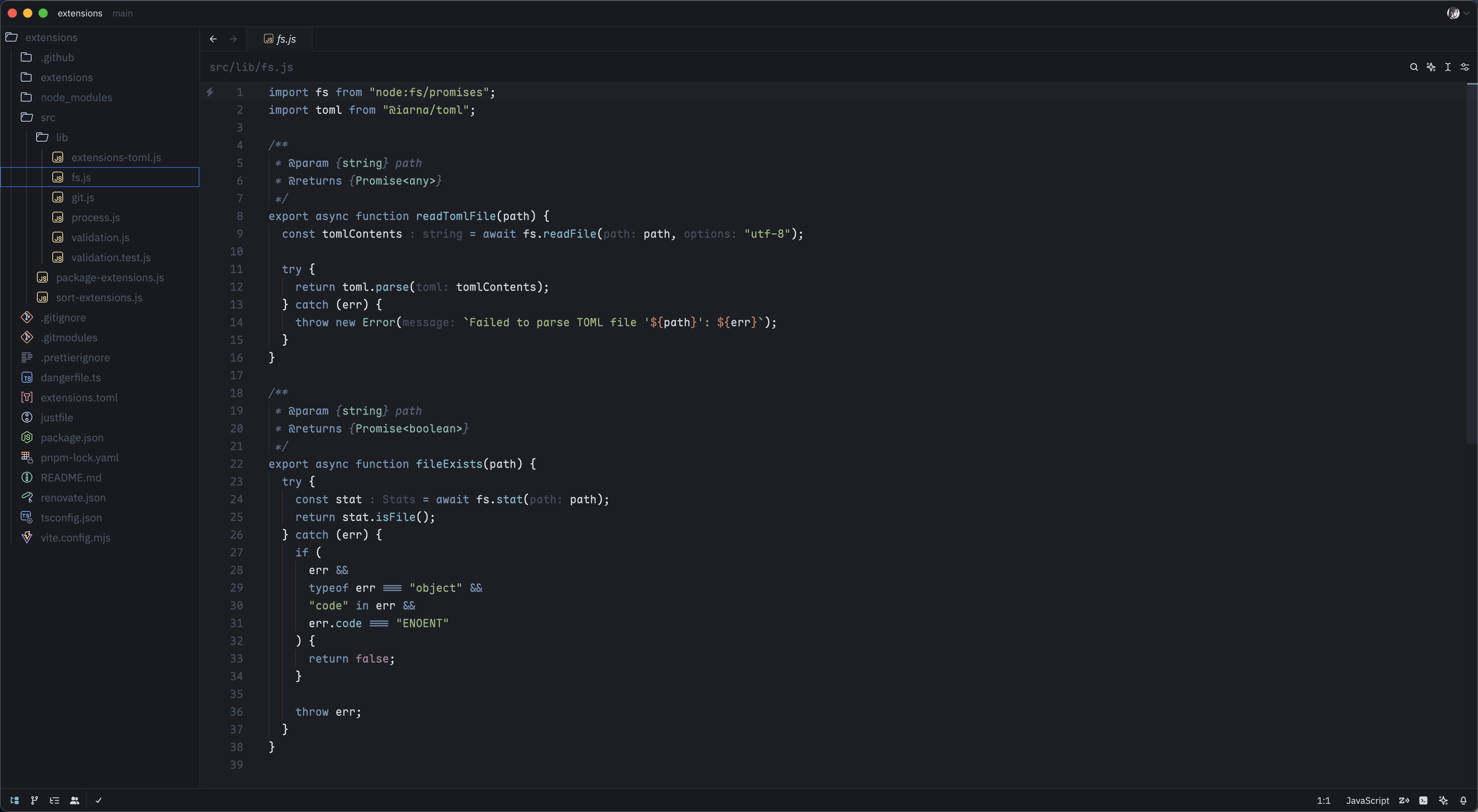
Cursor Dark & Cursor Dark Midnight
Installation
- Zed Menu -> Extensions -> Search
cursor-dark-theme - Click
Install - Select the Cursor Dark theme in the Zed editor.
Contribution
If you have any suggestions or issues regarding this theme, feel free to submit an issue or pull request on GitHub.
License
This theme is licensed under the MIT License, allowing you to use and modify it freely.
Thank you for using the Cursor Dark theme, and happy coding!
Thanks
- Cursor Editor Team designed the original theme.