Cobalt2 for Zed
Preview
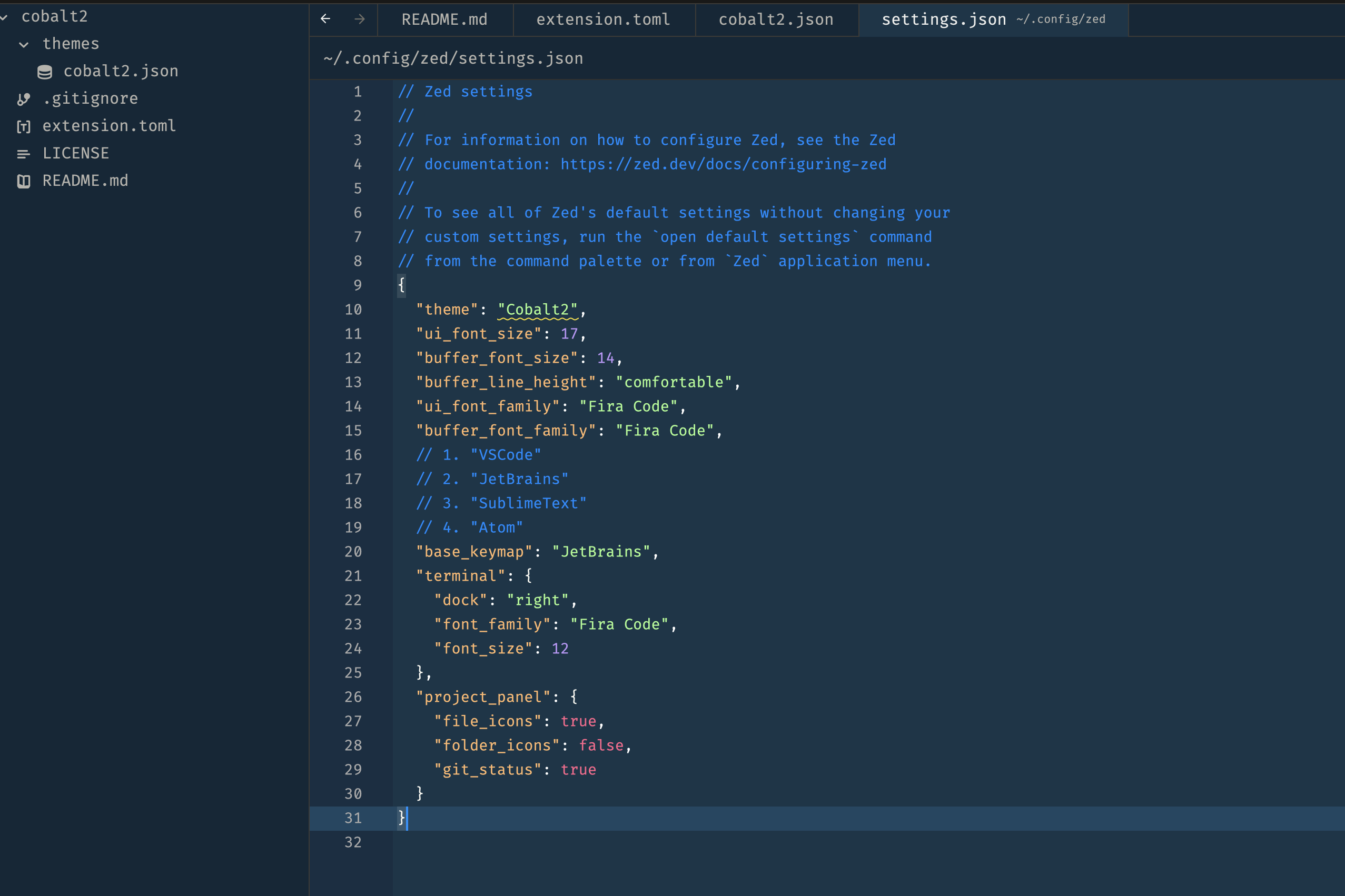
Usage
Install via Zed Extensions (Not yet published)
- Open Zed.
cmd+shift+pand select zed: extensions- Select Cobalt2 and Install
- Select your Cobatl2 theme in the dropdown shown after hitting (
cmd+k,cmd+t)
Install via source
- Go to
~/.config/zed/themes - Clone the repo there
git clone git@github.com:mrpmohiburrahman/cobalt2-zed.git - Open Zed.
cmd+shift+pand select zed: extensions- Select Cobalt2 and Install
- Select your Cobatl2 theme in the dropdown shown after hitting (
cmd+k,cmd+t)