Clockwork Gold
A dark color theme for Ghostty, iTerm2, kitty, Zed, VS Code and Cursor. It descends from Monokai, sits on a warm near-black (#1d1c19), and uses clockwork.com's #FFCC00 for the cursor, accents and yellow.
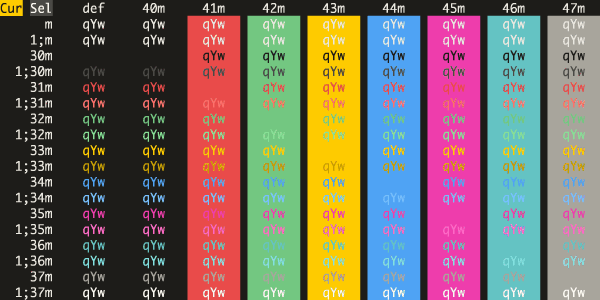
Ghostty
Copy the theme into Ghostty's theme folder and select it:
mkdir -p ~/.config/ghostty/themes
curl -fsSL "https://raw.githubusercontent.com/ClockworkNet/clockwork-gold/main/ghostty/Clockwork%20Gold" \
  -o ~/.config/ghostty/themes/"Clockwork Gold"
Then add theme = Clockwork Gold to ~/.config/ghostty/config.
iTerm2
Download iterm2/Clockwork Gold.itermcolors and double-click it to import. Then pick it under Settings > Profiles > Colors > Color Presets.
kitty
kitten themes --reload-in=all "Clockwork Gold"That works once the theme is in kitty-themes. Until then, save kitty/Clockwork_Gold.conf as ~/.config/kitty/current-theme.conf and add include current-theme.conf to kitty.conf.
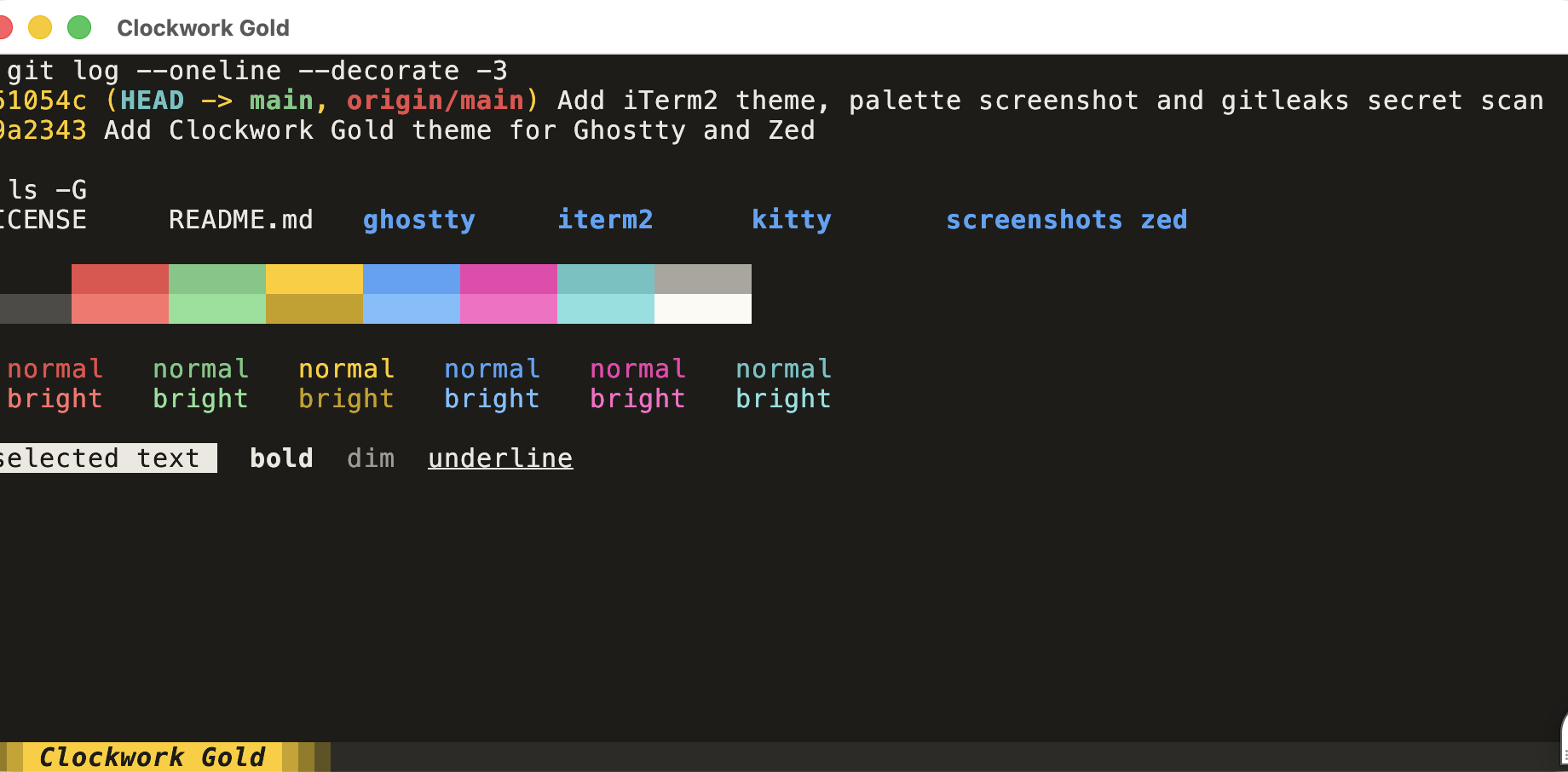
Zed
Search for "Clockwork Gold" in the Extensions panel (zed: extensions), install it, and pick it with theme selector: toggle.
To install without the extension, copy zed/themes/clockwork-gold.json into ~/.config/zed/themes/.
VS Code and Cursor
Download the latest build and install it:
curl -fsSLO https://github.com/ClockworkNet/clockwork-gold/releases/latest/download/clockwork-gold.vsix && code --install-extension clockwork-gold.vsixFor Cursor, swap code for cursor. Then run Preferences: Color Theme and pick Clockwork Gold.
A GitHub Action builds the .vsix and attaches it to a release whenever vscode/ changes on main. To build it yourself, run pnpm dlx @vscode/vsce package in vscode/.
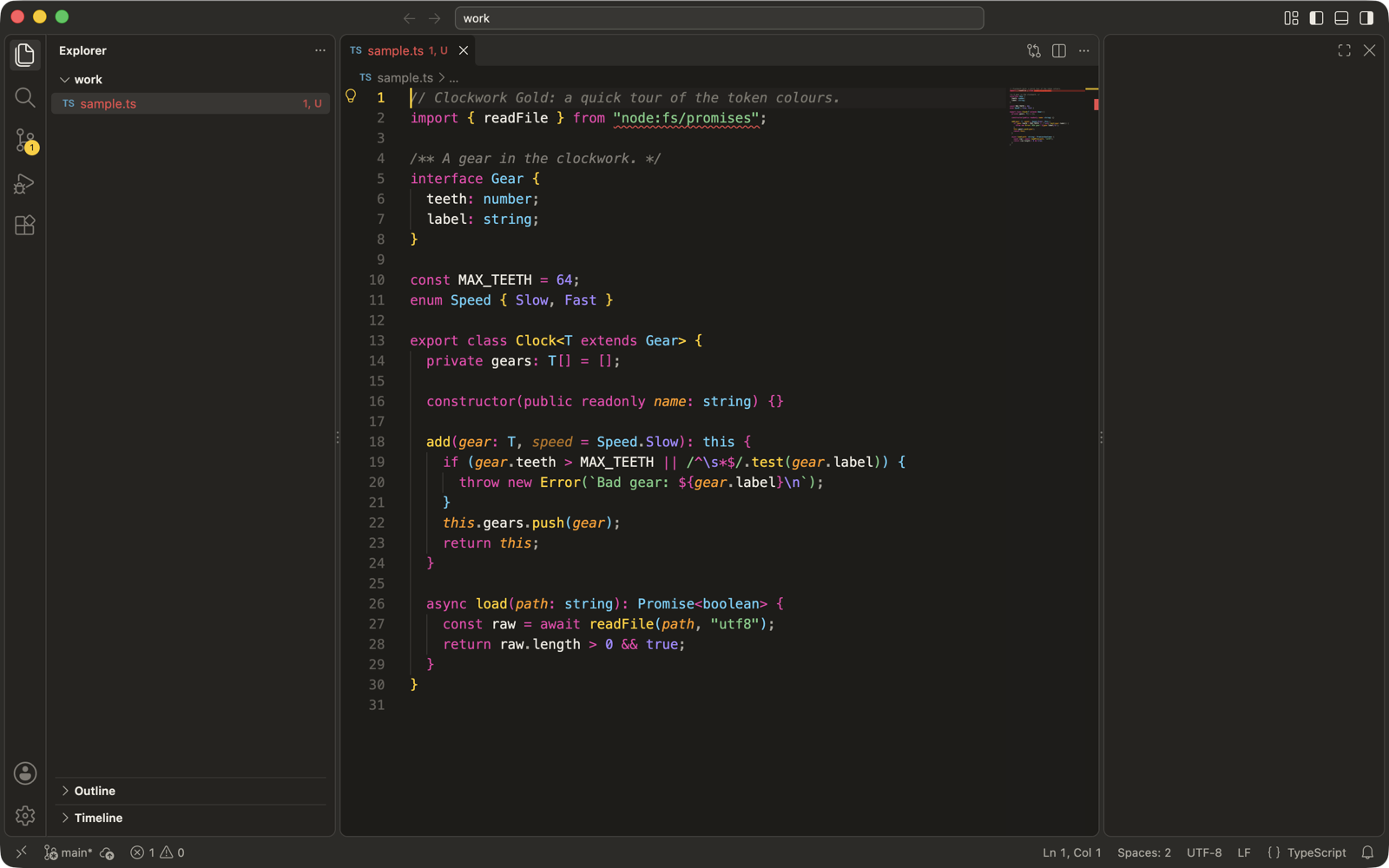
Palette
| Normal | Bright | |
|---|---|---|
| Black | #1d1c19 |
#4c4b47 |
| Red | #e94b4a |
#ff716b |
| Green | #73c881 |
#88e196 |
| Yellow | #ffcc00 |
#c89f00 |
| Blue | #4fa3f4 |
#76c0ff |
| Magenta | #ef3ead |
#ff68c6 |
| Cyan | #64c3c3 |
#82e1e0 |
| White | #a9a69d |
#fcfaf4 |
Background #1d1c19, foreground #ebe8e0, selection #4c4b47.
License
MIT