Charbox Theme
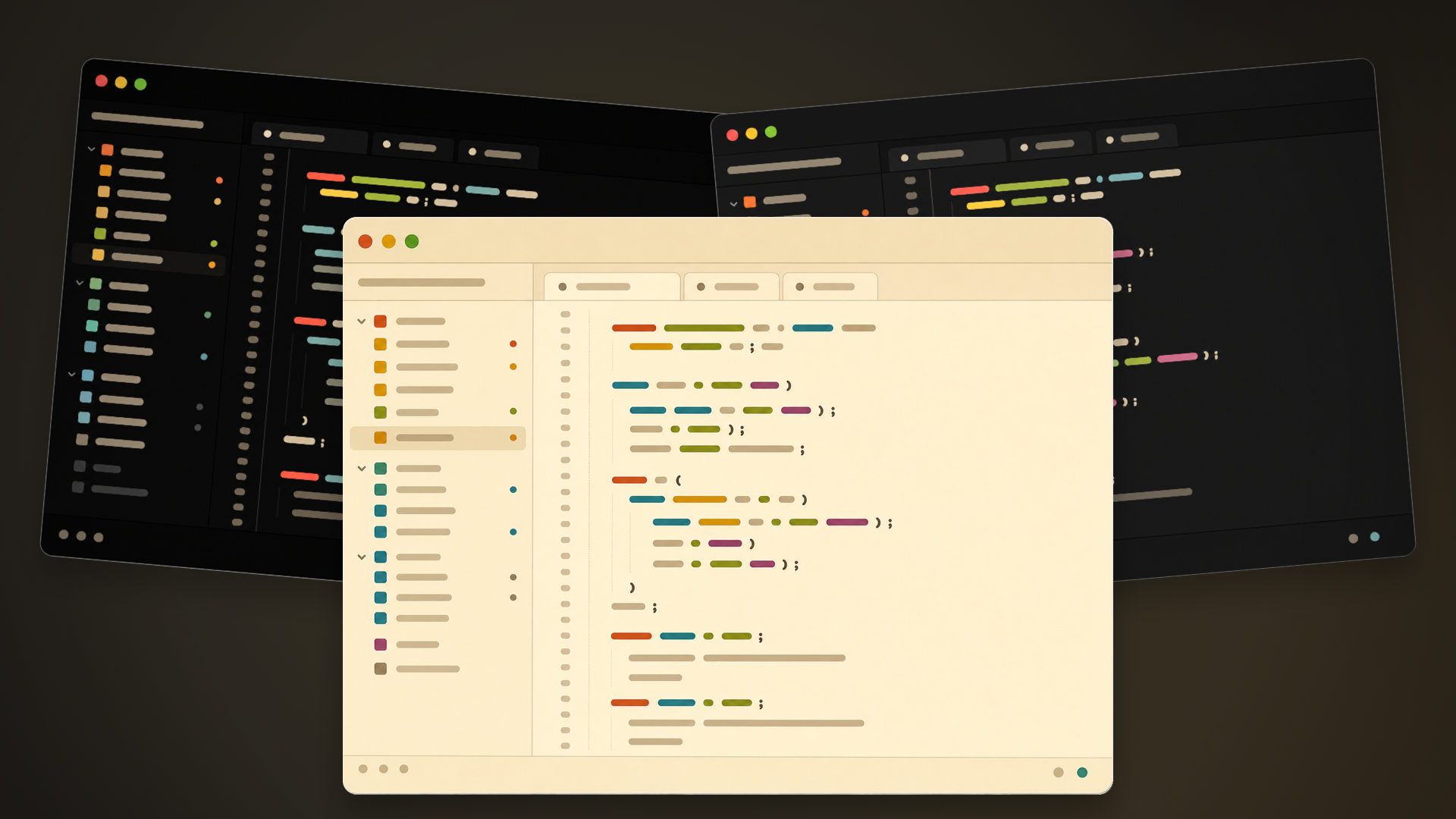
A high-contrast, Gruvbox-inspired theme family for Zed.
Themes included
- Charbox
- Charbox Midnight
- Charbox Midnight Alt
- Charbox Sepia
Local development install
- Open Zed.
- Open Extensions with
cmd-shift-xon macOS orctrl-shift-xon Linux/Windows. - Click Install Dev Extension, or run
zed: install dev extensionfrom the command palette. - Select this repository folder, the one containing
extension.toml. - Open the theme selector with
cmd-k cmd-t/ctrl-k ctrl-tand select a Charbox variant.
Development
Theme styles live in themes/charbox.json. After editing theme values, reload the dev extension in Zed if changes do not appear immediately.
License
Charbox is released under the MIT License. See LICENSE and NOTICE.md.