
 Catppuccin for Zed (Blue Blur+)
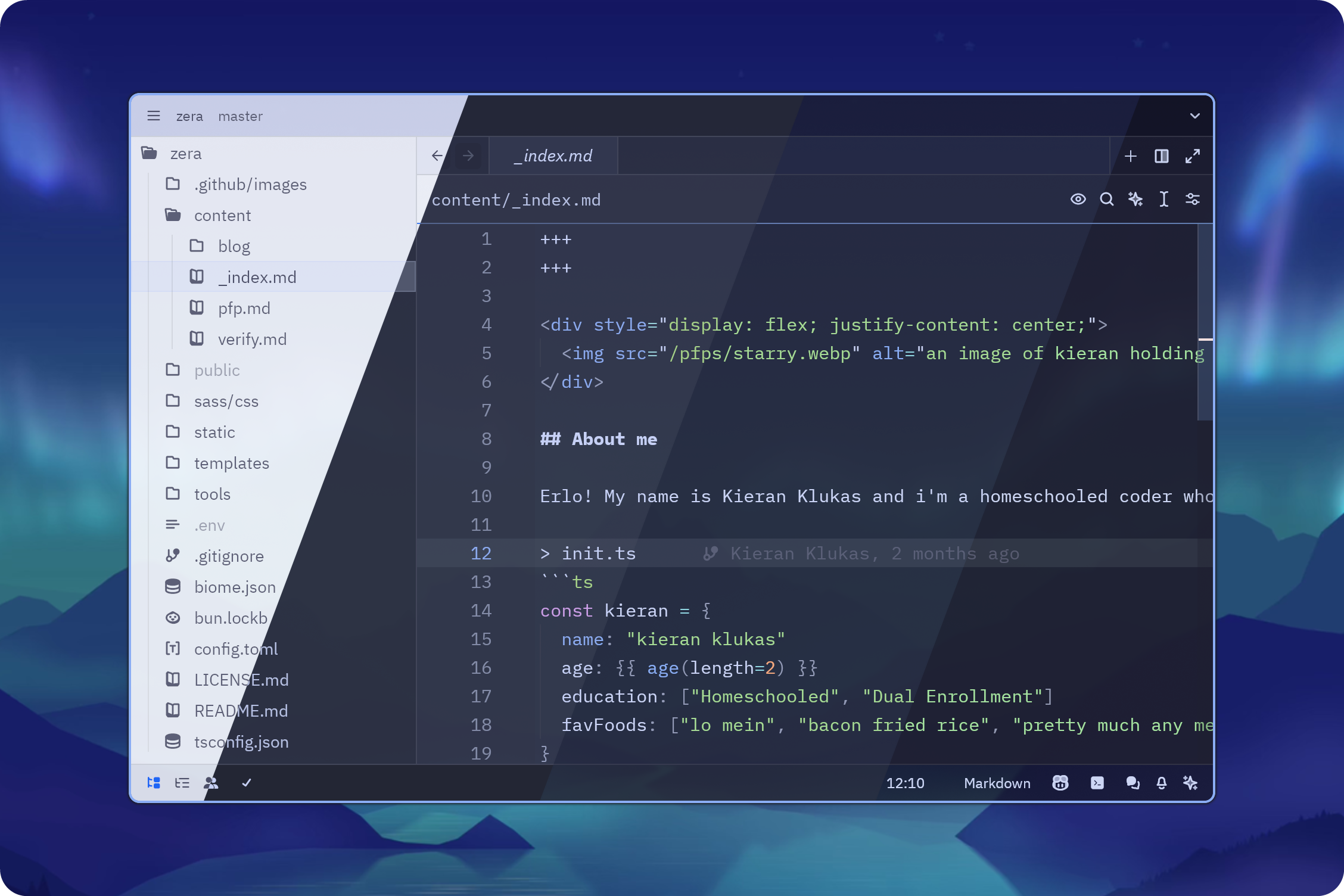
This theme is a fork of a fork ^-^
The main difference of this one is blue accents and better separation between panels
Previews
🌻 Latte
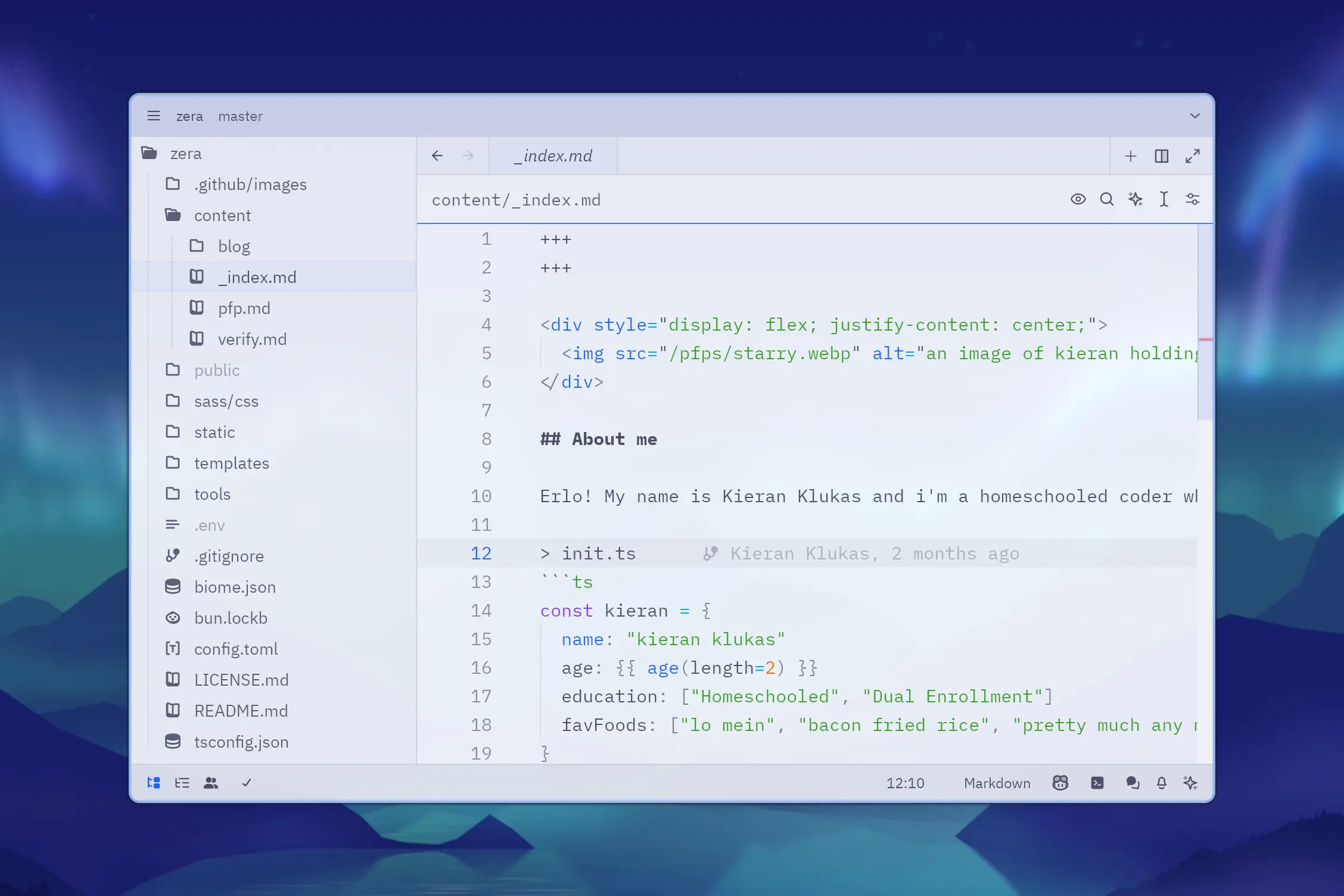
🪴 Frappé
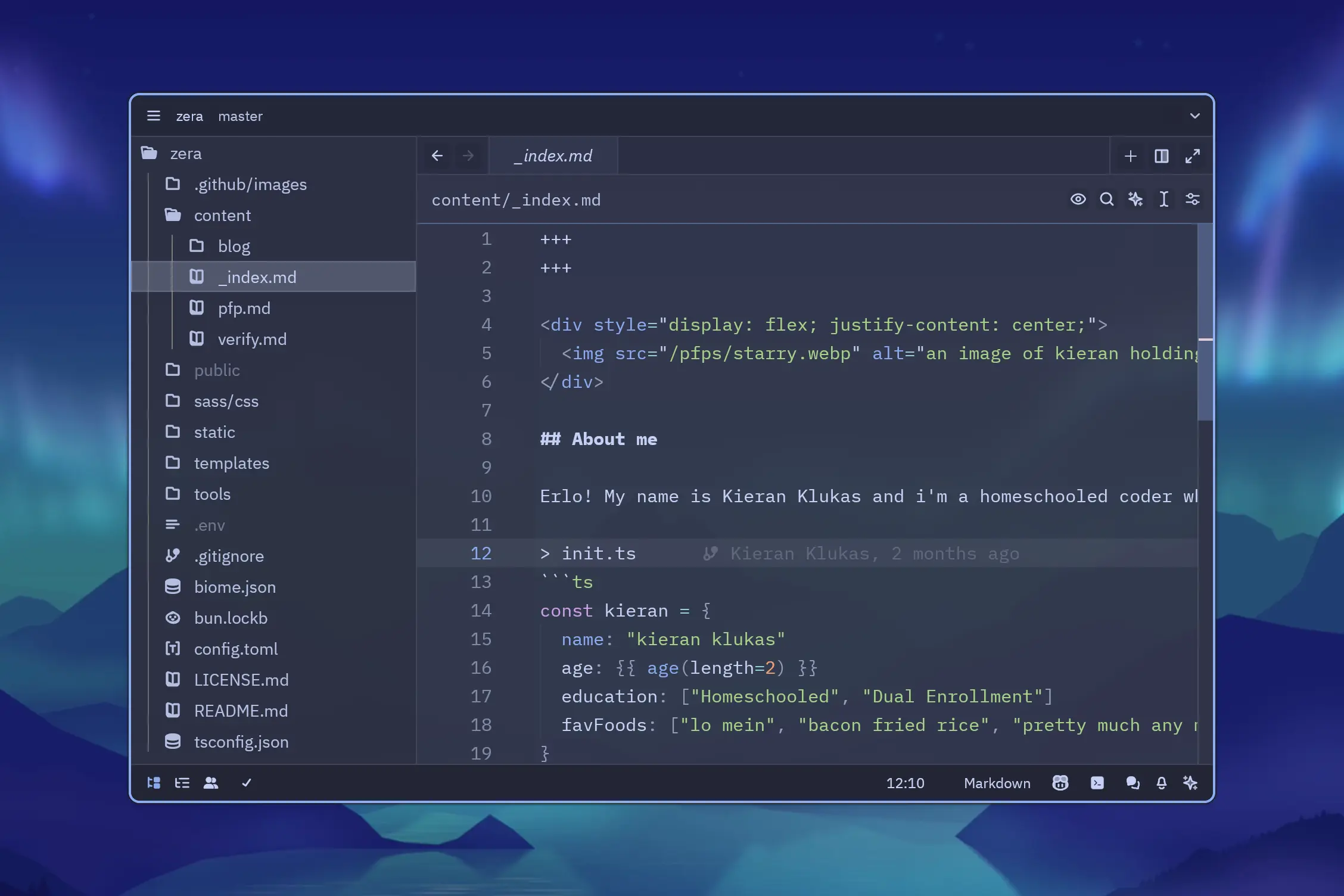
🌺 Macchiato
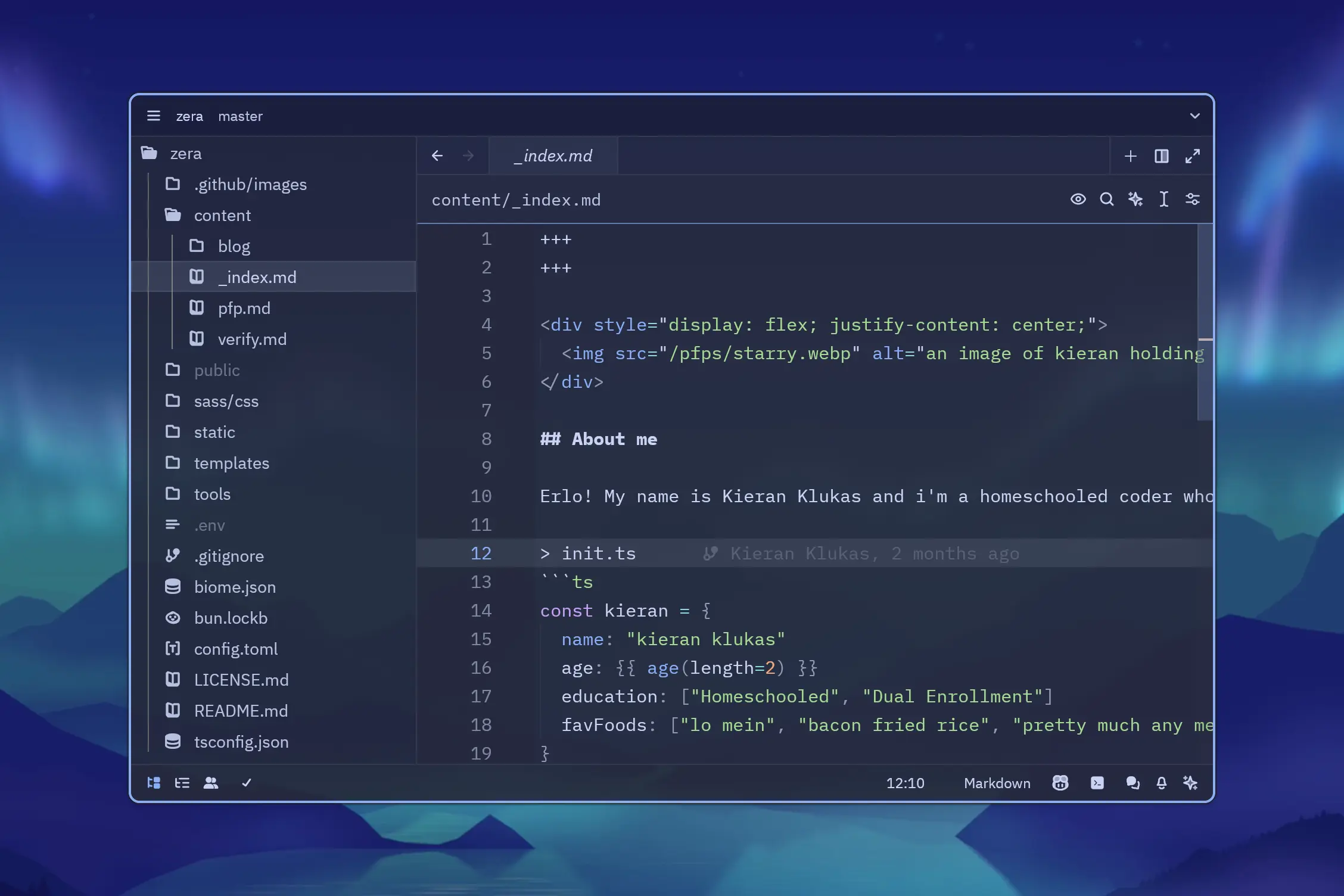
🌿 Mocha
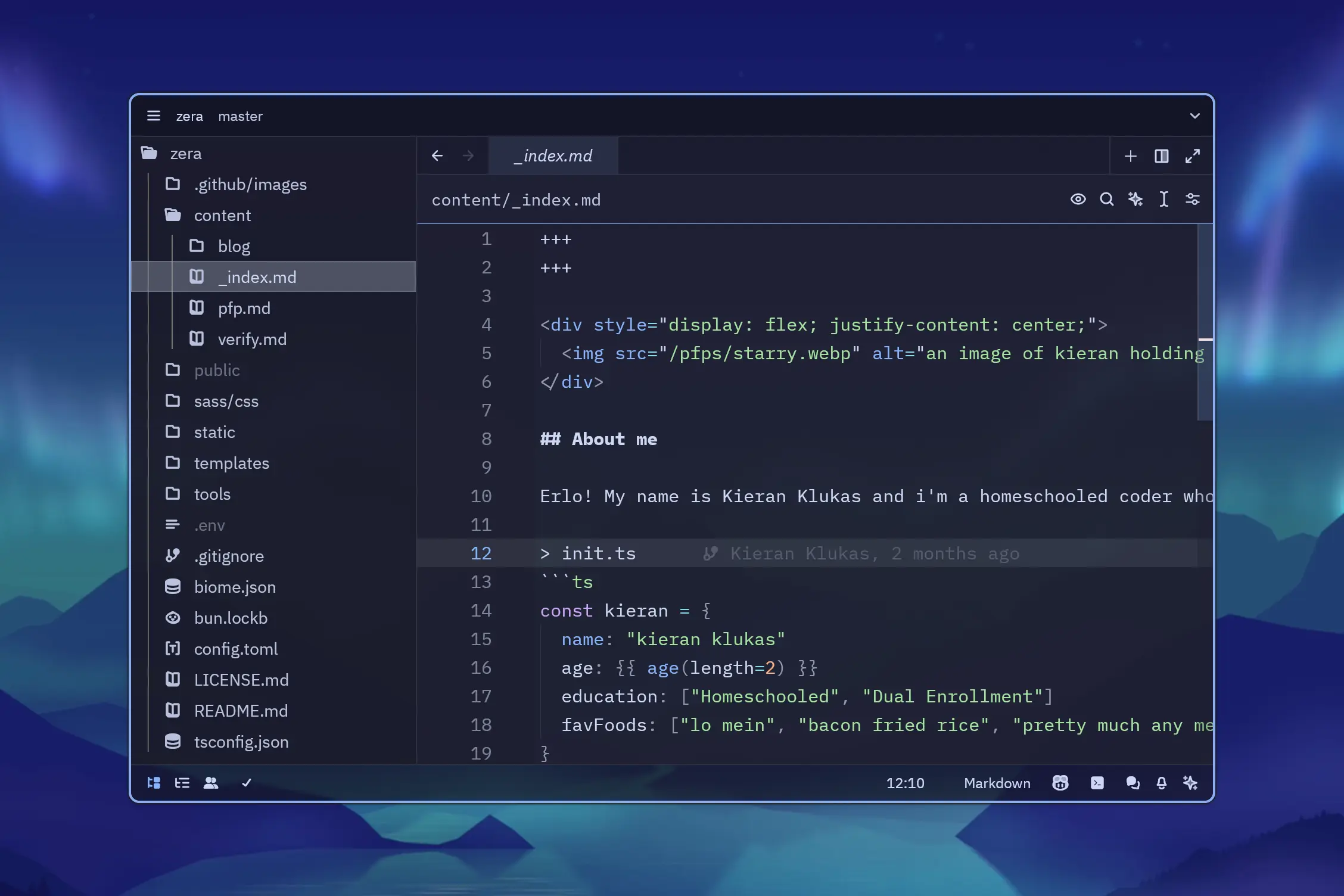
Features
- Soothing pastel theme based on Catppuccin
- Added blur effect for a modern, frosted-glass look
- Blue accents for a refreshing touch
- Better distinction between panels for a more organized workspace
Installation
- Open Zed.
- Press
cmd+shift+pand select zed: extensions. - Search for
Catppuccin Theme (Blue Blur+)and install. - Select the
Catppuccin Macchiato (Blue Blur+)theme in the dropdown shown after hittingctrl+k,ctrl+t(orcmd+k,cmd+t).
💖 Huge Thanks to
- the Catppuccin Organization for the original Catppuccin for Zed theme
- Jens Lystad for the blur fork Catppuccin for Zed (with Blur)

Copyright © 2024-present Kieran Klukas
