Cathode
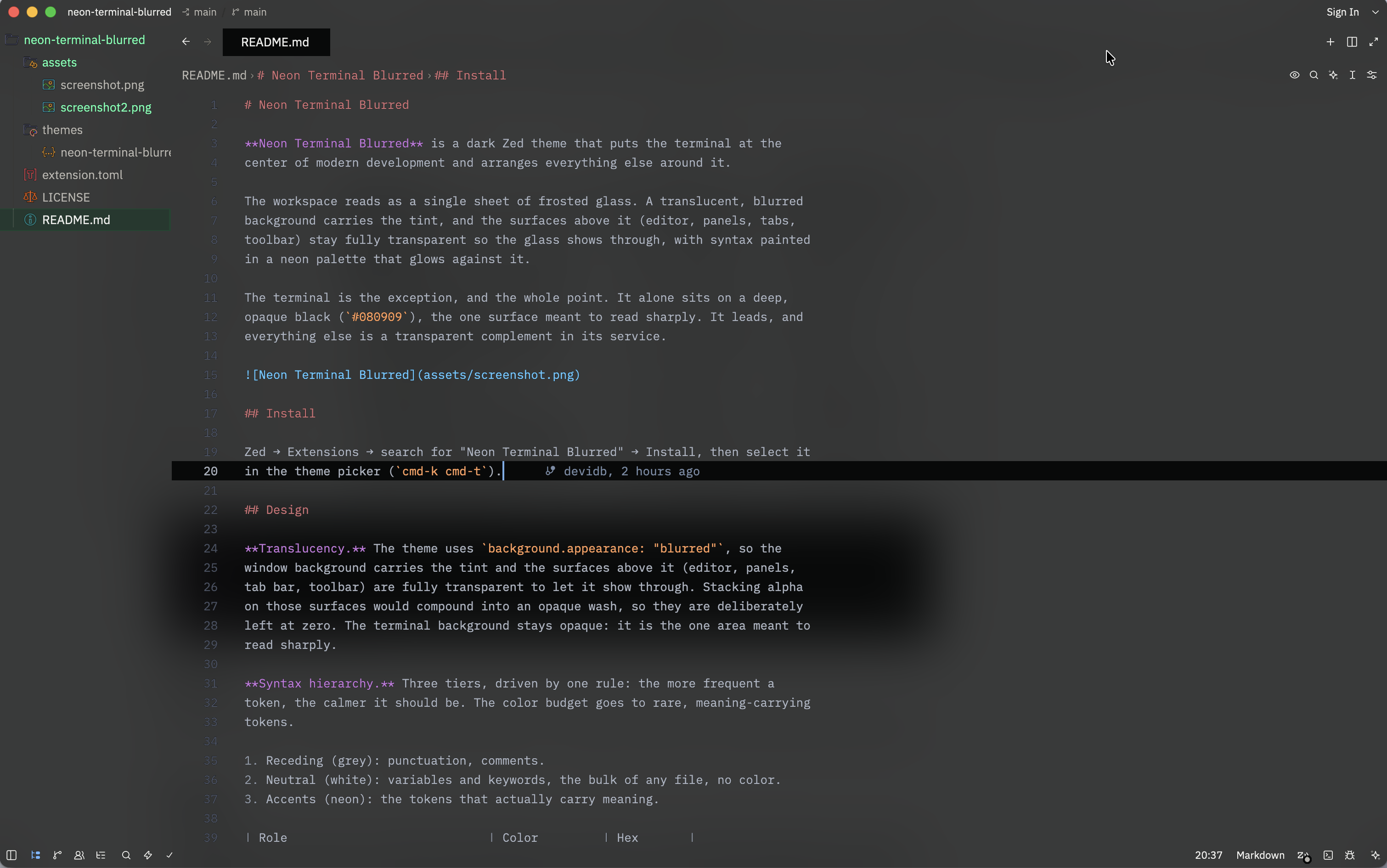
Cathode is a dark Zed theme that puts the terminal at the center of modern development and arranges everything else around it.
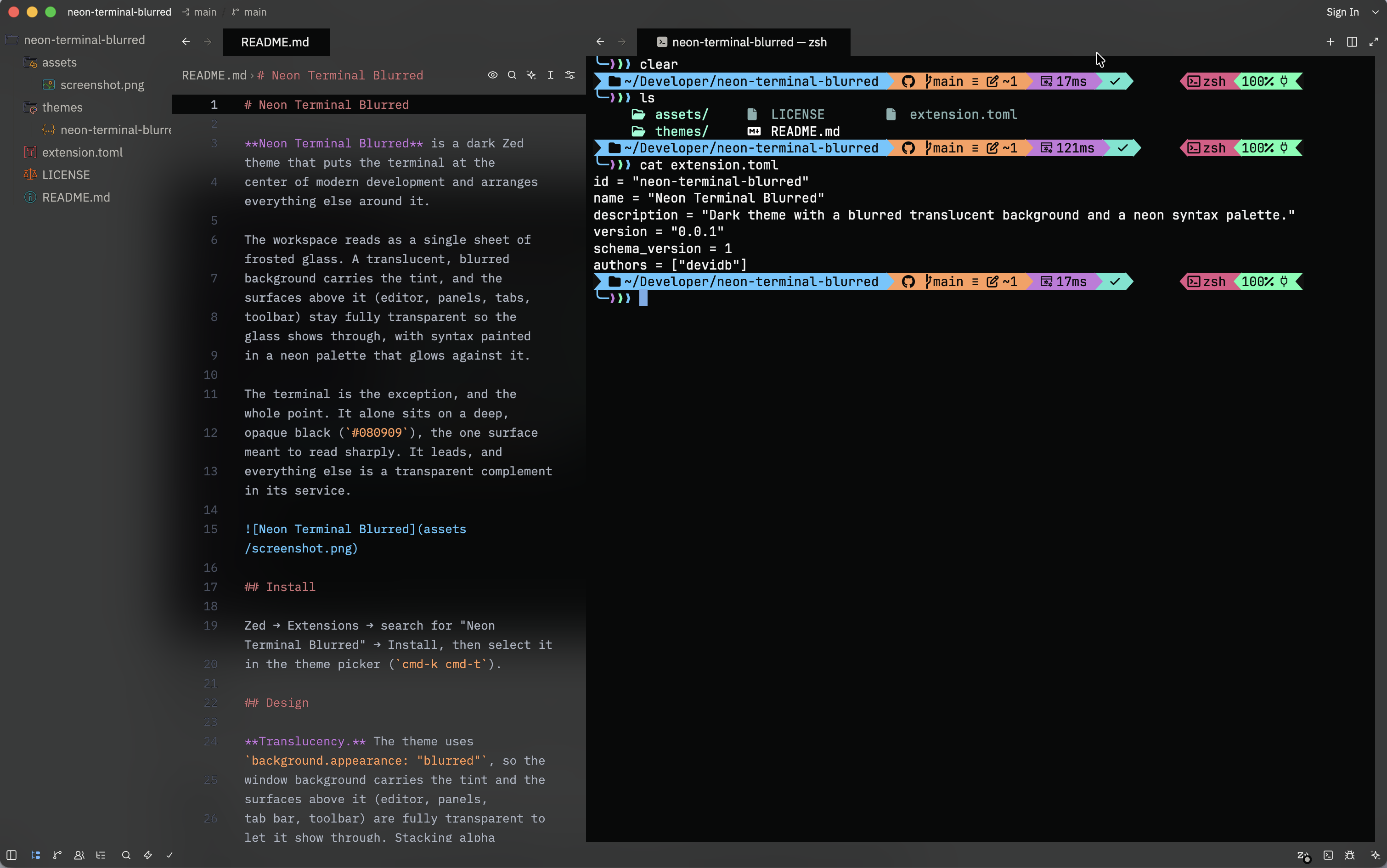
The workspace reads as a single sheet of frosted glass. A translucent, blurred background carries the tint, and the surfaces above it (editor, panels, tabs, toolbar) stay fully transparent so the glass shows through, with syntax painted in a neon palette that glows against it.
The terminal is the exception, and the whole point. It alone sits on a deep,
opaque black (#080909), the one surface meant to read sharply. It leads, and
everything else is a transparent complement in its service.
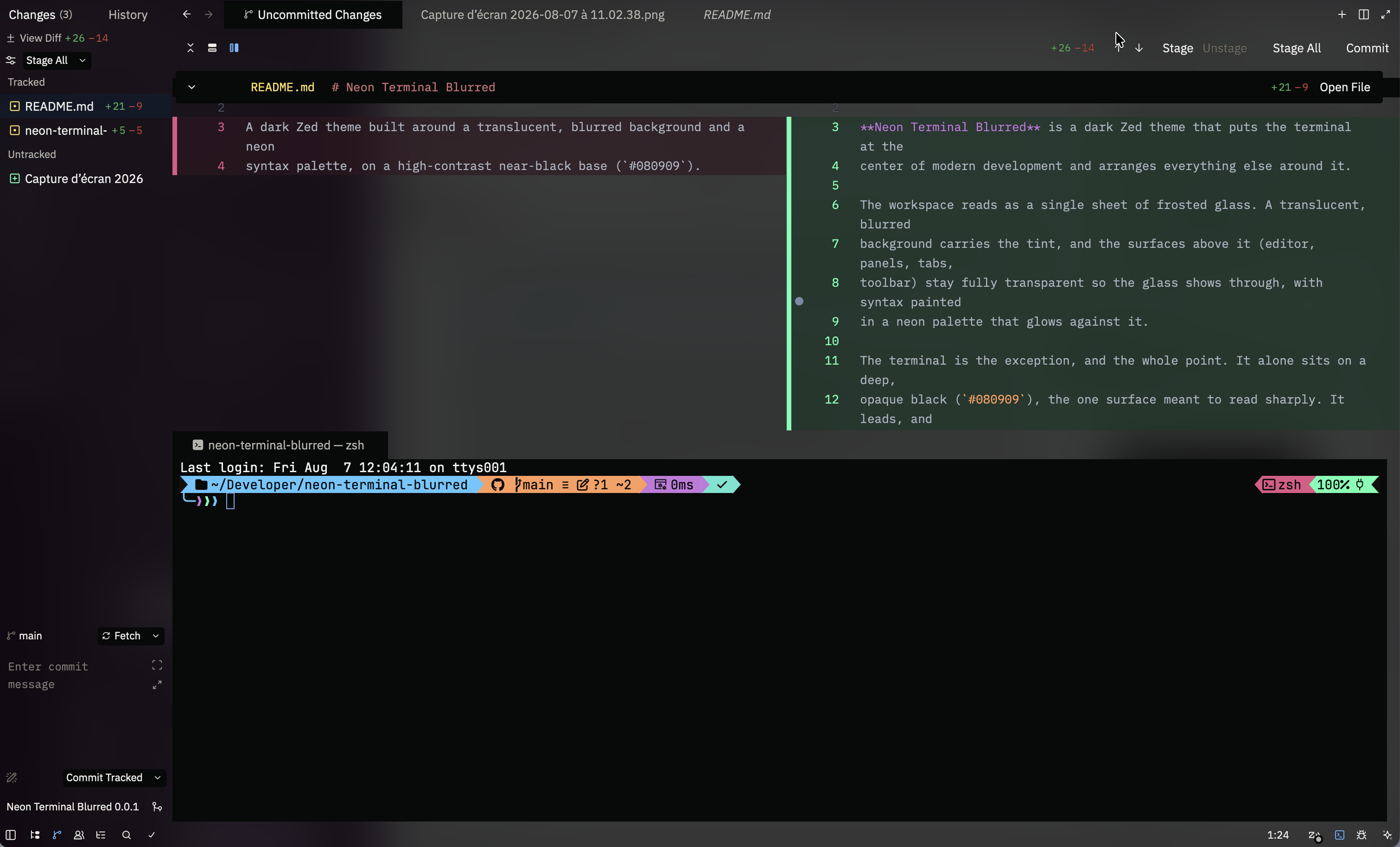
The terminal sits opaque next to the transparent editor and panels, so it reads sharply while everything else lets the blurred background through.
Install
Zed → Extensions → search for "Cathode" → Install, then select it
in the theme picker (cmd-k cmd-t).
Variants
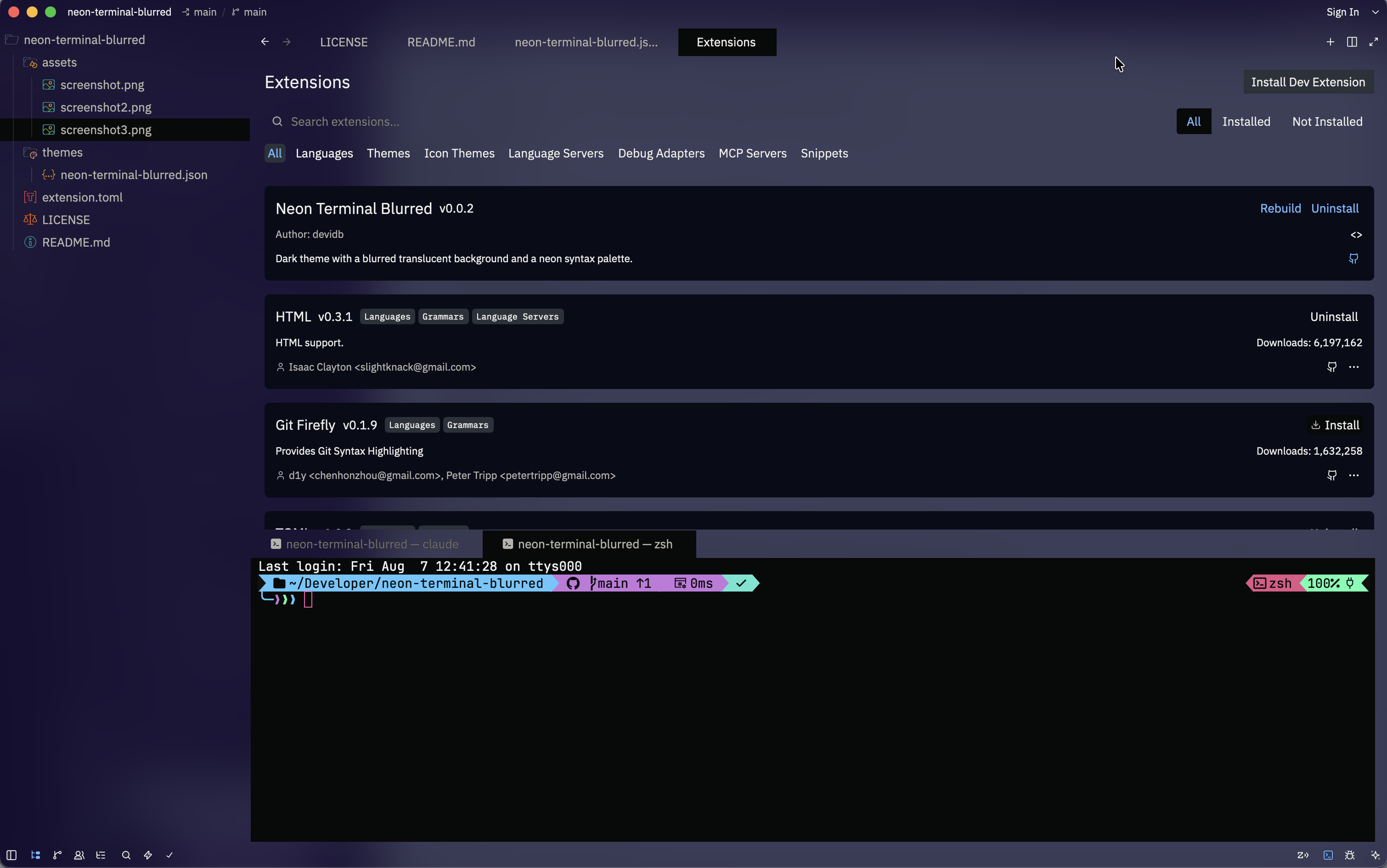
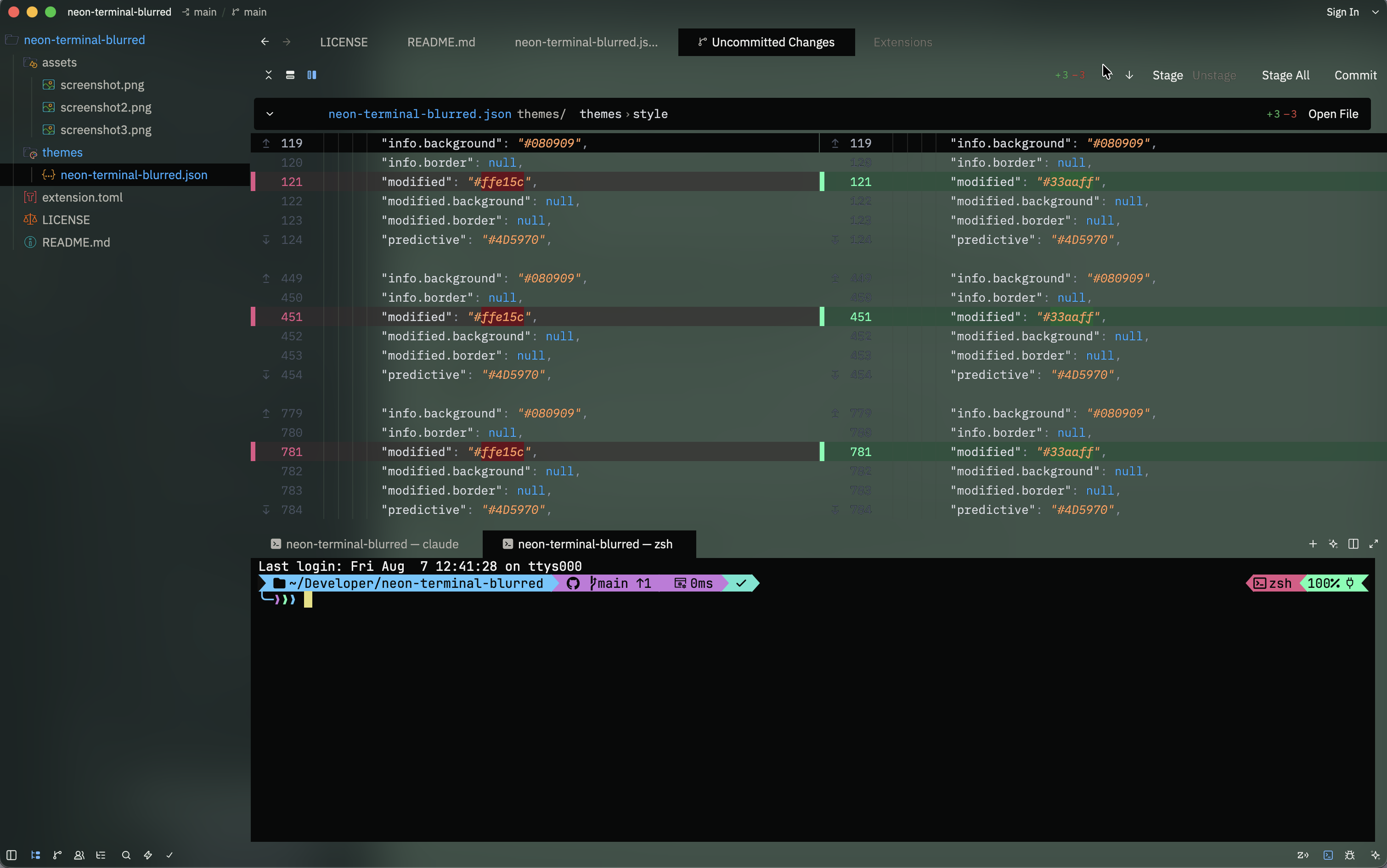
The extension ships three themes. They share the same neon syntax palette and the same opaque terminal, and differ only in the tint of the frosted glass:
- Carbon, the black glass (default).
- Ultraviolet, a violet-blue glass.
- Phosphor, a mint-green glass.
Each variant also carries its own selection and cursor color.
Design
Translucency. The theme uses background.appearance: "blurred", so the
window background carries the tint and the surfaces above it (editor, panels,
tab bar, toolbar) are fully transparent to let it show through. Stacking alpha
on those surfaces would compound into an opaque wash, so they are deliberately
left at zero. The terminal background stays opaque: it is the one area meant to
read sharply.
Syntax hierarchy. Three tiers, driven by one rule: the more frequent a token, the calmer it should be. The color budget goes to rare, meaning-carrying tokens.
- Receding (grey): punctuation, comments.
- Neutral (white): variables and keywords, the bulk of any file, no color.
- Accents (neon): the tokens that actually carry meaning.
| Role | Color | Hex |
|---|---|---|
| Types, enums, constructors | Red | #E15687 |
| Functions | Mint | #5cffb0 |
| Values (strings, numbers, bool) | Orange | #ff9d5c |
| Constants | Electric blue | #33aaff |
| Annotations | Violet | #c678dd |
Comments and strings are italic. Git status colors in the project panel follow
the same neon palette, with ignored kept deliberately dull.
Notes
- Blur is rendered natively by macOS. On other platforms the window may render translucent without the blur pass, depending on the compositor.
- Keywords are left white on purpose. Zed colors by token type globally across
languages, so a colored
keywordwould leak into markup languages where it reads poorly.
Credits
Derived from One Dark Pro Max.
License
MIT