blackula
Note
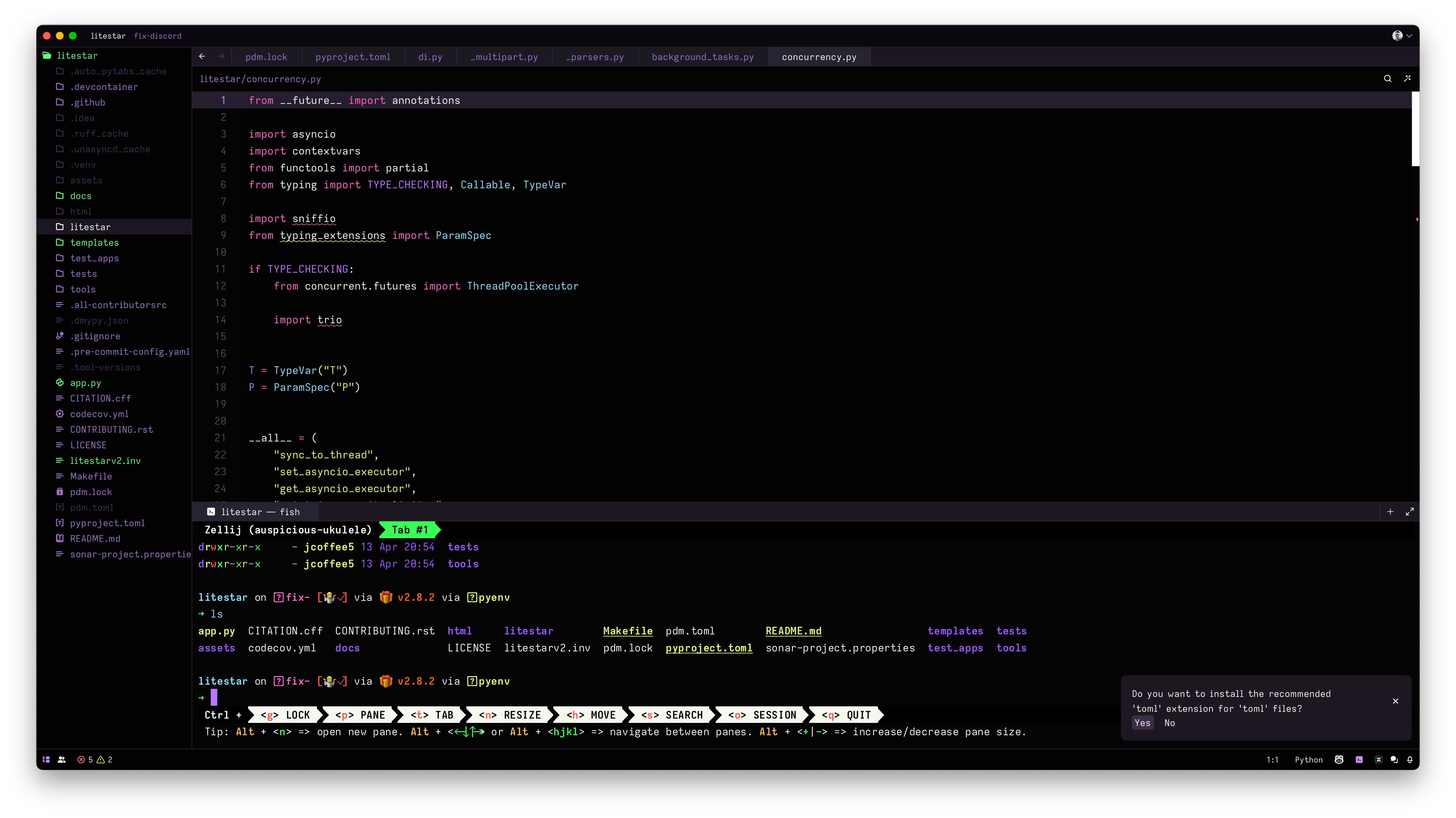
A dark theme for Zed, with a hint of Dracula (or maybe the other way around?)
Installation
You have a few options (in order of preference):
- Install via Zed extensions:
- Open Zed.
- Press
Cmd/Ctrl+Shift+Pto open the command palette. - Select
zed: extensions - Type
blackulaand clickInstall.
- Open
blackula.jsonand copy/paste that into your~/.config/zed/themes/directory asblackula.json - Clone this repository, move into your
~/.config/zed/themes/directory.
Usage
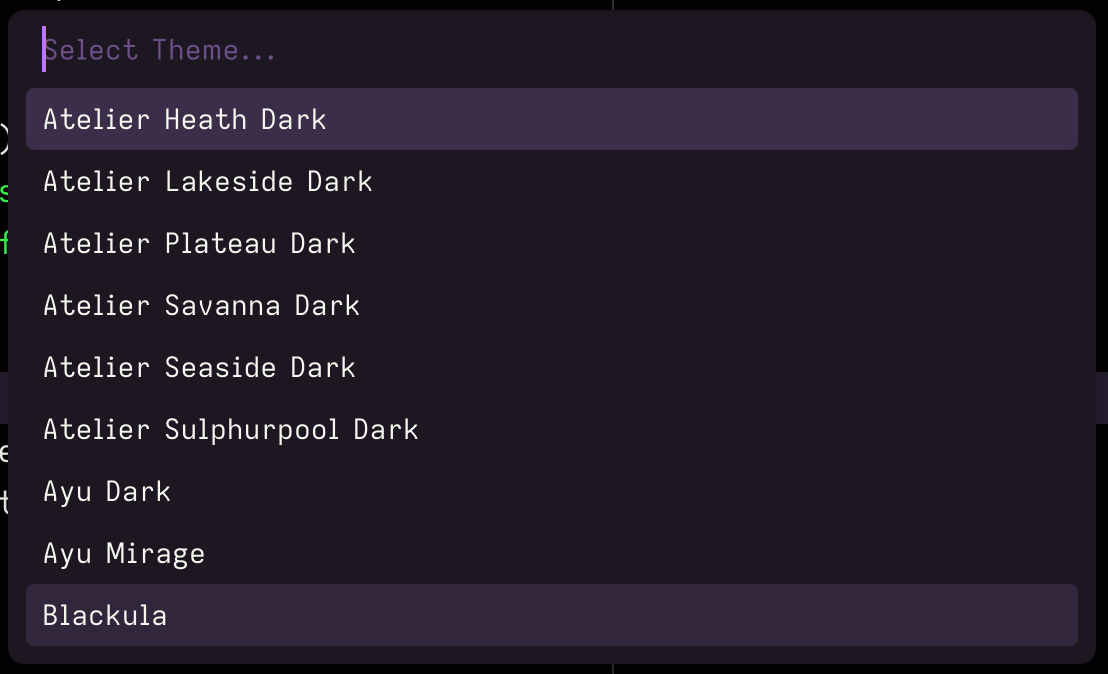
Once you have the theme installed, you can enable it by opening the theme
palette (Cmd/Ctrl+K -> Cmd/Ctrl+T) and selecting blackula.
License
MIT
Credits
I basically merged The Dark Side, my own custom JetBrains theme, and Dracula.