🎋 Bamboo for Zed
A light theme with a dark terminal for Zed.
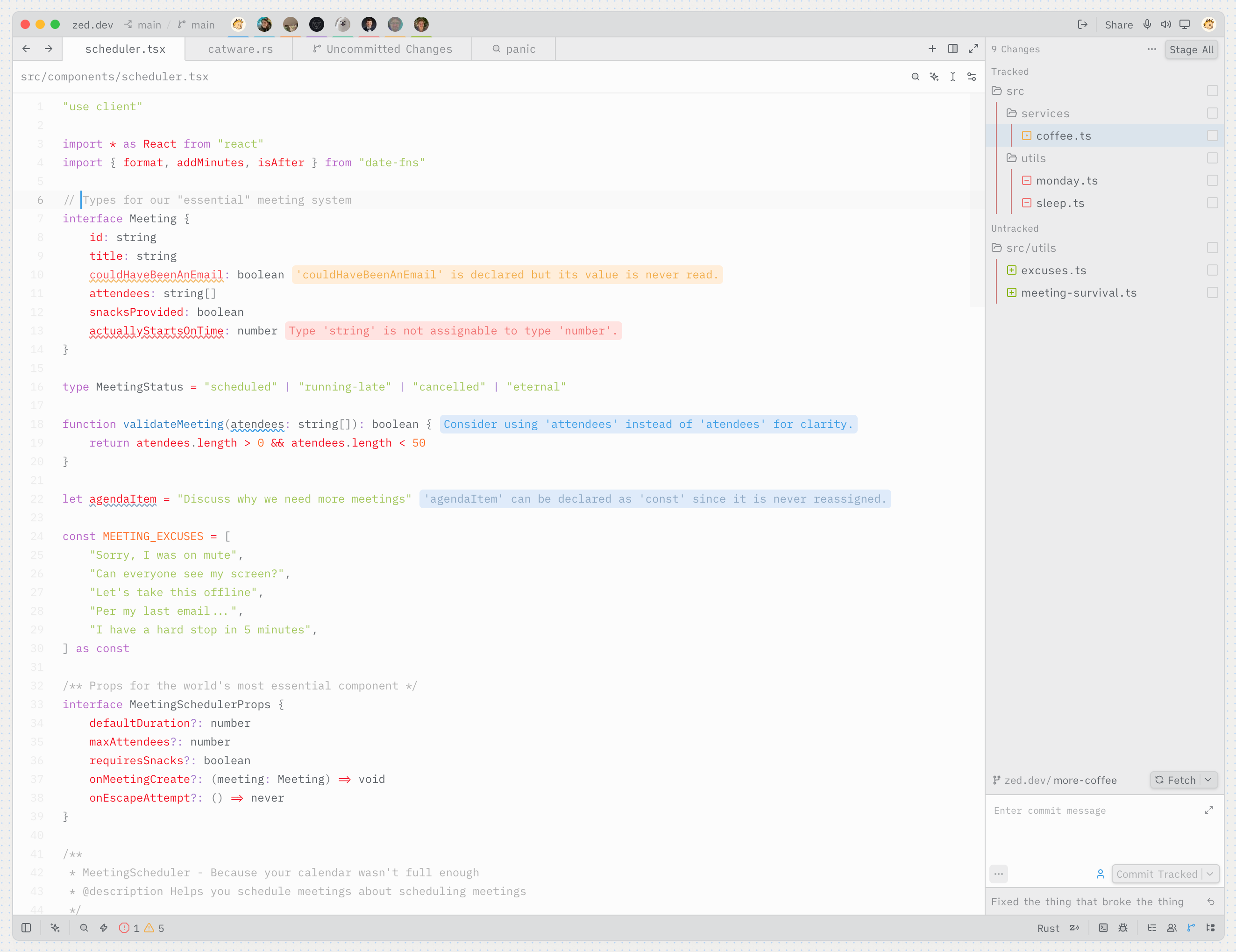
👻 Dark Version coming someday?
Icons
Pairs well with the Bamboo Icon Theme for Zed.
Development
Editing and generating the theme
- Open Zed's command palette and run
zed: install dev extension(also available as Install Dev Extension on the Extensions page). - Select this repository's root directory.
- Run
theme selector: toggleand select Bamboo Paper . - Run
yarn && yarn devto start a watcher that automatically rebuilds the theme on changes.
Themes are generated from the files in src/variations/.
Syntax groups can also specify optional font styling:
{ keys: ["comment", "string.doc"], font_style: "italic", font_weight: 400 }Strongly inspired by I am sorry, but everyone is getting syntax highlighting wrong.