Skip to content

Type to search extensions

Azutiku Theme

v0.1.0

A dark theme for Zed with a gentle, soft palette that's easy on the eyes.

Updated 1 year ago
50k downloads 1 star Repository ↗
zedext main
// Load settings, retrying a few times
fn load_config(path: &str) -> Result<Config, Error> {
let retries = 3;
let text = fs::read_to_string(path)?;
let name = "settings.json";
Ok(Config { text, retries, name })
}

Azutiku theme for Zed

A dark theme for Zed with a gentle, soft palette that's easy on the eyes.
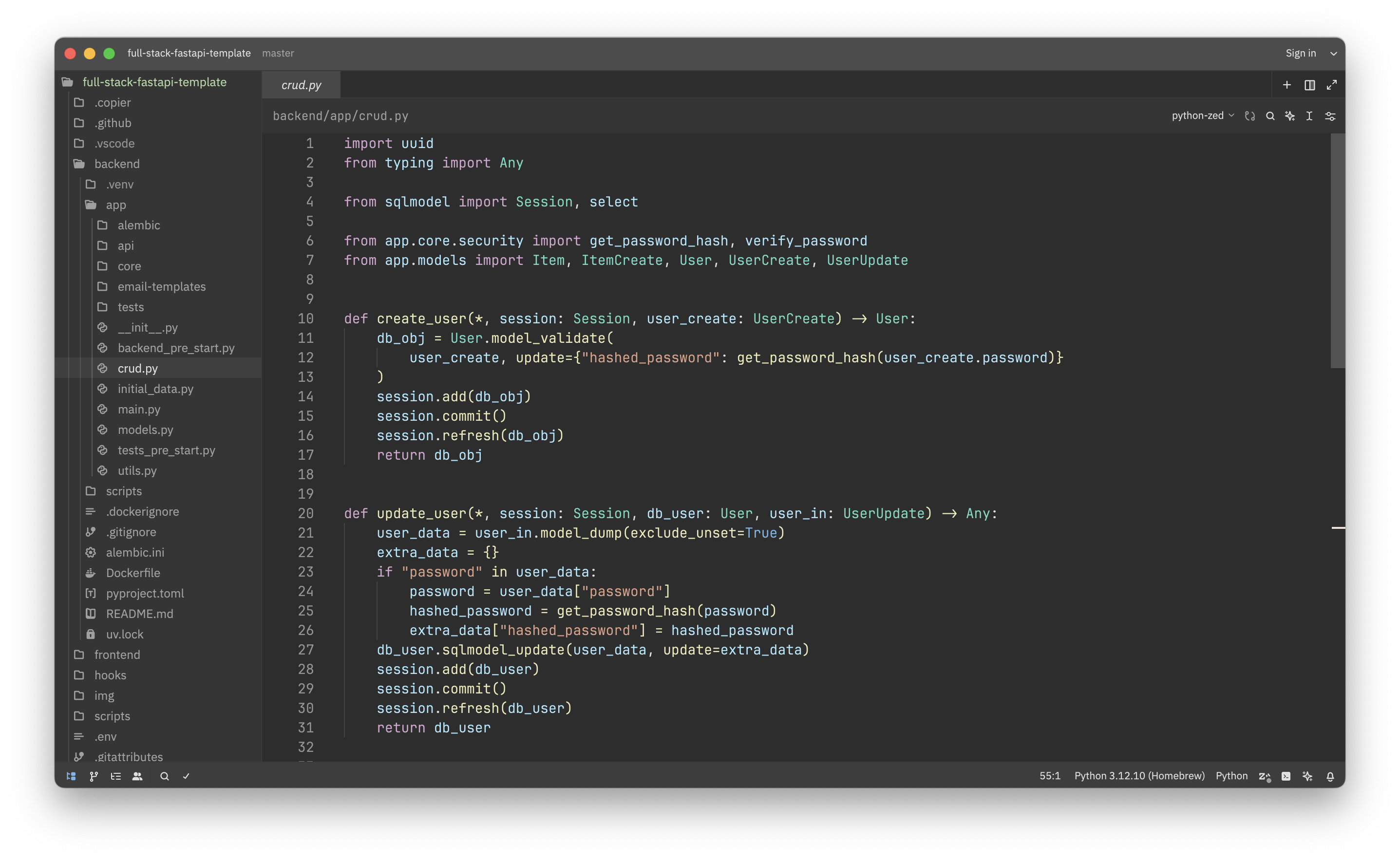
Screenshot

Usage

  1. Open Zed.
  2. Open the command palette (Cmd+Shift+P) and enter zed: extensions.
  3. Search for the Azutiku Theme extension and install.
  4. Enter theme selector: toggle in the command palette and select the Azutiku Dark theme in the dropdown.
ZedExt An unofficial community project. Not affiliated with Zed Industries.

Data from Zed’s extension registry and GitHub · updated