Azulejo Brutalism
Color scheme/theme for different tools, created by love for Brutalism and Azulejo tilework.
Install
./install.sh                 # all tools
./install.sh nvim ghostty    # only some: noteplan, ghostty, herdr, nvim, zed, fastfetch, xcode, vscode, jetbrains, noctalia, obsidian, vibe
./install.sh --oled          # true-black OLED variant instead of Dark
OLED is Dark with a pure #000000 background and near-black surfaces; accents are unchanged. With --oled the script sets it as the dark theme in Ghostty, Herdr, Zed, Xcode, Neovim (via vim.g.azulejo_brutalism_oled = true), Noctalia (via pure_black_dark = true), Vibe (via theme in ~/.vibe/config.toml) and Obsidian (via the theme's OLED dark toggle in the Style Settings plugin). In NotePlan, VS Code and JetBrains, pick "Azulejo Brutalism OLED" yourself.
Re-run after editing a theme. Edited configs are backed up as *.bak.
Font: the themes use JetBrains Mono (Nerd Font build, so Neovim and Vibe icons render in the terminal). Install it first with brew install --cask font-jetbrains-mono-nerd-font. The script sets it in Ghostty (font-family, plus adjust-cell-height = 10%), Zed (buffer_font_family/ui_font_family, rewritten only when already present on one line), Xcode (baked into the themes, line spacing 1.25), JetBrains IDEs (baked into the schemes, size 14, line spacing 1.2, ligatures off) and NotePlan code blocks. Your font size is left alone everywhere; change FONT at the top of install.sh to use something else.
- NotePlan: choose the Light and Dark themes in Settings → Themes.
- Ghostty: reload the config with ⌘⇧,
- Herdr: the script reloads it for you.
- Neovim: becomes LazyVim's colorscheme on the next start.
- Zed: switches right away and follows the system appearance.
- Fastfetch: run
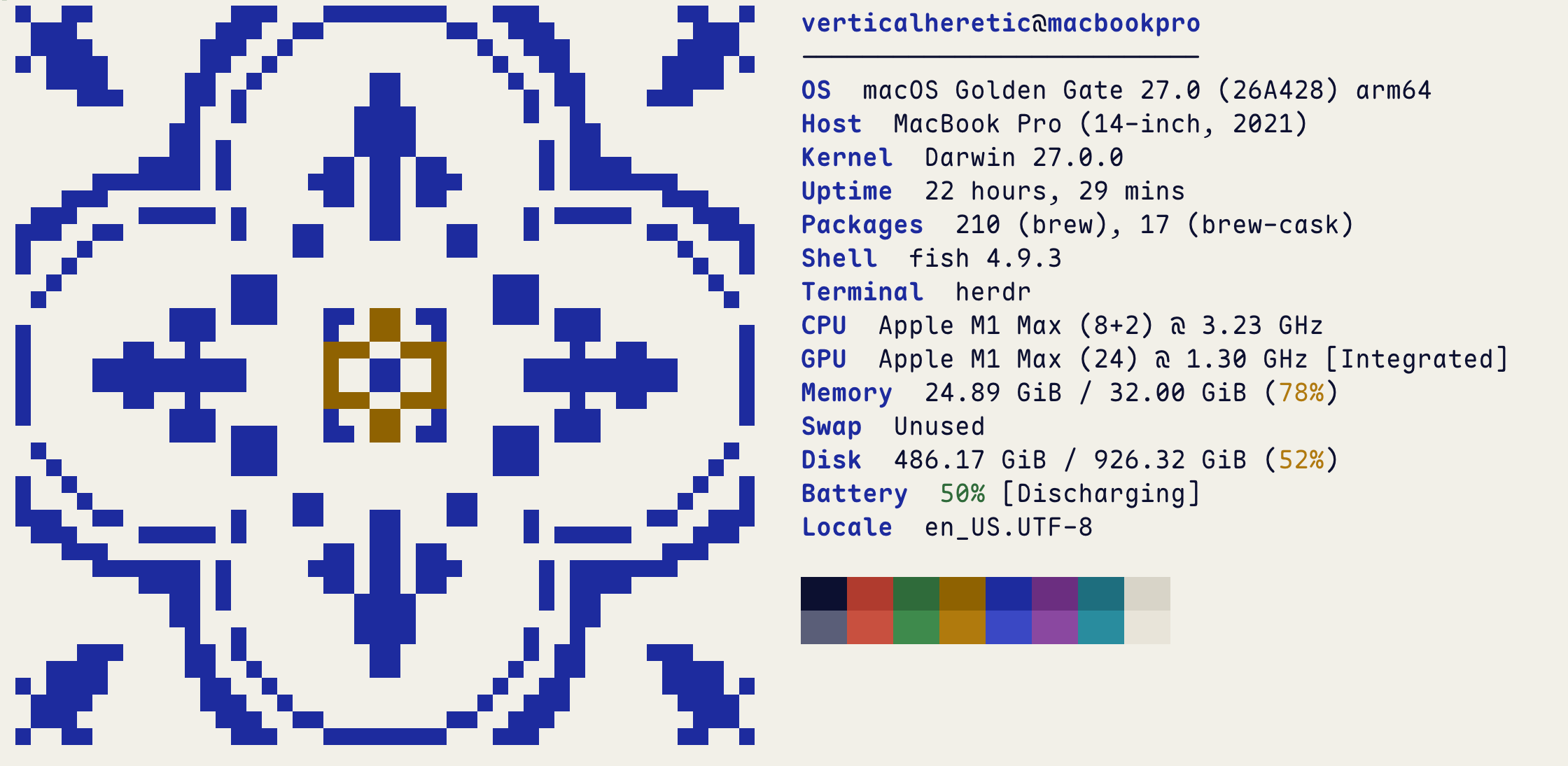
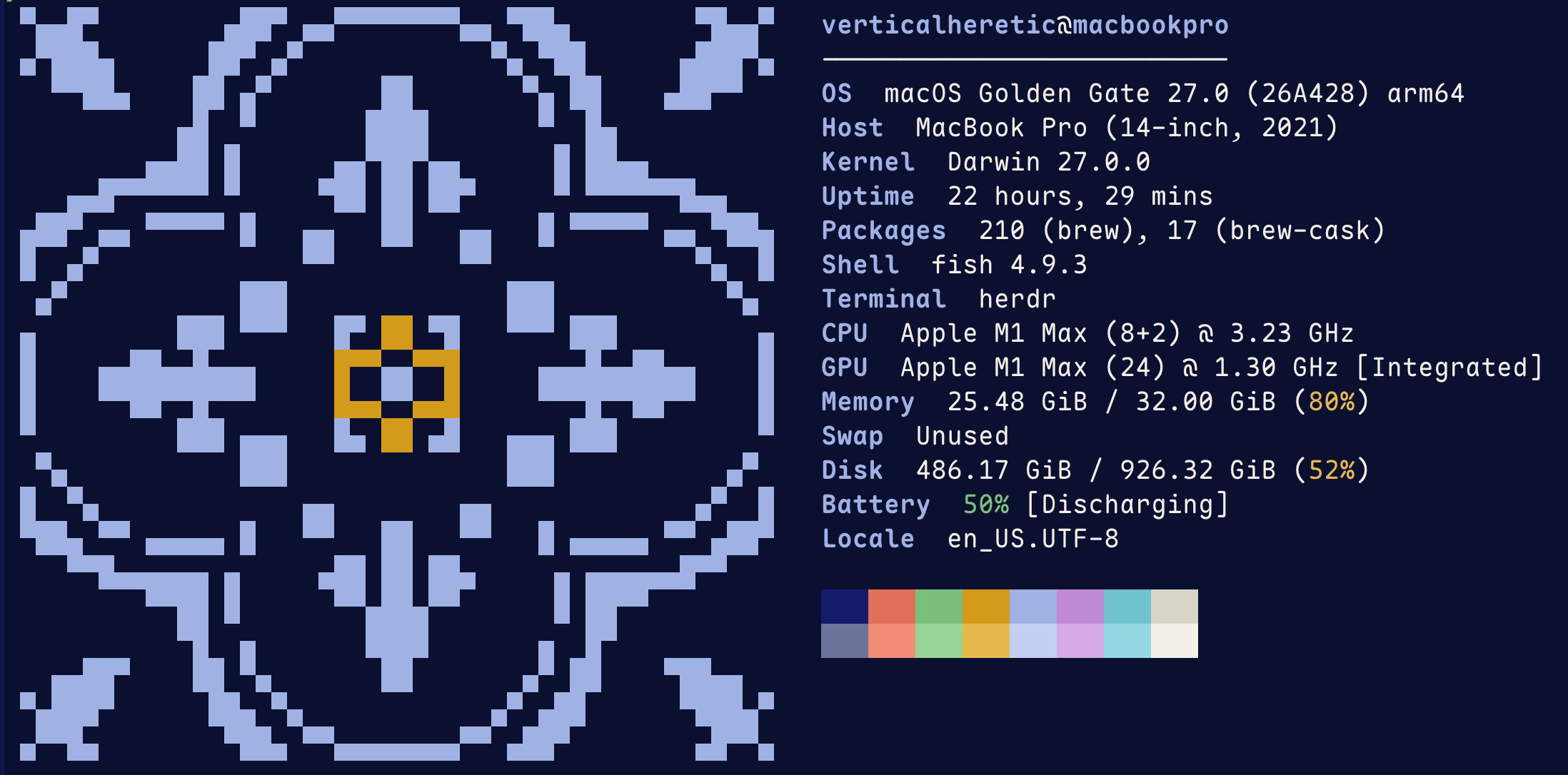
fastfetch; the tile uses the terminal's blue and yellow.
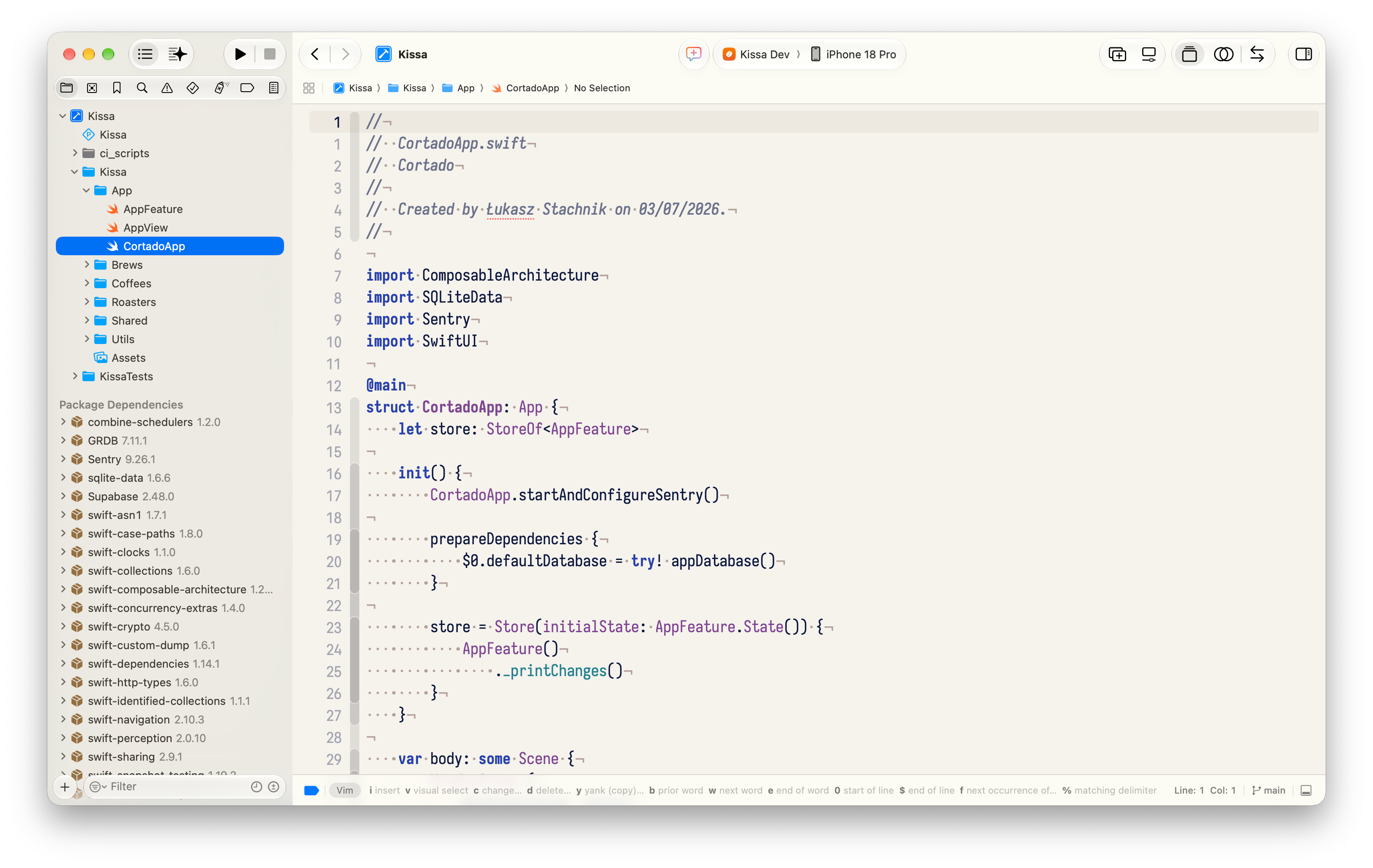
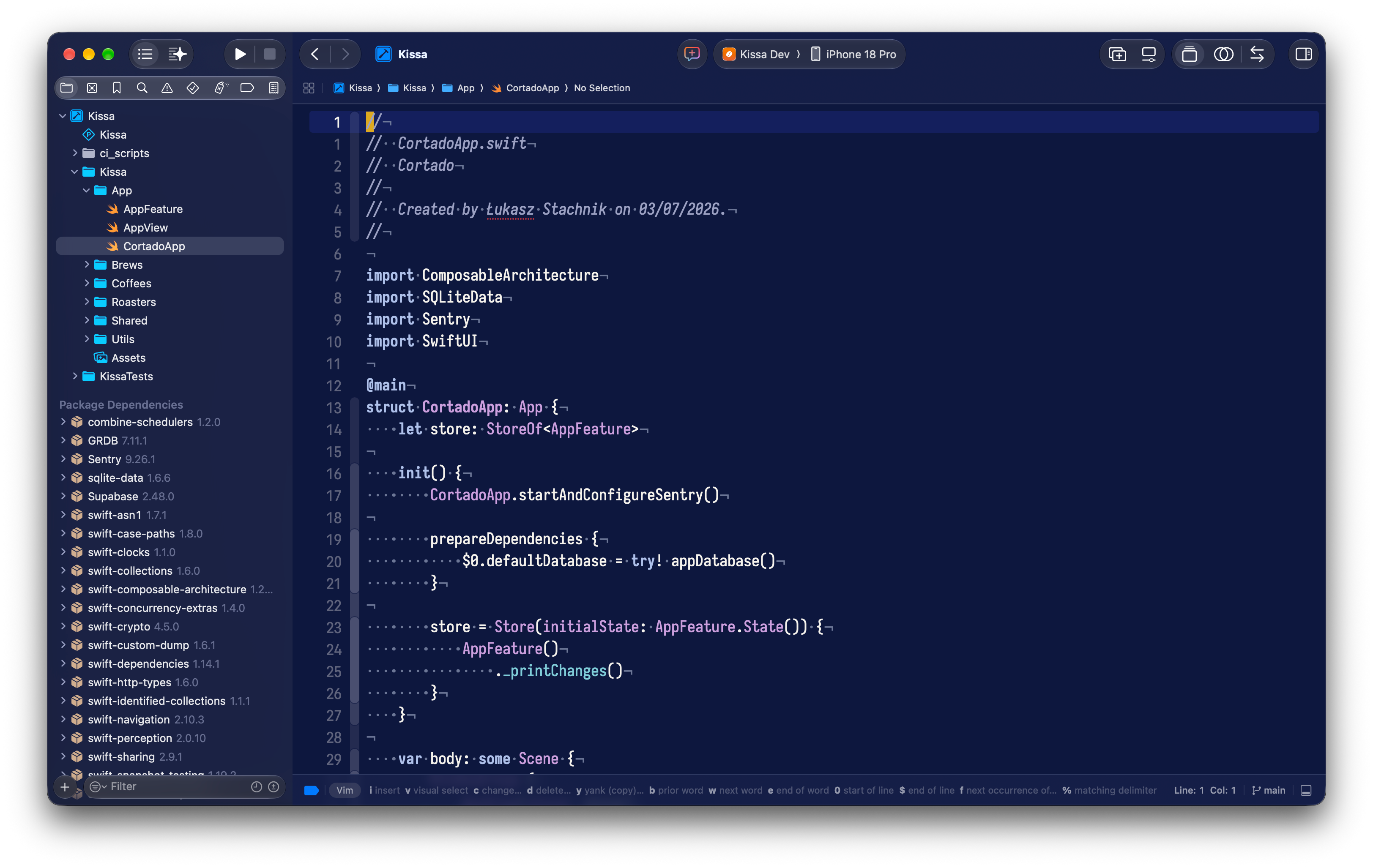
- Xcode: set automatically if Xcode is closed; otherwise pick them in Settings → Themes.
- VS Code / Cursor: restart, then choose Azulejo Brutalism Light/Dark as the preferred light and dark themes.
- Obsidian: installed into every vault Obsidian knows about, and set if Obsidian is closed; otherwise pick it in Settings → Appearance → Themes. Its options (OLED dark, uppercase labels, heading rules) are in the Style Settings plugin. Or install it from the community themes (Settings → Appearance → Themes → Manage); the theme lives in azulejo-brutalism-obsidian, a submodule here.
- Android Studio / JetBrains: restart, then pick the scheme in Settings → Editor → Color Scheme (or import the
.icls from jetbrains/).
- Noctalia: the palette JSON is copied into
~/.config/noctalia/palettes/ and set as the theme source (source = "custom") in ~/.config/noctalia/config.toml. Noctalia applies it live, no restart; check with noctalia config validate. Light and Dark variants come from the same file; --oled turns on pure_black_dark for the true-black variant.
- Mistral Vibe: installed into Vibe's Python environment (
azulejo_brutalism.py plus a .pth startup hook) and set as theme in ~/.vibe/config.toml. Vibe's TUI is Textual, which has no theme-file format — the hook registers the themes as if they were built-in, so all three variants (light/dark/oled) also appear in Vibe's /theme picker. Restart vibe to see it; Python (Textual) TUI only, not the experimental Rust TUI. Uninstall: remove the two azulejo_brutalism* files from the site-packages shown by the installer. Reinstalling or upgrading mistral-vibe replaces its environment — re-run the script after.
NotePlan
| Light |
Dark |
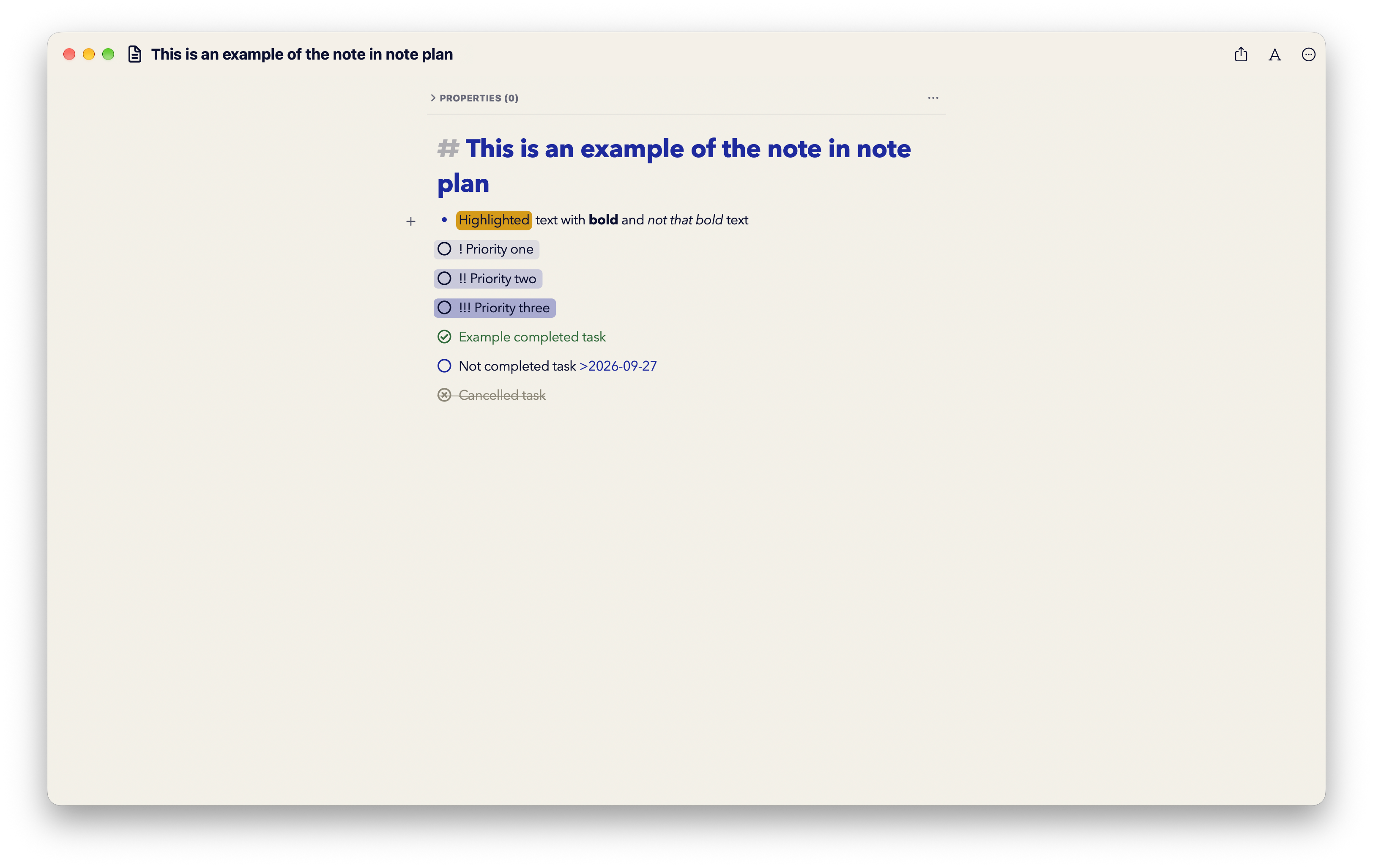 |
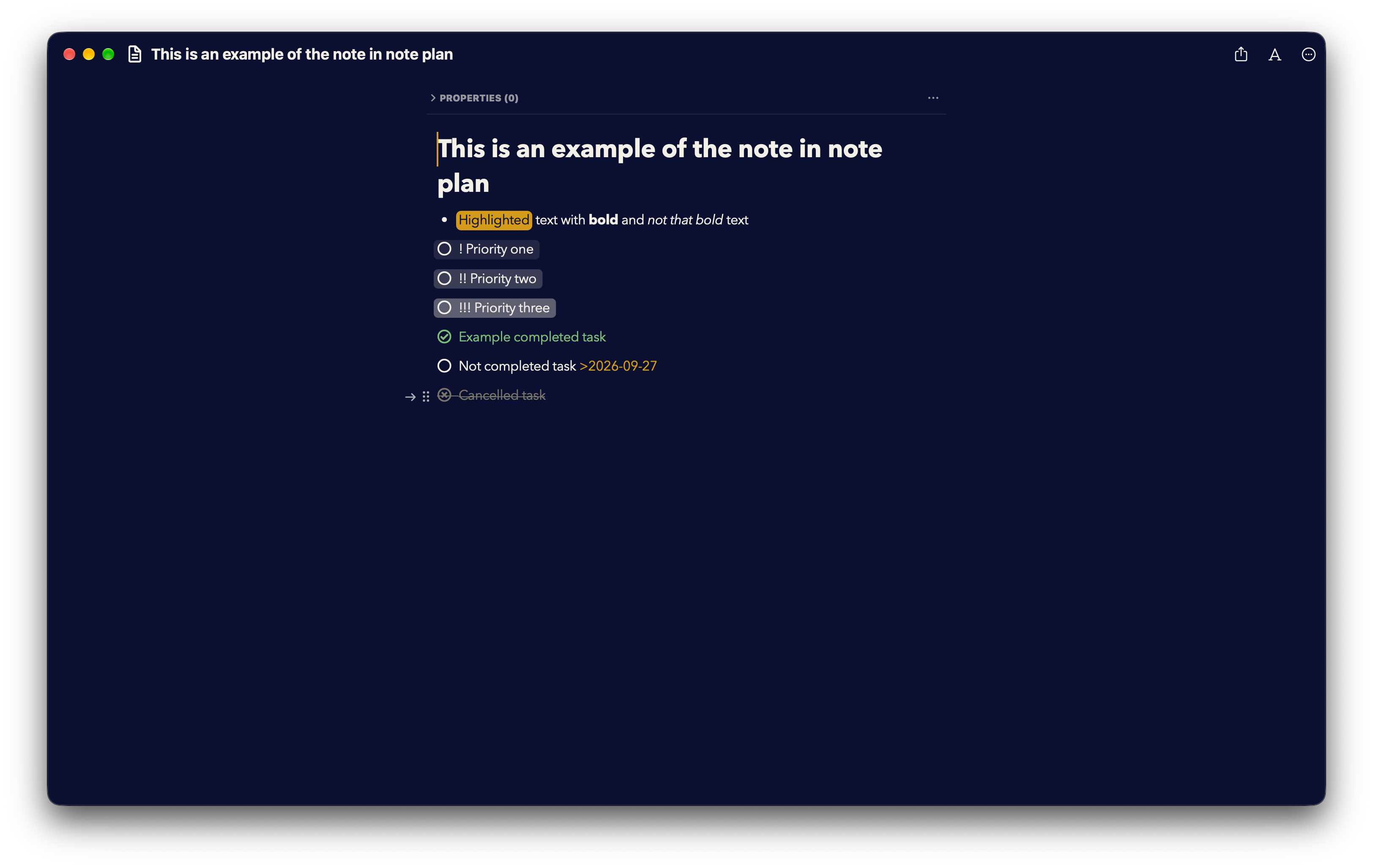 |
Obsidian
Source and options (OLED, uppercase labels, heading rules via Style Settings): azulejo-brutalism-obsidian.
Ghostty + Herdr
| Light |
Dark |
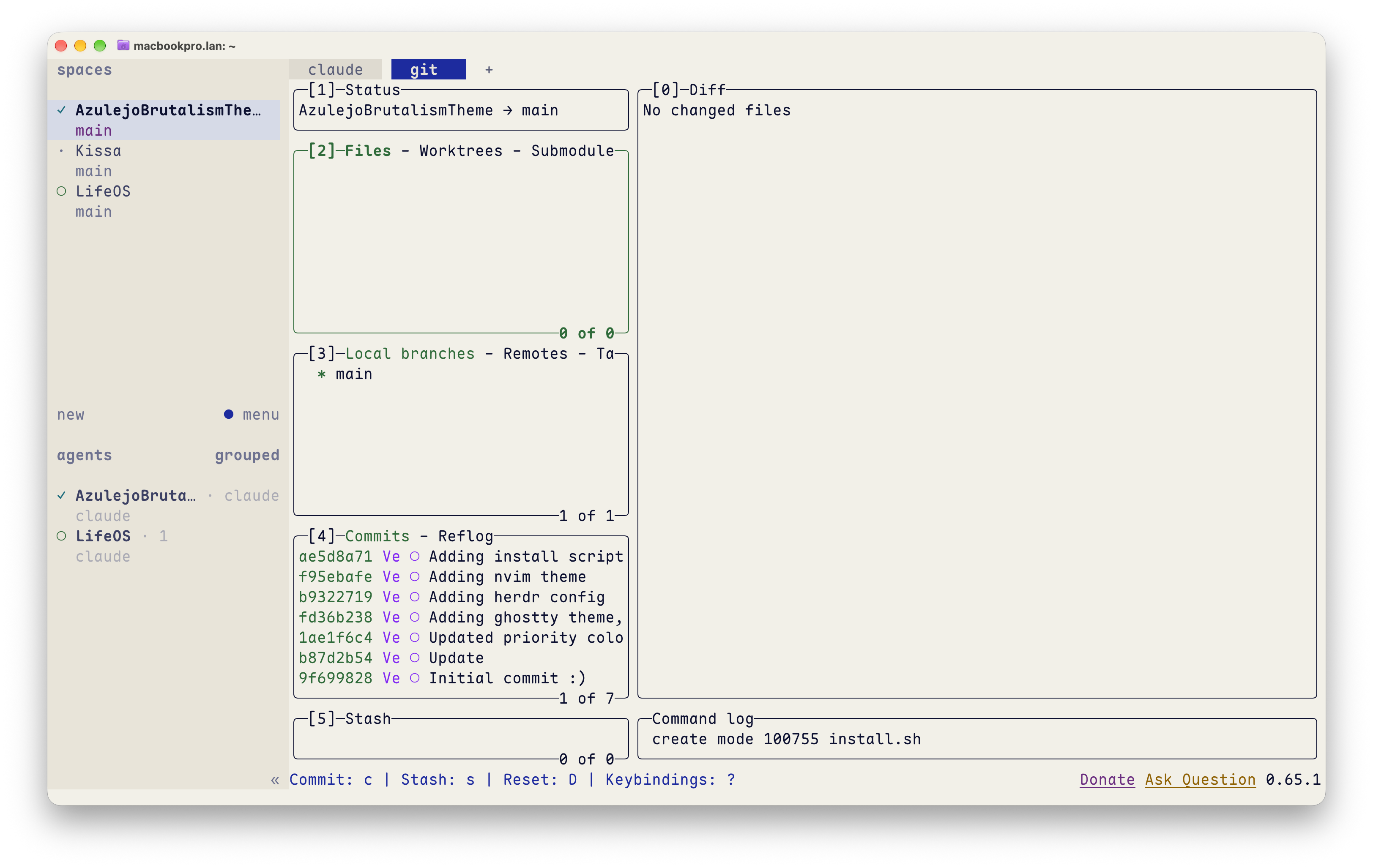 |
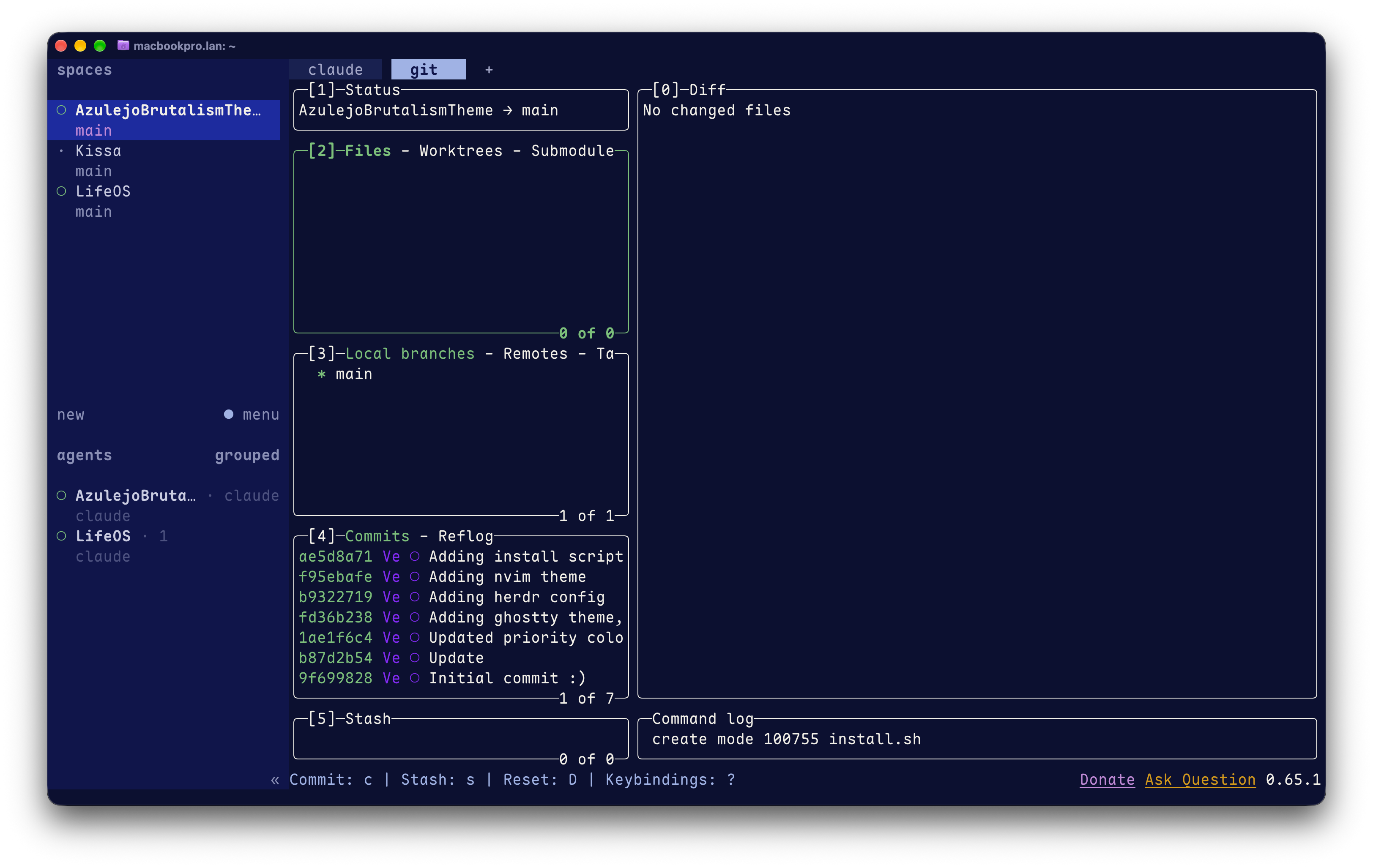 |
Neovim
| Light |
Dark |
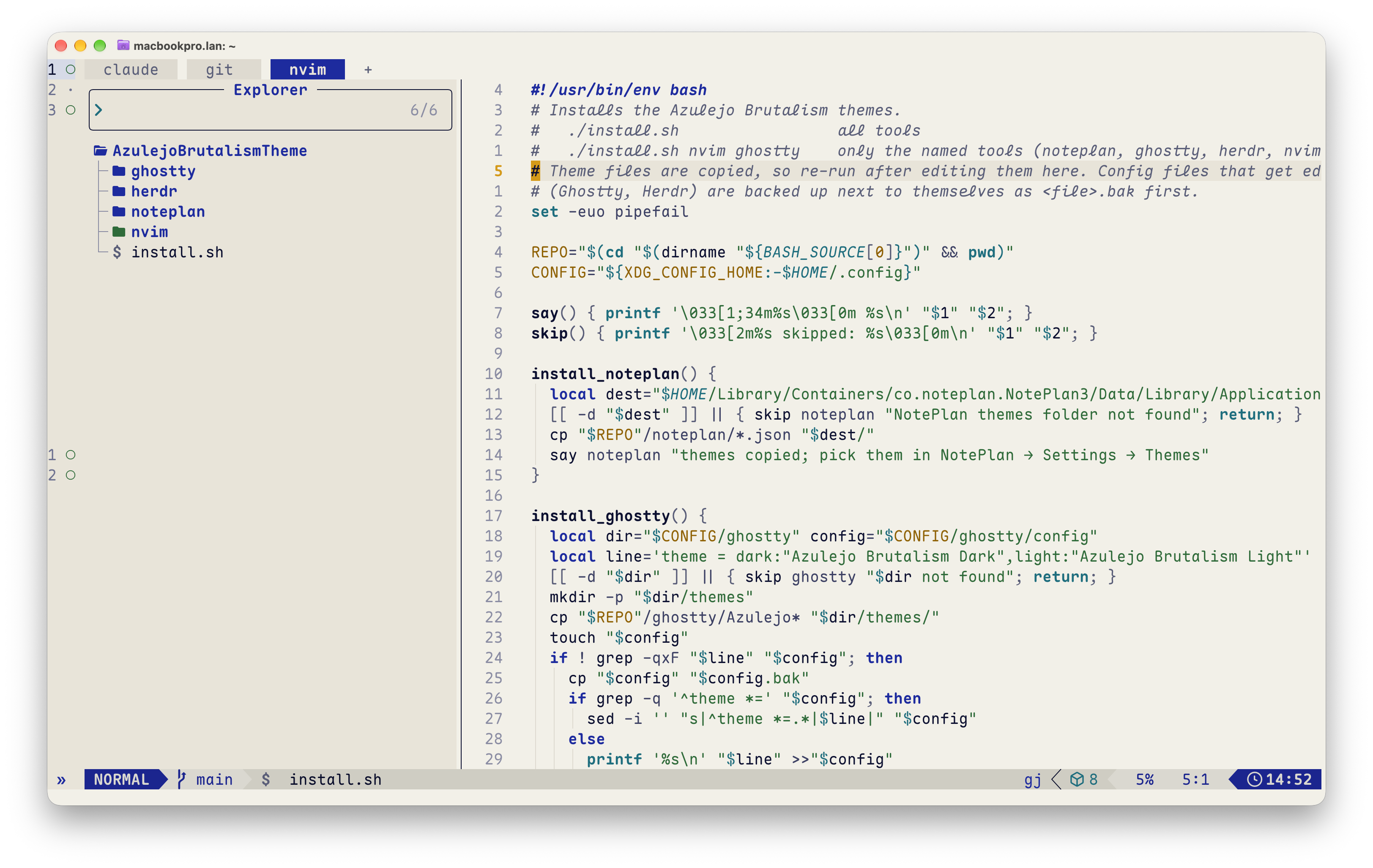 |
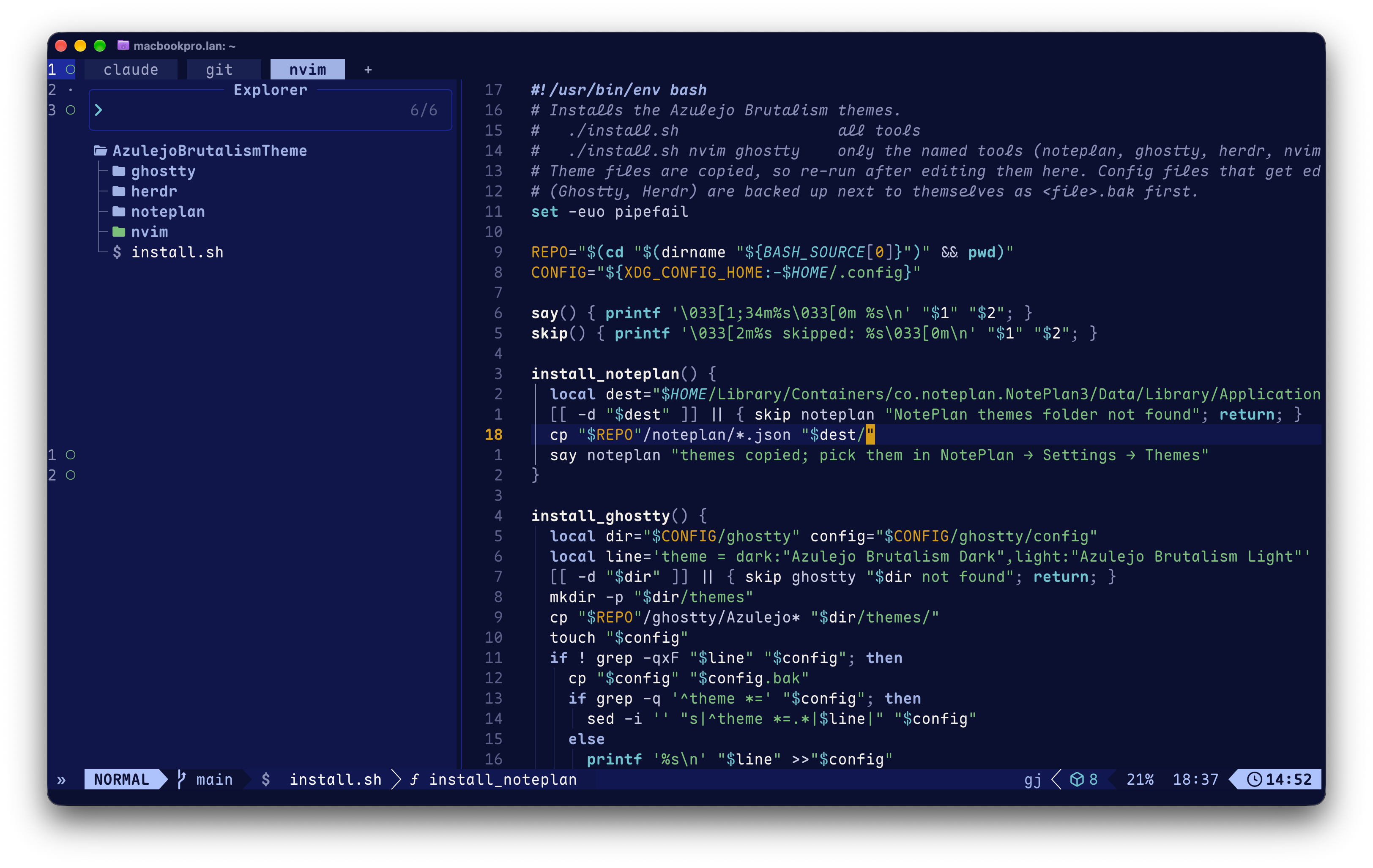 |
Zed
| Light |
Dark |
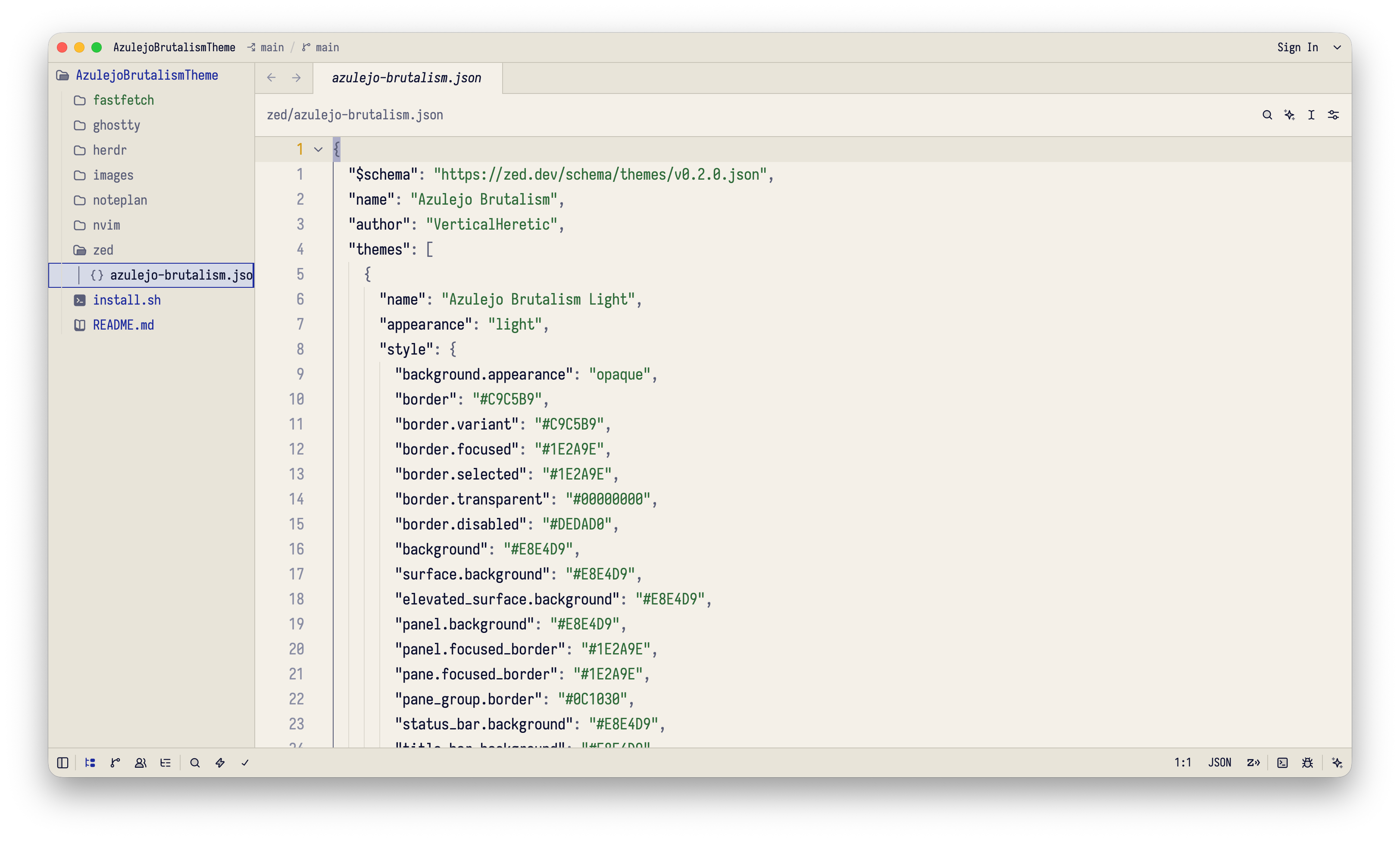 |
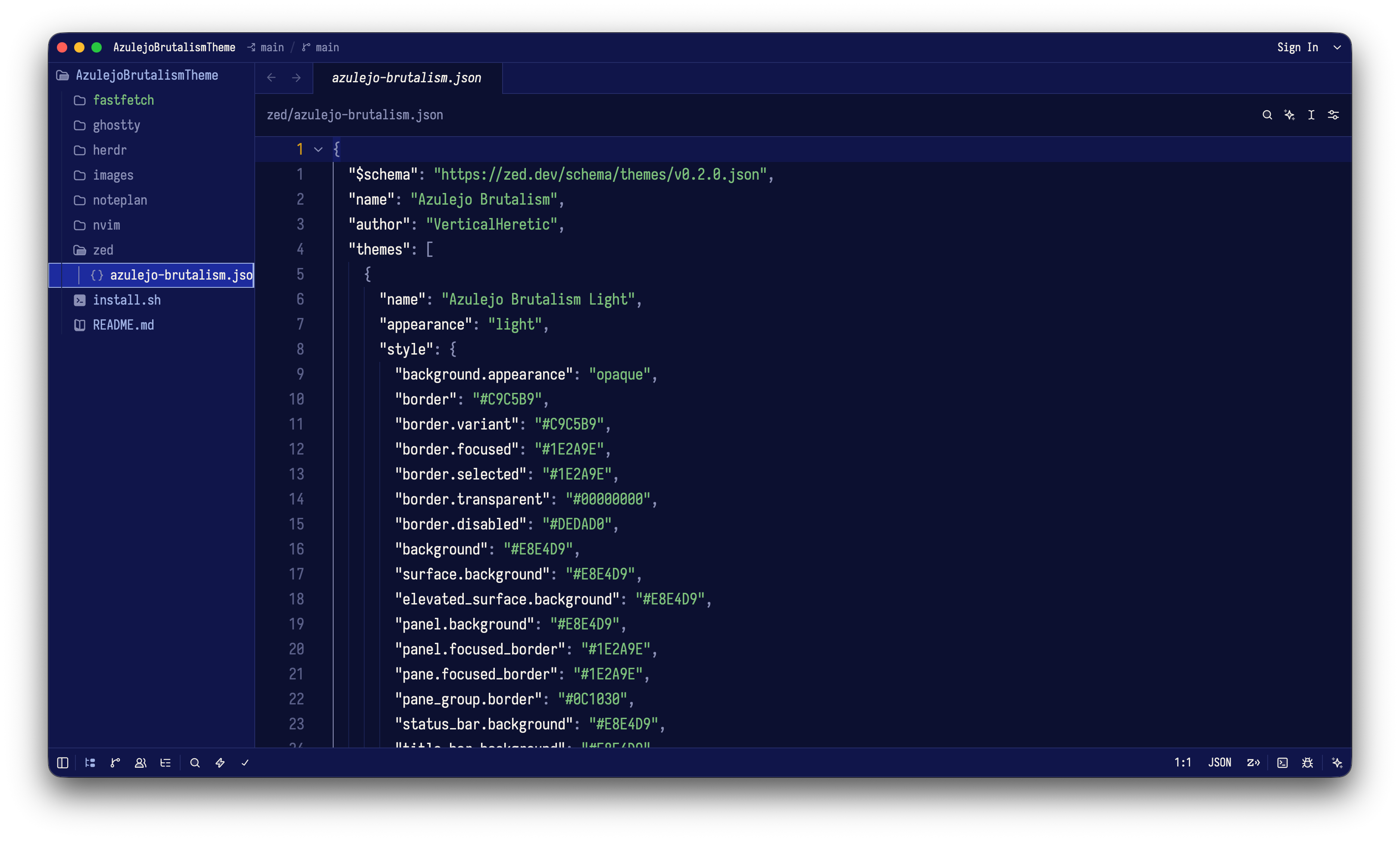 |
Fastfetch
| Light |
Dark |
 |
 |
Xcode
| Light |
Dark |
 |
 |