Astral Themes for Zed


-blueviolet)
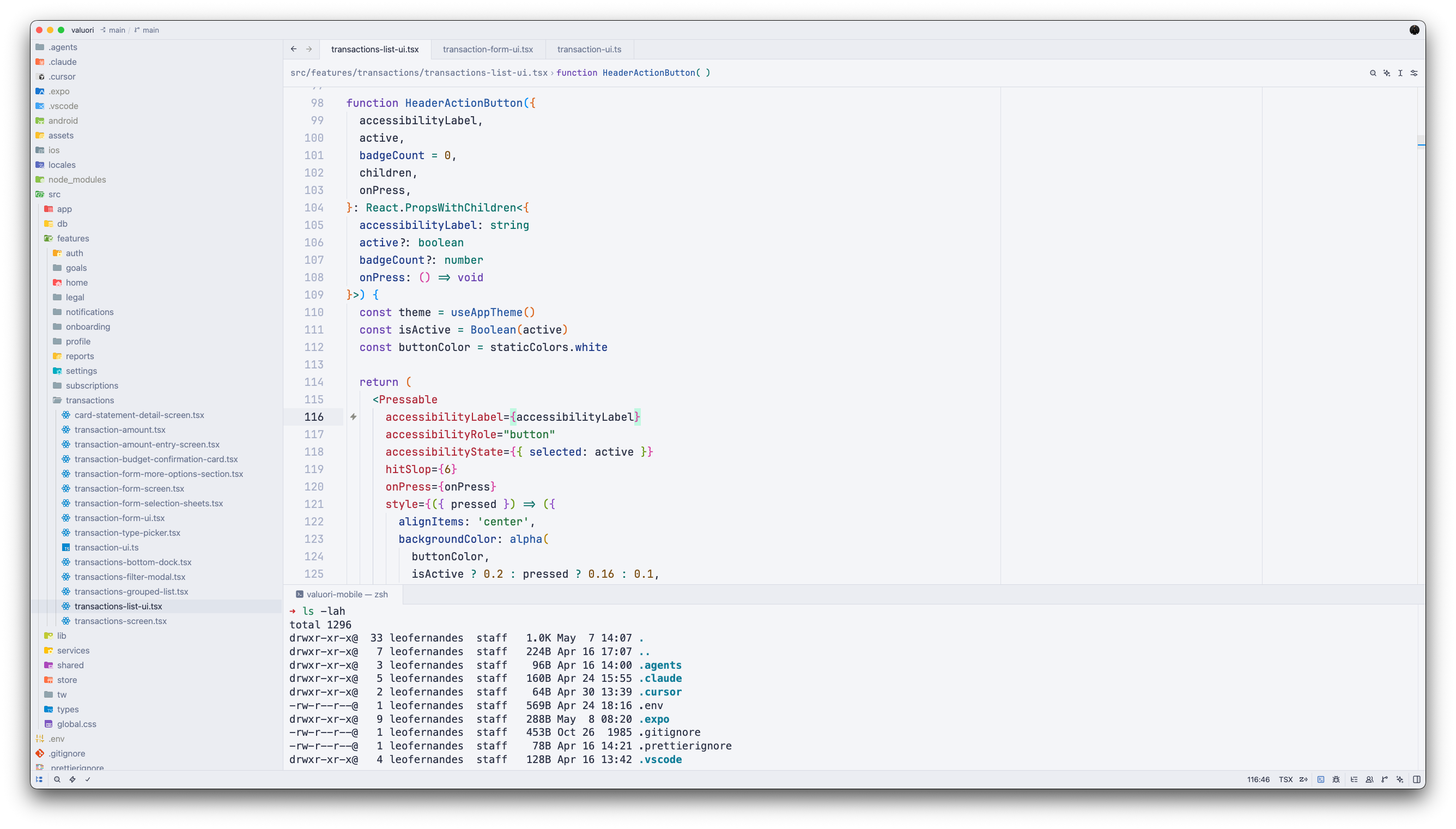
A collection of five carefully crafted themes for the Zed editor. Astral themes are built around a single principle: coding should feel effortless. Every color choice prioritizes readability and reduced eye strain without sacrificing elegance.
Themes
Dark
Astral Eclipse
Deep blue-gray background with a cool, focused palette. Clean syntax colors inspired by the best of modern dark themes.
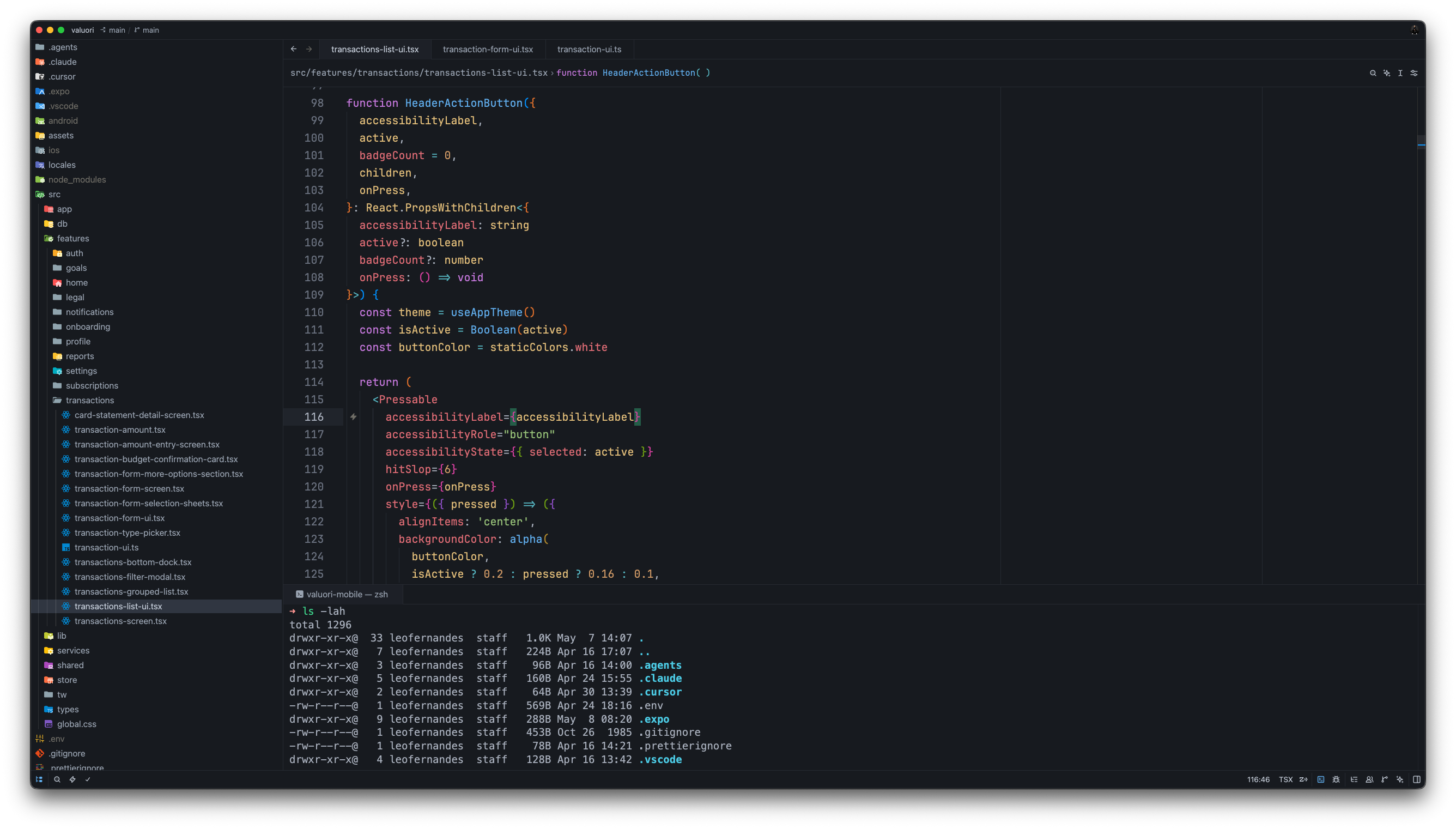
Astral Luna
Midnight blue with subtle contrast gradients — calm, immersive, and easy on the eyes during late-night sessions.
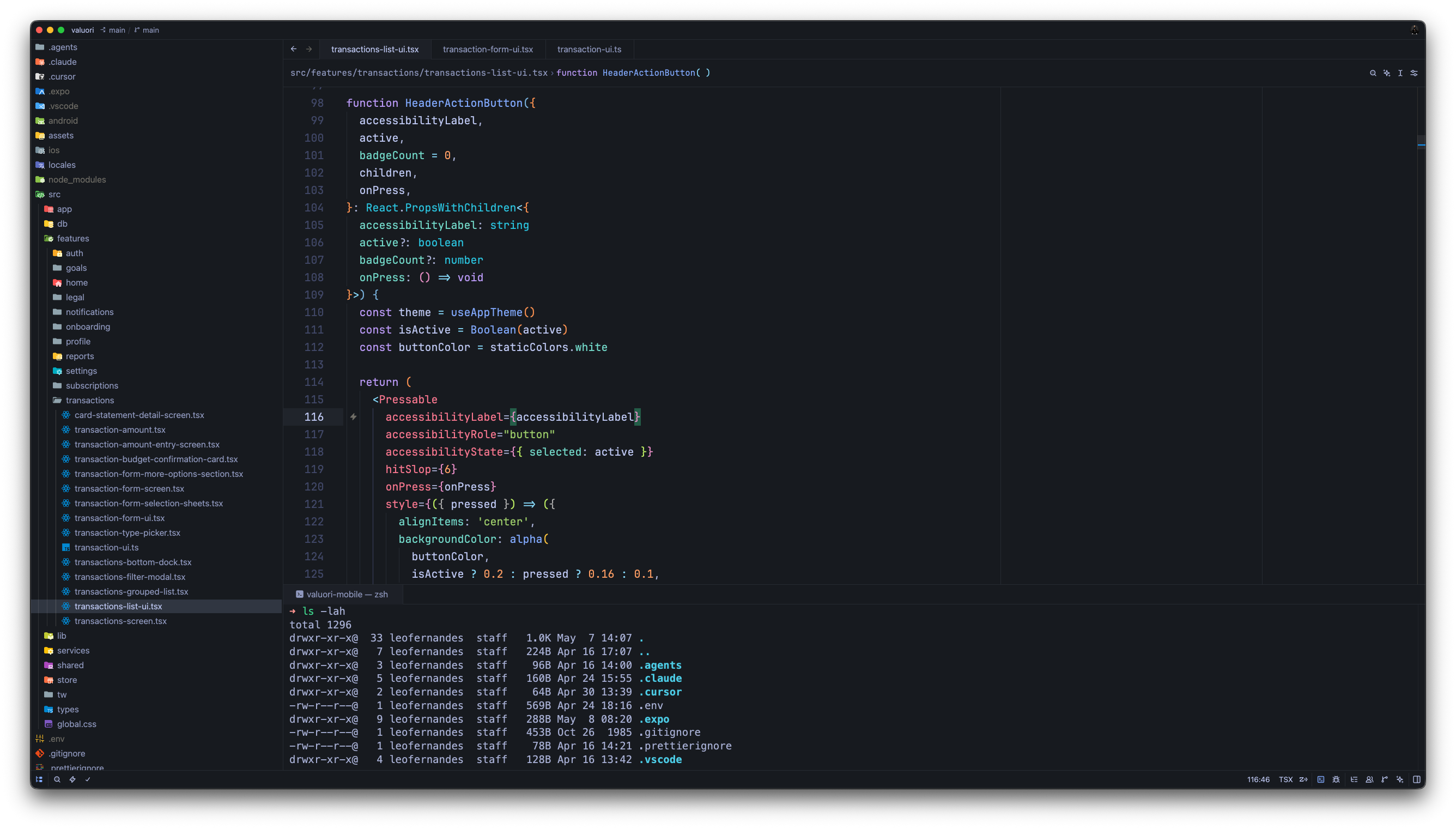
Astral Solstice
Warm dark tones with a rich brown-charcoal base. For developers who prefer depth and warmth over cold grays.
Light
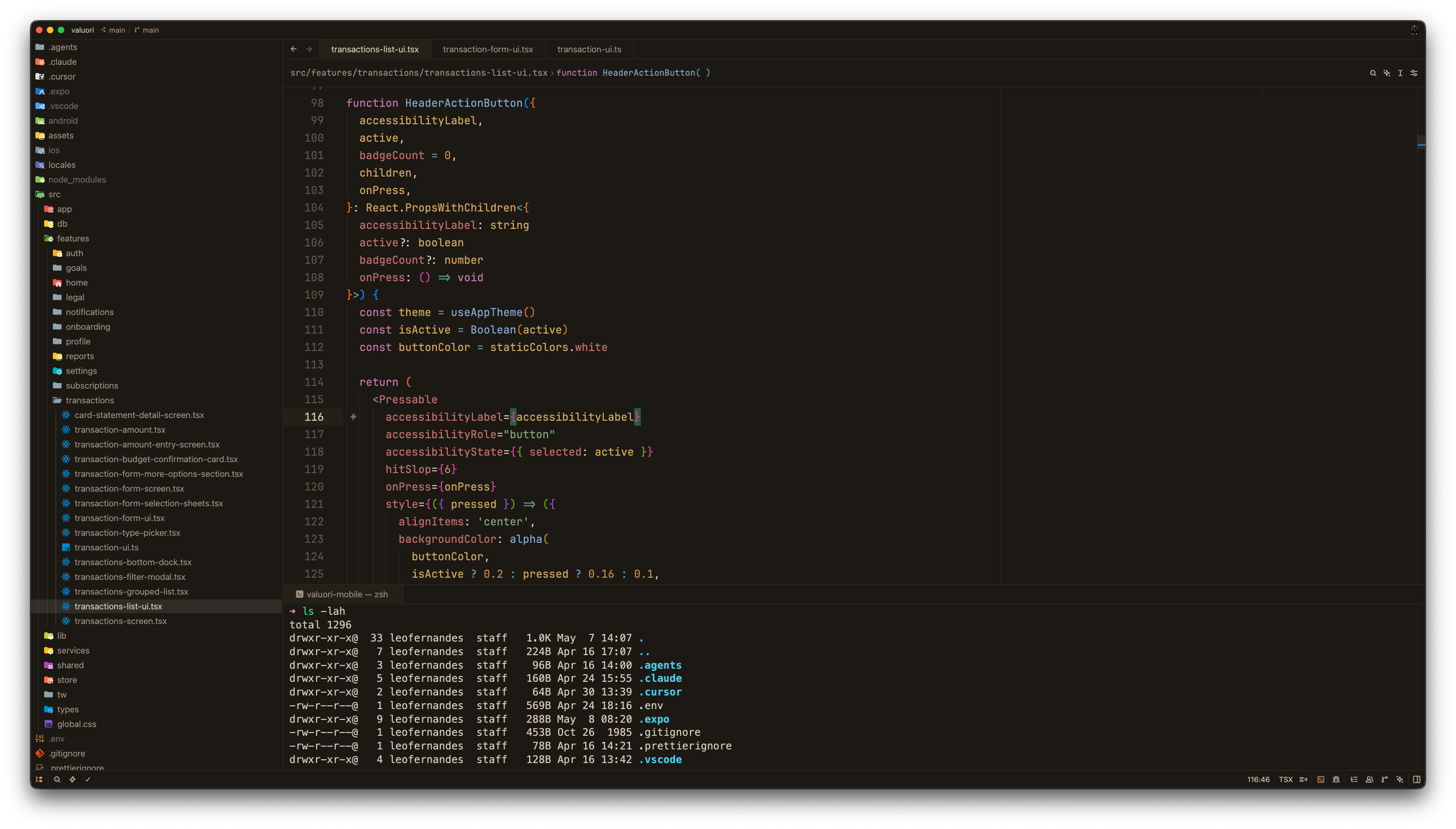
Astral Aura
Soft cream and warm earth tones. A warm, paper-like light theme that feels natural in bright environments.
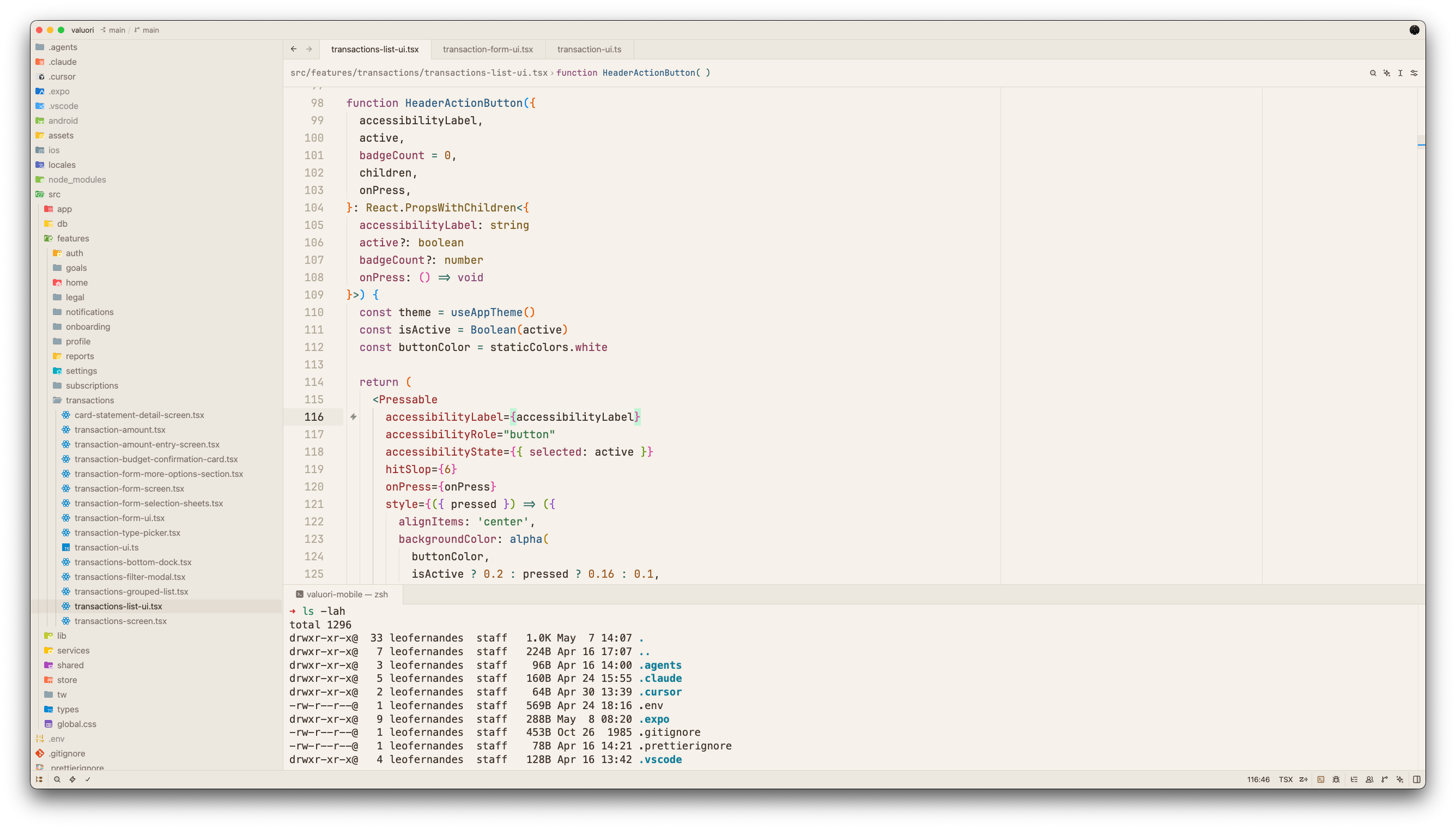
Astral Clair
Crisp cool-gray with refined contrast. Clean and minimal — ideal for a distraction-free workspace.
Installation
Via Zed Extensions Panel
- Open Zed
- Press
Cmd+Shift+X(macOS) orCtrl+Shift+X(Linux/Windows) to open Extensions - Search for Astral Themes
- Click Install
Activate a Theme
- Open the command palette (
Cmd+Shift+P/Ctrl+Shift+P) - Run
theme selector: toggle - Search for any Astral theme and select it
Design Philosophy
Astral themes are designed for long coding sessions. The guiding principles behind every palette:
- Reduced eye strain — contrast ratios are tuned to be readable without being harsh
- Semantic clarity — syntax colors are chosen to make code structure immediately obvious
- Aesthetic cohesion — UI chrome, editor, and terminal share a unified color language
- Dark and light balance — both variants are first-class; neither is an afterthought
Contributing
Issues and suggestions are welcome via GitHub Issues.
License
MIT © 2026 Léo Fernandes