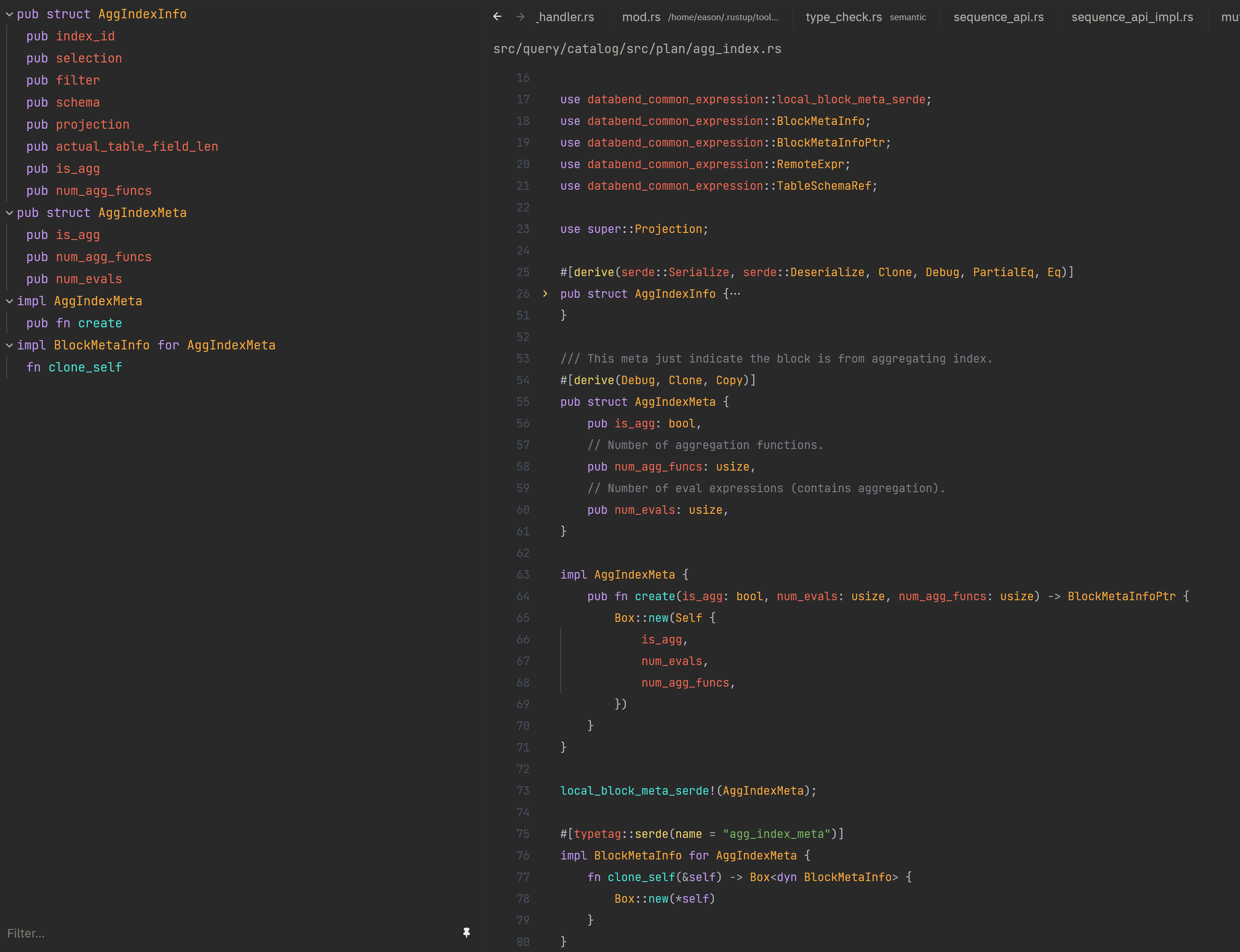
ApisArtisan is a dark theme inspired by the industrious bee (Apis) — precise and focused in gathering nectar. The yellow and purple pairing makes keywords, functions, structs, variables and other code elements clearly stand out, like harvesting droplets of insight across your codebase. This palette not only reduces eye strain but also helps developers quickly identify different syntactic elements, improving the overall coding experience.
Features
- Dark background to reduce eye fatigue.
- Yellow and purple accents to highlight important code elements.
- Suitable for multiple languages (Rust, TypeScript, Go, etc.).
- Carefully tuned syntax highlighting to improve code readability and developer efficiency.
Hiberbee fans
This extension also ships Hiberbee fans, an unofficial fan adaptation of the Hiberbee theme for JetBrains IDEs. It is not an official Hiberbee release.
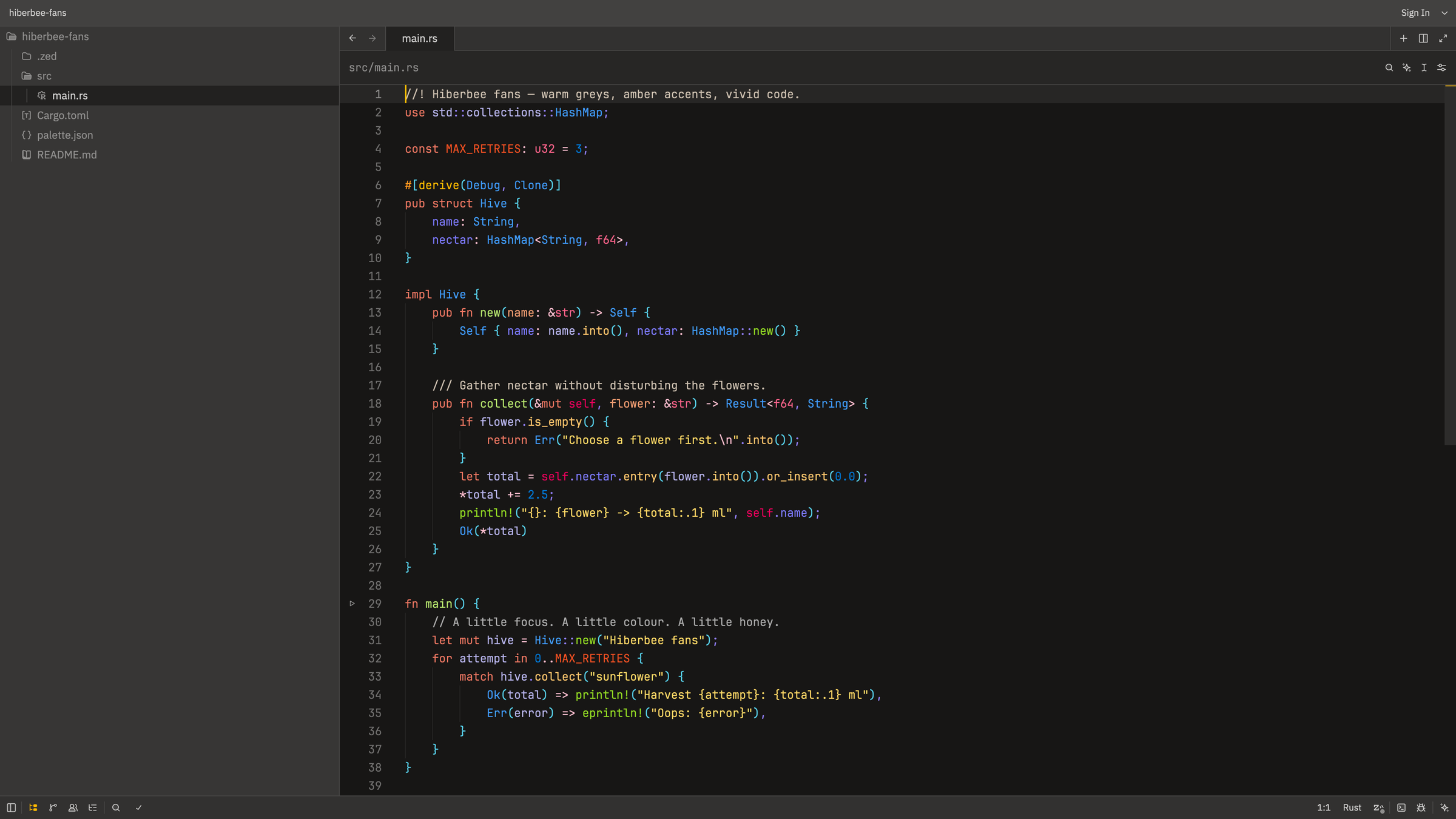
Actual Zed window capture with a standalone Rust example, using JetBrains Mono at size 15, weight 300 (Light) and line height 1.6. The image is resized for the README; the theme colors and UI are unmodified.
Based on hiberbee/themes, with visual adjustments checked against Hiberbee 2024.2.28.2100 running in RustRover 2026.1:
- Syntax colors from IntelliJ
colors/Dark.xml, including Rust-specific colors. - UI palette from
themes/HiberbeeDark.theme.json, mapped to the rendered IDE. - Terminal ANSI colors from
src/windows-terminal/settings.json, except for a more visiblebright_black(#525150instead of the background's#171615).
Signature traits: near-black editor, warm grey chrome, amber accents, salmon
keywords, yellow strings, lime function definitions, warm yellow method calls,
blue types, pink primitive types and violet fields. Method-call color #ffc66d
is sampled from the running RustRover reference; it differs from the generic
DEFAULT_FUNCTION_CALL green in the plugin XML.
Visual mapping
Window captures confirmed the editor and side-panel backgrounds already matched. The surrounding UI was adjusted to the reference rather than darkening the editor:
| Area | Color |
|---|---|
| Editor and gutter | #171615 |
| Side panel | #373635 |
| Title bar | #424140 |
| Tab bar and status bar | #323130 |
| Toolbar and current line | #272625 |
| Active tab | #222120 |
| Text selection | #214283 (opaque, matching the scheme) |
The rendered RustRover gutter is #171615, despite GUTTER_BACKGROUND being
#272625 in the XML. The screenshot, not that unused value, is the reference here.
Zed and JetBrains do not classify every token the same way. In particular, Zed's
Rust query groups (), {} and [] into punctuation.bracket; this port uses
Hiberbee's cyan parentheses color #57d1eb for that combined scope. Reproducing
JetBrains' separate orange braces and green square brackets requires language
query changes, not just a theme. Likewise, Zed's generic type color uses the
Rust struct blue; it cannot reproduce every language-specific JetBrains rule.
Collaboration cursor colors are Zed-specific palette adaptations.
Local install
Copy or symlink the theme into Zed's themes directory, then pick it from
cmd-shift-p → theme selector: toggle:
mkdir -p ~/.config/zed/themes
ln -sf "$PWD/themes/hiberbee-fans.json" ~/.config/zed/themes/hiberbee-fans.json
After editing a symlink target, notify Zed's theme-directory watcher if the changes do not appear immediately (verified during the visual comparison):
touch -h ~/.config/zed/themes/hiberbee-fans.jsonIf the theme is still missing or stale, restart Zed and select Hiberbee fans. Font and layout preferences are separate user settings; installing this extension does not change them.
Recommended Zed settings
settings.example.json contains the final typography
preset used with this theme:
- Theme: Hiberbee fans, in dark mode.
- Editor font: JetBrains Mono, size 15, weight 300 (Light).
- Line height: custom 1.6, with ligatures disabled (
calt: false). - UI font size: 16; the UI font family is left unchanged.
This is an optional user-settings preset, not part of the theme JSON. Installing a theme extension cannot automatically set the editor's font family, size, weight or line height, nor install fonts. These user settings also remain in effect when switching to another theme.
To use it:
Install the theme using the instructions above.
Install JetBrains Mono, including its Light face. On macOS with Homebrew:
brew install --cask font-jetbrains-monoOn other platforms, install it from the JetBrains Mono project.
Back up your user settings, then merge the keys from
settings.example.jsoninto~/.config/zed/settings.json(macOS/Linux). Update existing keys rather than adding duplicates. Do not replace the whole file: preserve your SSH connections, keymap, panel layout and other preferences. If you already have otherbuffer_font_features, preserve those and only updatecalt.Zed normally applies user-setting changes immediately. If a newly installed font is not recognized, restart Zed.
The example intentionally excludes machine-specific paths, SSH connections,
autosave, keybindings and panel layout. It is kept at the repository root rather
than .zed/settings.json, so cloning the repo does not automatically apply it.
The 1.6 line height is a tuned preference, not a claim about JetBrains' default
spacing. Weight 300 selects JetBrains Mono Light when that face is installed;
font rendering can still differ between platforms.
Known rough edge
number uses the upstream value #0078d7, which sits at a 4.02 contrast ratio
against the #171615 background, the lowest of all 49 syntax scopes. It is
faithful to the original Dark.xml, but numeric literals do read dim. If that
bothers you, change syntax.number.color to #409cff (6.38) or #57d1eb (10.09).
Credits
Hiberbee fans is based on the JetBrains Hiberbee theme by Vlad Volkov (hiberbee/themes, MIT). The original Hiberbee copyright notice is retained in LICENSE.