Andromeda Theme for Zed
A popular VScode theme ported to Zed with some minor adjustments (since the Zed's theme_importer still not good enough to seamlessly replicate VScode themes).
Note
The port also includes an italic variant
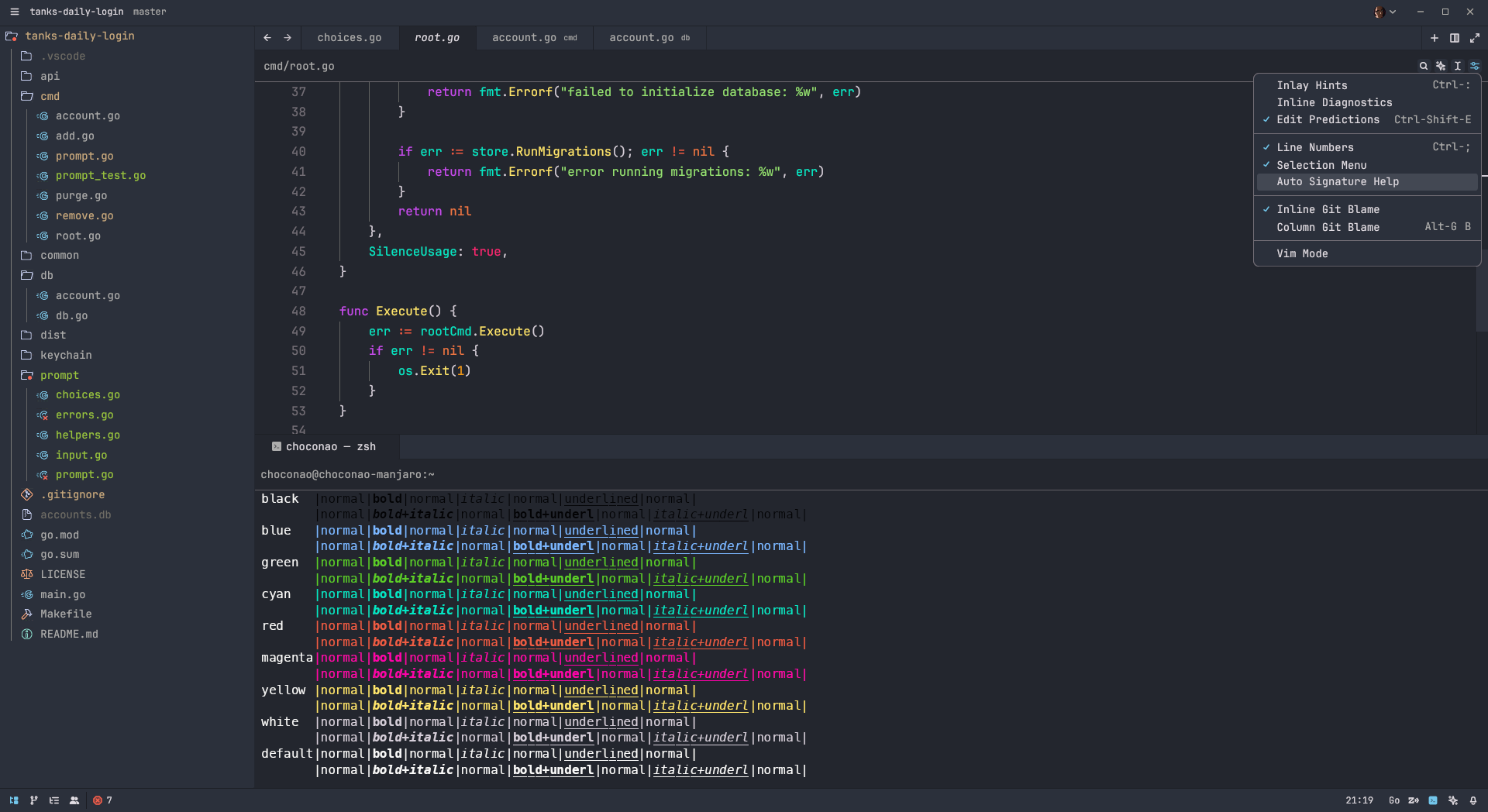
Usage
Manual Installation
- Download the
.jsonfile with the theme variant of your choice from the latest release - Navigate to
~/.config/zed/themes/and place the file inside - Enter theme selector: toggle in the command palette (Ctrl+Shift+P) and select your variant of Andromeda theme in the dropdown
Zed Extensions
- Open Zed
- Press Ctrl+Shift+X to open Zed extensions menu (alternatively, you can open the menu by typing zed: extensions in the command palette (Ctrl+Shift+P))
- Search for the Andromeda extension and install it
Tip
After installation, a popup with avaliable variants will appear. You can switch to another variant at any time by entering theme selector: toggle in the command palette and selecting the preferred variant of Andromeda theme in the dropdown
Development
Variants are developed in a separate file with the same top level name field.
To start off, simply clone the repository and install husky hooks.
Aside from the theme itself, the repository is packed with a script called italize.js that will automatically create an italized variant of the theme. You don't have to call it manually since there's a git hook for that.
# install hooks
npm i

# commit as you normally would
git add andromeda.json
git commit -m "feat: my significant contribution"