Aira Theme for Zed
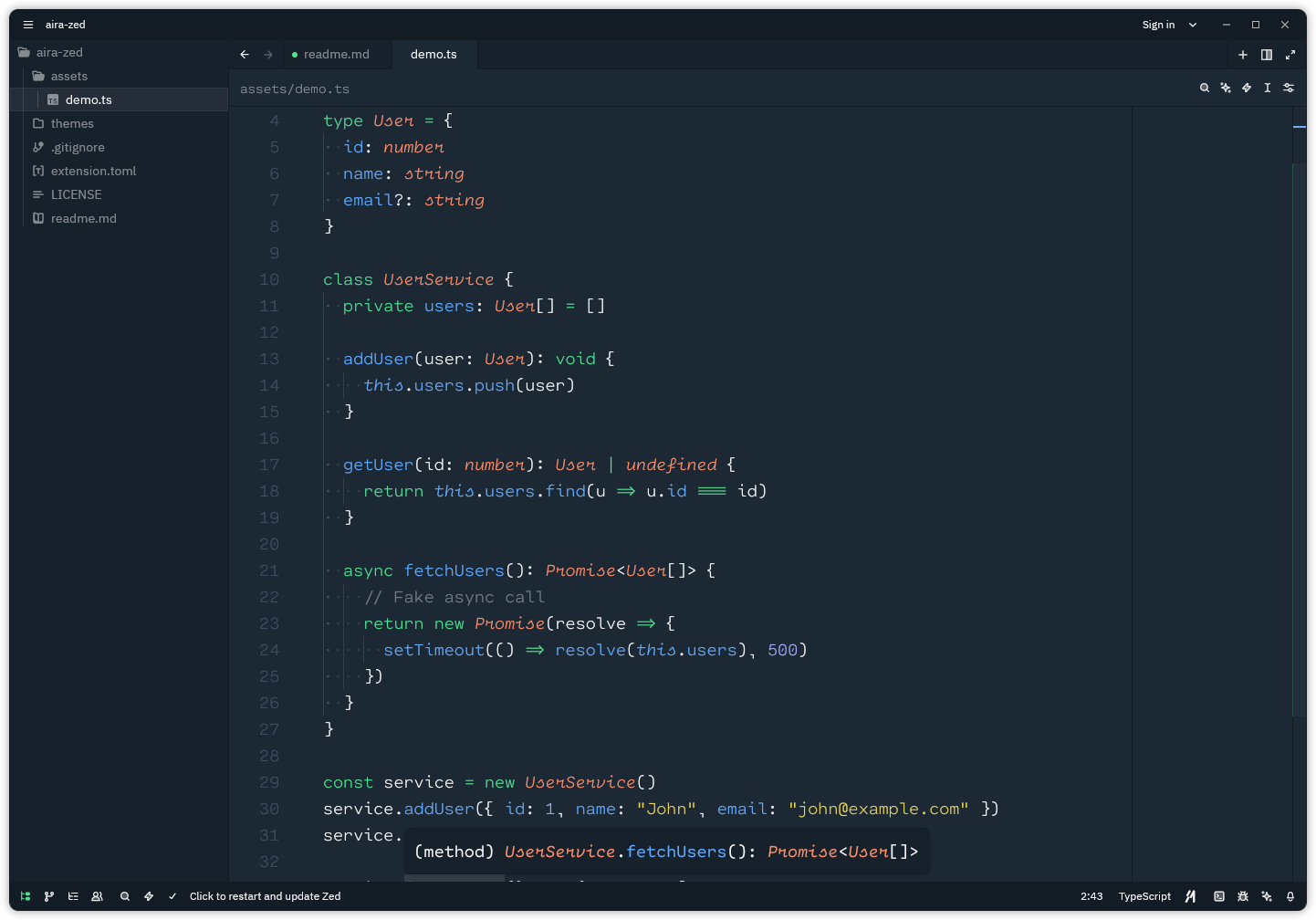
Aira is a clean, modern, and comfortable theme for the Zed text editor — designed to enhance focus and readability for long coding sessions.
🖼️ Preview
✨ Features
- Minimal and balanced color palette
- Syntax highlighting optimized for readability
- Supports multiple programming languages
- Subtle UI elements that stay out of your way
- Comfortable contrast ratios for extended use
⚙️ Installation
Manual Installation
Clone this repository or download the theme file
Copy the
themesdirectory into your Zed configuration folder:macOS / Linux
~/.config/zed/themes/Windows
%APPDATA%\Zed\themes\Restart Zed
Select the Aira theme from the theme dropdown in the settings (or use the keyboard shortcut
Ctrl + Shift + Pand typetheme)Enjoy!
🤝 Contributing
Contributions are always welcome! If you’d like to improve the theme or fix an issue, feel free to open a Pull Request.
📄 License
This project is licensed under the MIT License.