Adech for Zed
Adech Theme is a lonely and introspective theme collection for Zed Editor, built around dark surfaces, soft contrast, and calm syntax colors.
The extension currently includes:
- Adech Legacy
- Adech Superior
Themes
Adech Legacy
The original version of Adech Theme, kept as part of the collection.
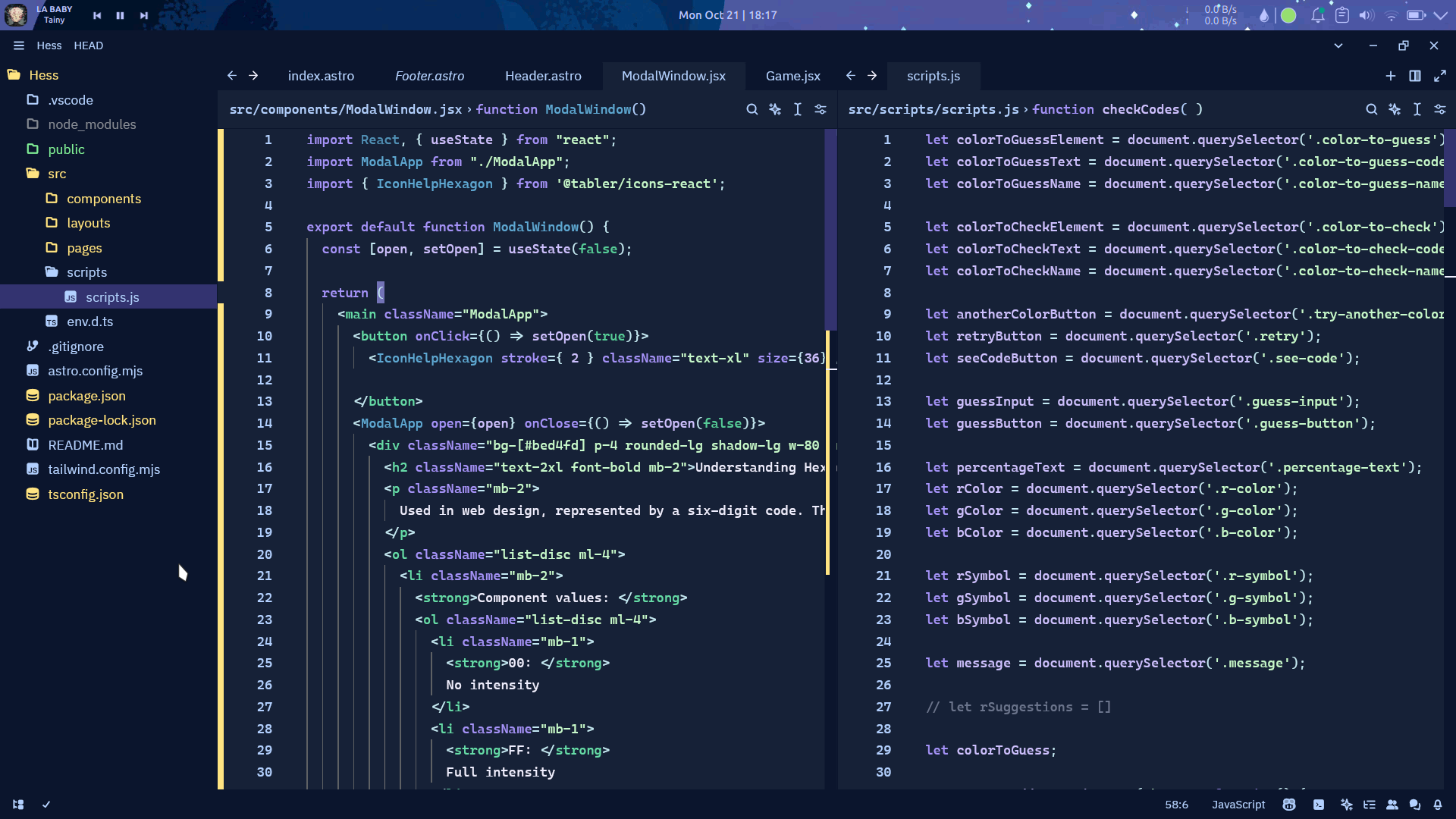
Adech Superior
A refined dark theme built from the Swamp, Boulevard, and Venomous palettes, plus a small semantic contract for editor states.
- Swamp defines the main editor surfaces
- Boulevard drives focus, readability, and interface clarity
- Venomous adds expression to syntax and accents
Color Structure
Core palettes
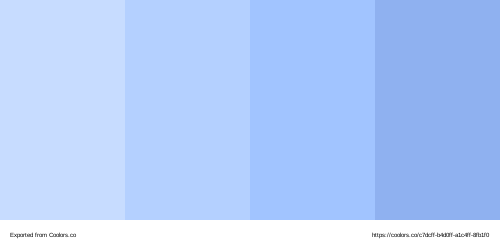
Boulevard
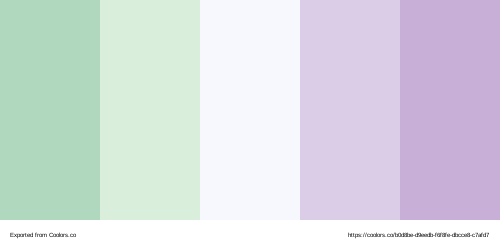
Venomous
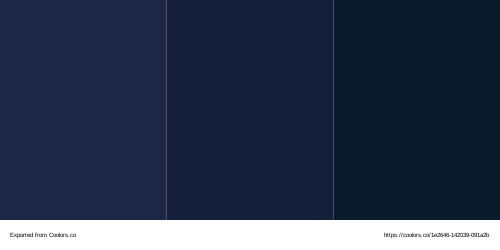
Swamp
Contract palettes
Sunny
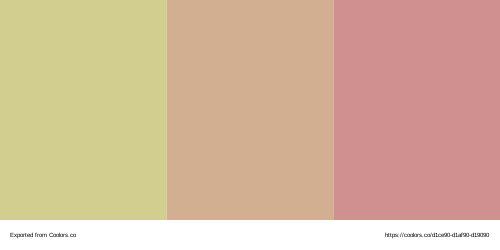
void
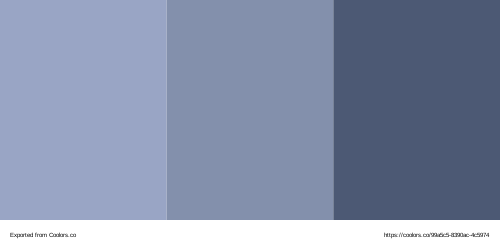
Installation
Adech Theme is available in Zed Extensions.
To install it:
- Open Zed
- Go to Extensions
- Search for Adech Theme
- Install the extension
- Select Adech Theme Superior or Adech Theme Legacy from the theme picker
Usage
After installing the extension, open the theme picker in Zed and choose the variant you want to use.
Available themes currently include:
- Adech Theme Superior
- Adech Theme Legacy
Repository
This repository contains the source for the Adech Theme extension for Zed Editor.
Contributing
Everyone is welcome to fork the project, suggest improvements, and fix issues.
License
MIT
Generated themes
themes/adech.json is generated from the canonical tokens, semantic roles and
workspace adapters in ../adech/src/branches/. Edit that source and run
npm run sync:workspaces in ../adech. Both Superior and Legacy are also exported
in @adech/themes as CSS, JSON, Tailwind v3/v4 and workspace JSON.