Adaptify for Zed
A beautiful, adaptive theme for your Zed editor 🎨
| Dark | Darker | Light |
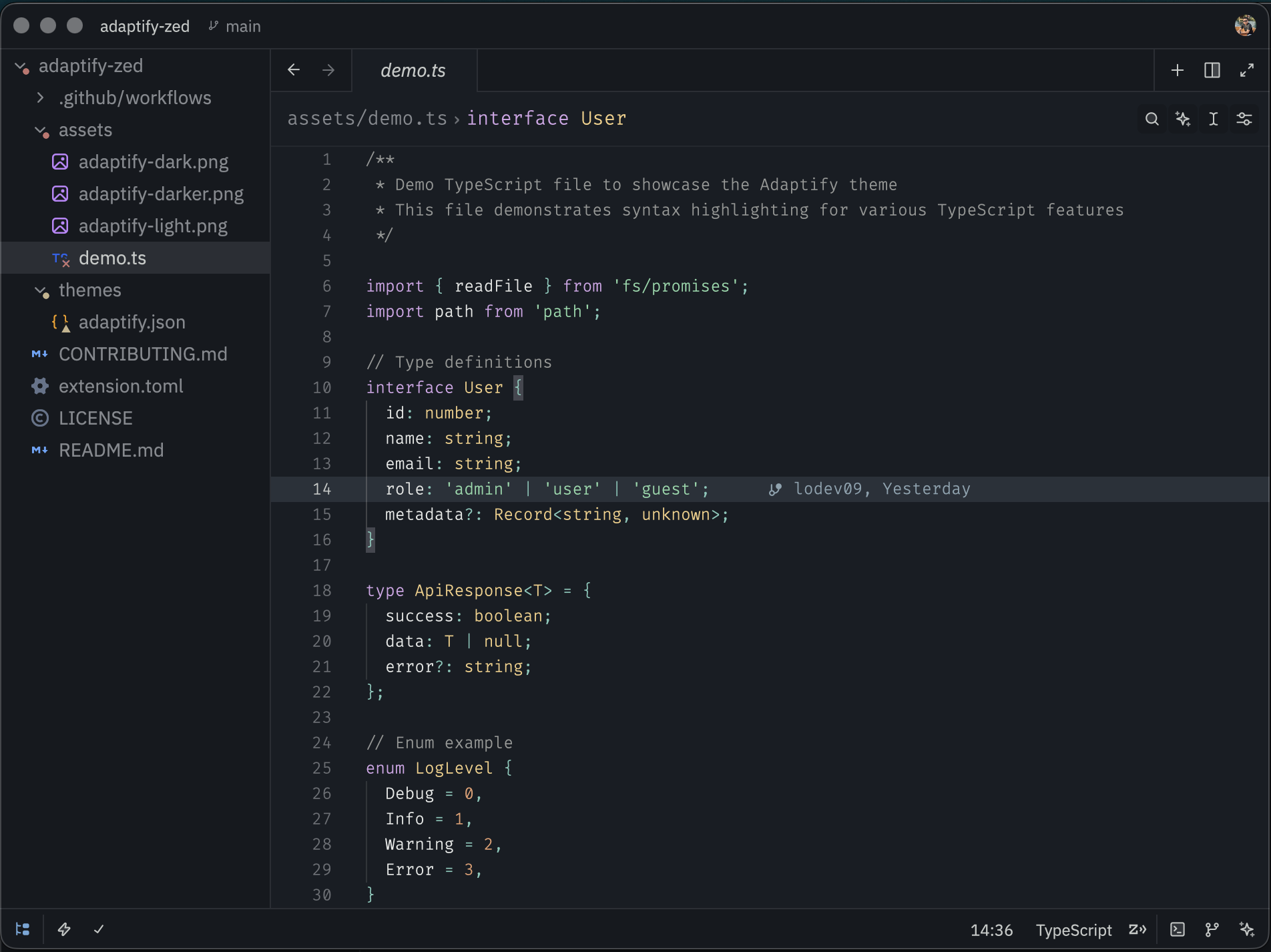
|
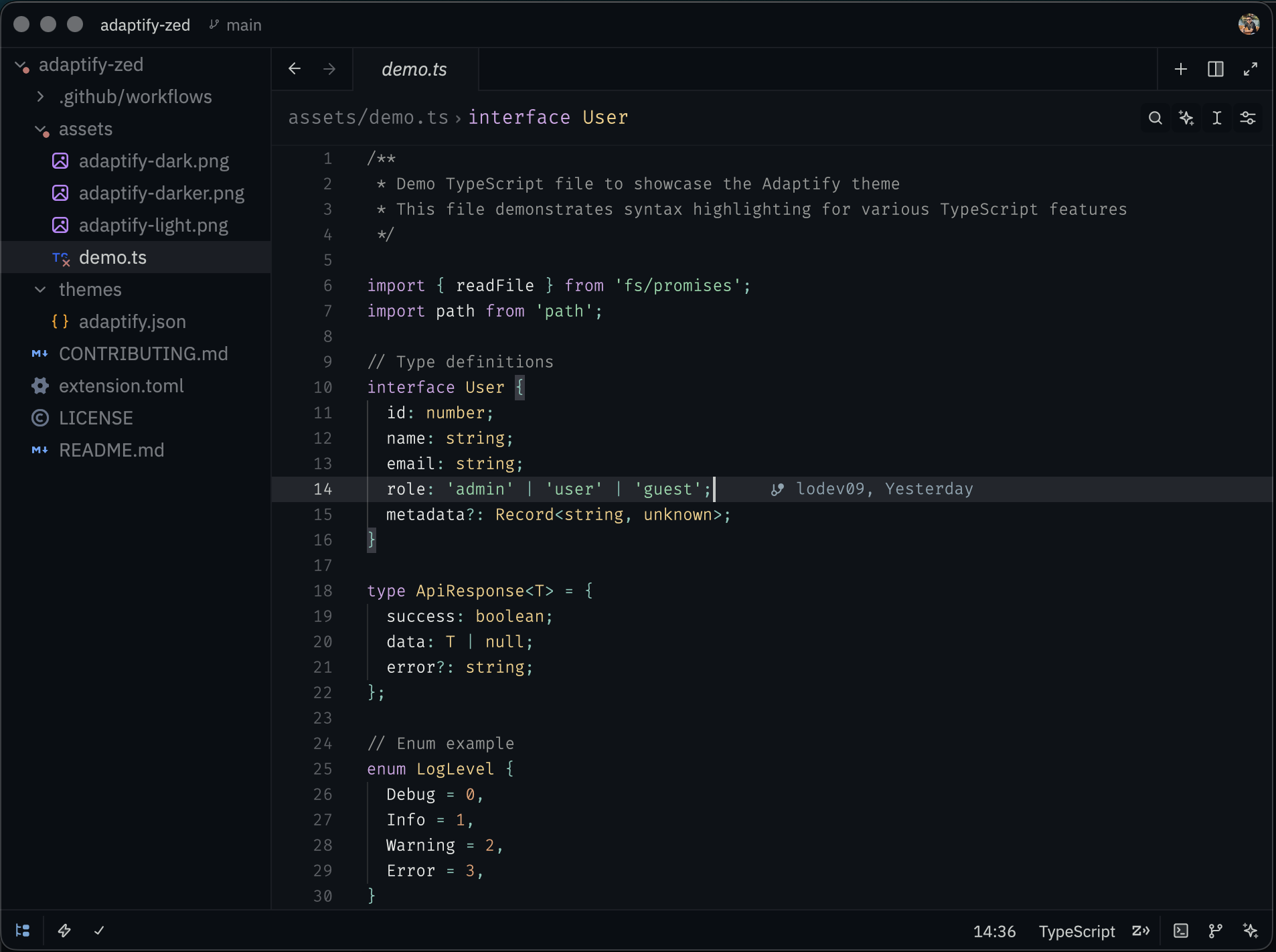
|
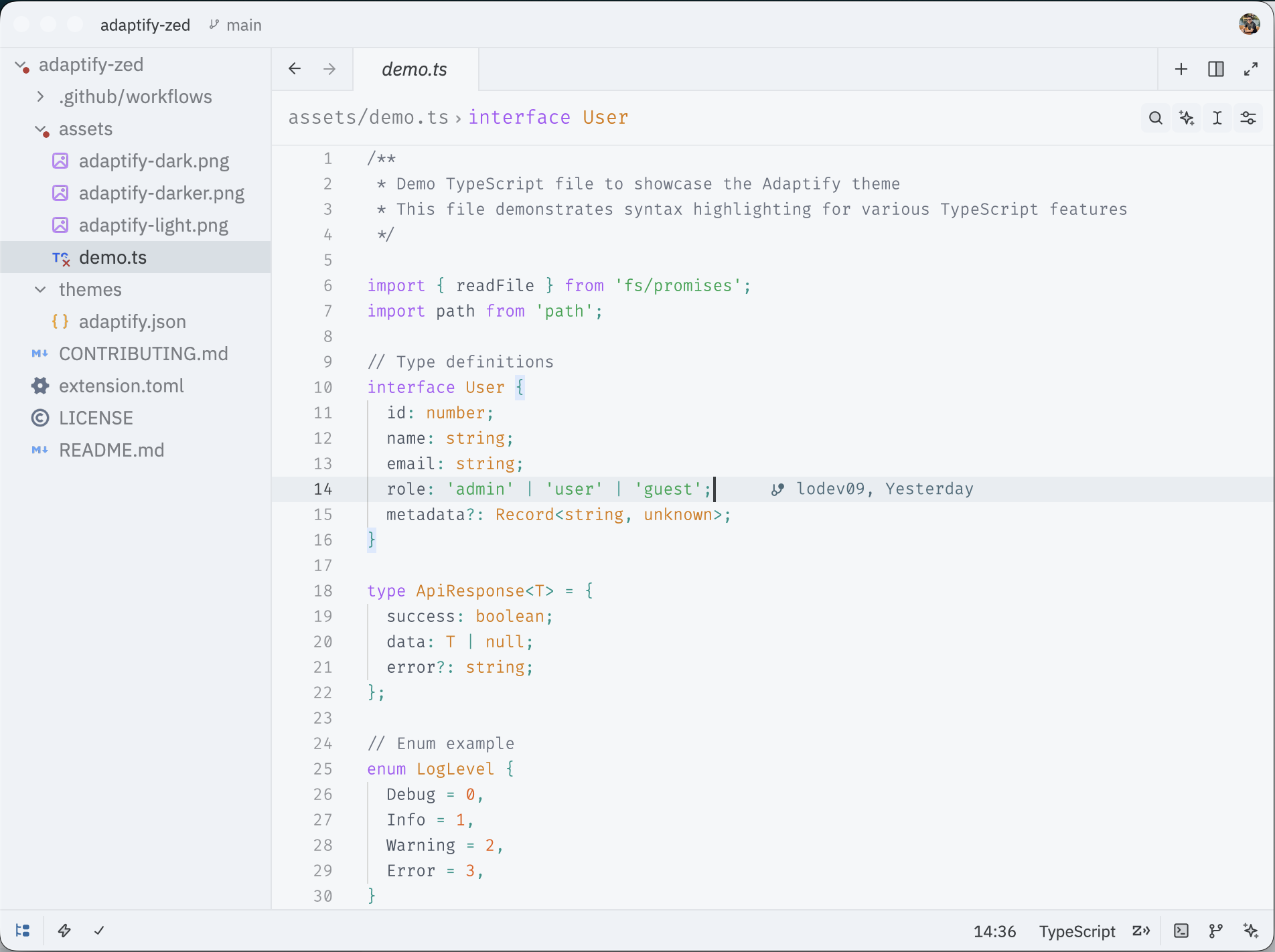
|
Variants
This theme includes six distinct variants:
- Adaptify Dark - The main dark theme with comfortable contrast
- Adaptify Dark (Blurred) - Dark theme with translucent backgrounds
- Adaptify Darker - A darker variant for those who prefer deeper blacks
- Adaptify Darker (Blurred) - Darker variant with translucent backgrounds
- Adaptify Light - A clean light theme with vibrant syntax colors
- Adaptify Light (Blurred) - Light theme with translucent backgrounds
Installation
Adaptify is available on the Zed Extensions repository.
- Open Zed editor
- Open the command palette (
cmd+shift+pon macOS,ctrl+shift+pon Linux/Windows) - Type "extensions" and select "zed: extensions"
- Search for "Adaptify"
- Click "Install"
- Open the command palette again and select "theme selector: toggle"
- Choose your preferred Adaptify variant
Color Palette
The theme features a carefully selected color palette designed for extended coding sessions:
- Syntax highlighting optimized for readability
- Subtle UI elements that do not distract
- Comfortable contrast ratios
- Support for various programming languages
Contributing
Contributions are welcome!
For development and contribution instructions, see CONTRIBUTING.md.
License
Made with ❤️ by @lodev09