🌌 Ad Astra Theme for Zed
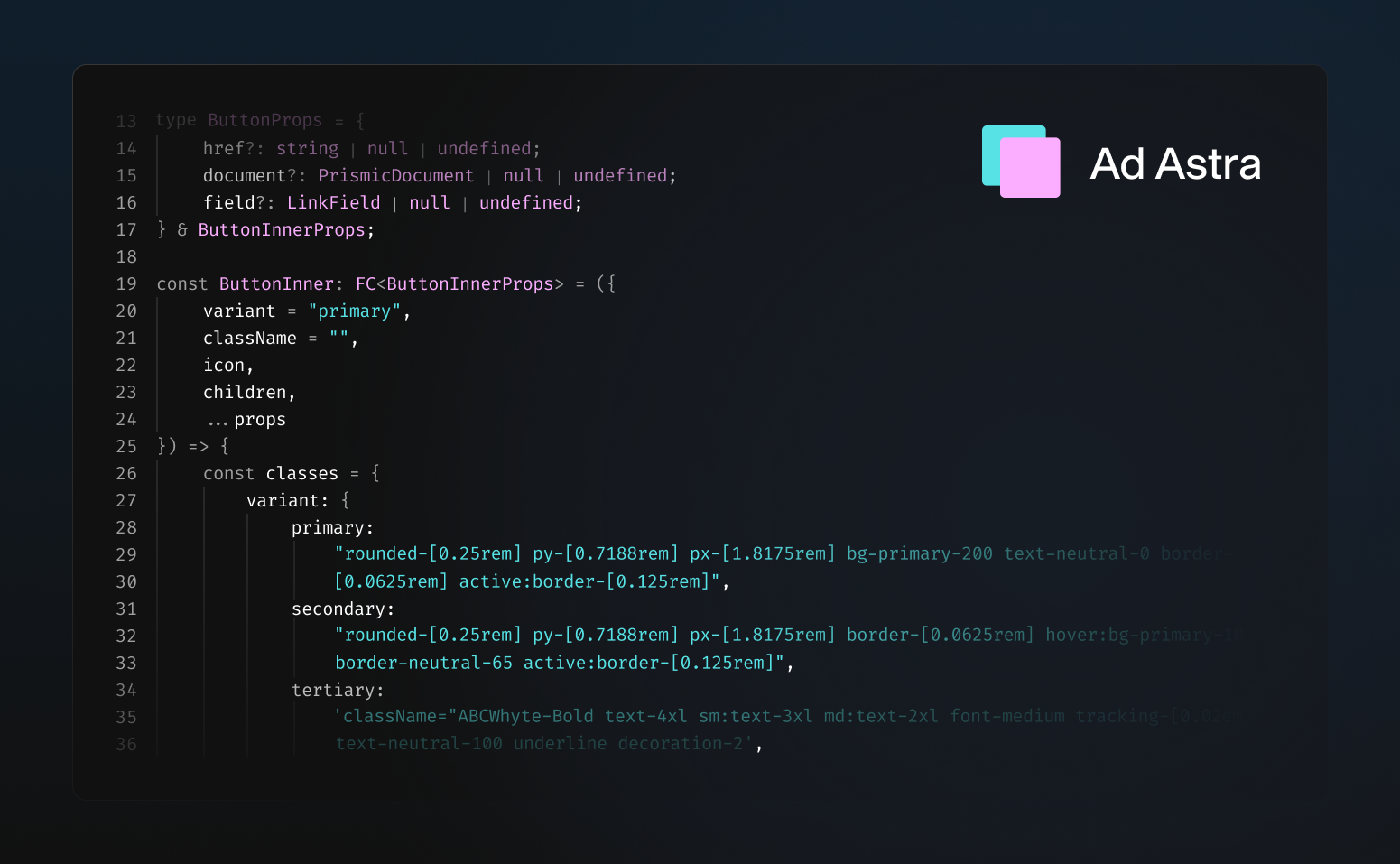
Ad Astra's space-inspired design not only helps you focus on your work and increase productivity but adds a touch of personality and style to your workspace.
The carefully selected contrasting blue and lavender colors improve readability and make your code stand out. The extension includes both:
- Ad Astra Dark
- Ad Astra Light
Both variants keep a similar palette, while the light mode is tuned for stronger contrast and readability on bright backgrounds.
Installation
From Zed Extensions (Recommended)
- Open Zed
- Press
cmd+shift+p(macOS) orctrl+shift+p(Linux/Windows) - Type "extensions" and select Extensions: Install Extensions
- Search for "Ad Astra"
- Click Install
Manual Installation (Development)
Clone this repository:
git clone https://github.com/ugi-dev/ad-astra-zed.gitOpen Zed and run the command palette (
cmd+shift+porctrl+shift+p)Run Zed: Install Dev Extension and select the cloned directory
Select the theme:
- Open settings (
cmd+,orctrl+,) - Search for "theme"
- Choose "Ad Astra Dark" or "Ad Astra Light"
- Open settings (
Themes Included
- Ad Astra Dark - Minimal dark theme with
#111111background - Ad Astra Light - Clean light theme with soft blue-gray tones
Color Palette
Dark Theme
- Background:
#111111 - Foreground:
#FFFFFF - Cyan Accent:
#57E2E5 - Pink Accent:
#FBADFF - Error:
#C74E39
Light Theme
- Background:
#F5F7FC - Foreground:
#1C2230 - Teal Accent:
#0A8E97 - Purple Accent:
#8F4AB8 - Error:
#B23A2A
About
Created by ugi-dev
Part of the Ad Astra theme family, also available for:
License
MIT © ugi-dev